Screenshots
Icon palette
About this app
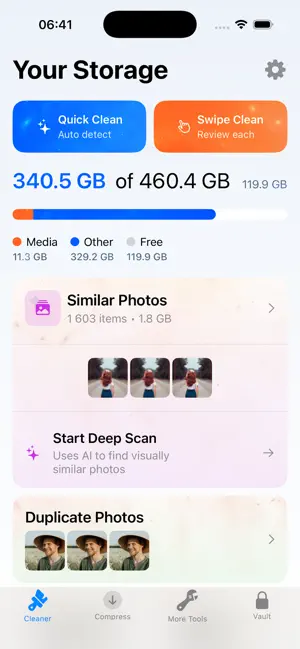
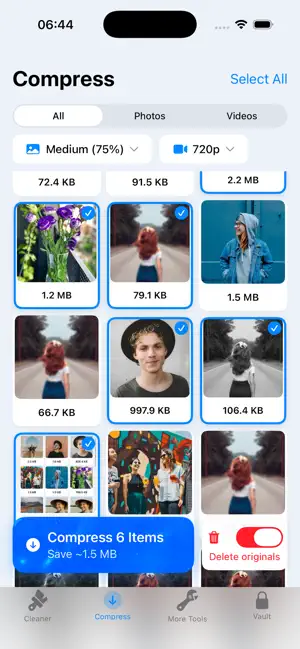
Clean, Compress & Protect Your Media Running out of storage? Videos too large to share? Want to keep private files hidden? Our app gives you the ultimate toolkit to manage your device storage: - Media Cleaner. Find and remove duplicate photos, swipe mode, delete unwanted screenshots and junk files, free up storage in seconds - Video Compressor. Compress large videos fast, reduce file size without losing quality, perfect for sharing on social media or saving space - Secret Vault Hide private photos and videos, secure your personal files with password protection, keep sensitive media safe from prying eyes - Storage Statistics See detailed storage usage, track how much space you save, monitor your media library easily Pay Attention! If you decide to purchase a subscription, the payment will be charged to your Apple ID account. Subscriptions renew automatically at the end of each bil…
App details
What you can learn from FreeUp Storage - Space Cleaner
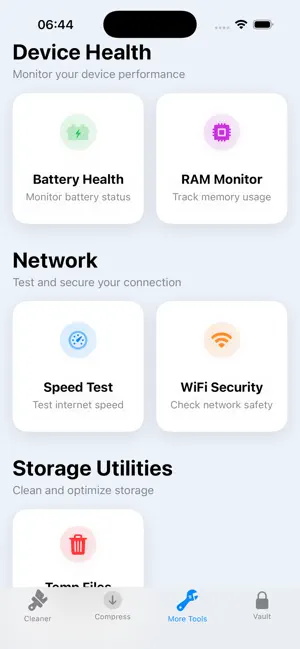
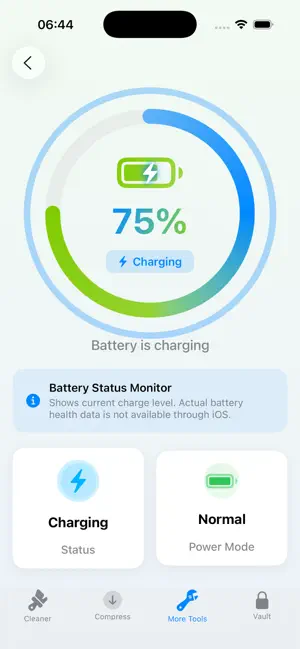
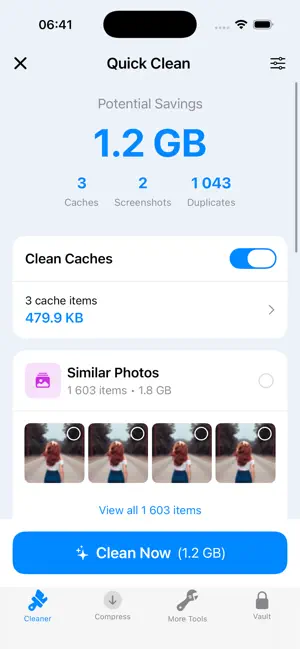
Every shipping app on the App Store has gone through the same decisions you're working through right now: which screenshot goes first, what caption sits over it, which device frame to show, what color the background should be. The 5 screenshots above are FreeUp Storage - Space Cleaner's answers to those questions — they're public, they're real, and they made it through Apple's review.
Notice the first screenshot in particular. It's the one users see in search results and on the product page, and it's where most apps spend their best caption and tightest design. Look at the proportion of background to phone, where the text sits, what one thing the image is trying to communicate.
Want to see how other Utilities apps approach the same problem? Browse more Utilities apps in the showcase.
Take what works into your own screenshots
Open LaunchShots and design your App Store & Google Play screenshots — pick a device frame, drop captions, ship in minutes. Free, in your browser.
Open the screenshot editor →