Screenshots


Icon palette
About this app
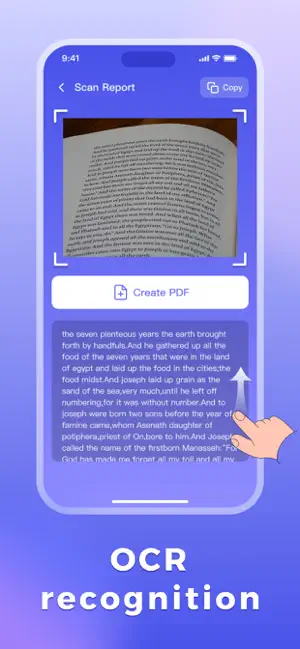
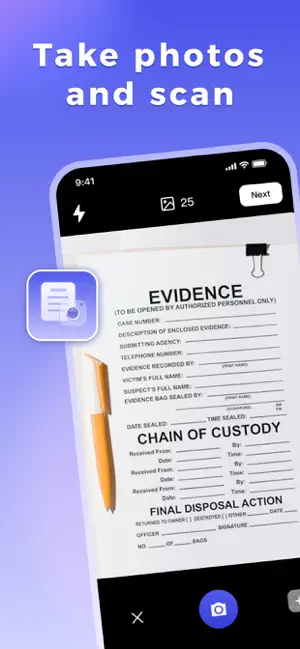
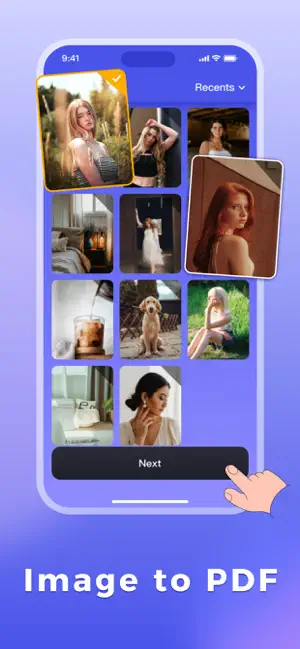
Vous avez toujours du mal à convertir vos documents papier en fichiers numériques ? Vous êtes frustré(e) par le manque d'outils fiables pour l'édition de PDF ? PDF Converter - OCR Reader est là pour vous ! Ce logiciel unique intègre la numérisation, la reconnaissance, la conversion et la lecture, et vous permet de gérer facilement vos documents, que ce soit pour vos études, votre travail ou au quotidien. Convient à tous les utilisateurs : Idéal pour le bureau, il répond à tous vos besoins. Étudiants : Numérisez vos manuels et notes, convertissez vos supports de cours et mettez en évidence les points clés. Professionnels : Traitez vos contrats, numérisez vos comptes rendus de réunion et convertissez vos documents professionnels. Utilisateurs au quotidien : Archivez vos reçus et factures, numérisez vos copies de certificats et organisez vos documents personnels. Fonctionnalités compl…
App details
What you can learn from PDF Converter - OCR Reader
Every shipping app on the App Store has gone through the same decisions you're working through right now: which screenshot goes first, what caption sits over it, which device frame to show, what color the background should be. The 5 screenshots above are PDF Converter - OCR Reader's answers to those questions — they're public, they're real, and they made it through Apple's review.
Notice the first screenshot in particular. It's the one users see in search results and on the product page, and it's where most apps spend their best caption and tightest design. Look at the proportion of background to phone, where the text sits, what one thing the image is trying to communicate.
Want to see how other Productivity apps approach the same problem? Browse more Productivity apps in the showcase.
Take what works into your own screenshots
Open LaunchShots and design your App Store & Google Play screenshots — pick a device frame, drop captions, ship in minutes. Free, in your browser.
Open the screenshot editor →