Screenshot style breakdown
Sampled from 6 of 富贵小羊:马年宝藏大冒险's App Store screenshots — background, accent and theme, measured by LaunchShots (not something Apple publishes).
#F4E4CC bg
#D6C8B3
#DC4C34 accent
#111111 text
Screenshots

Icon palette
About this app
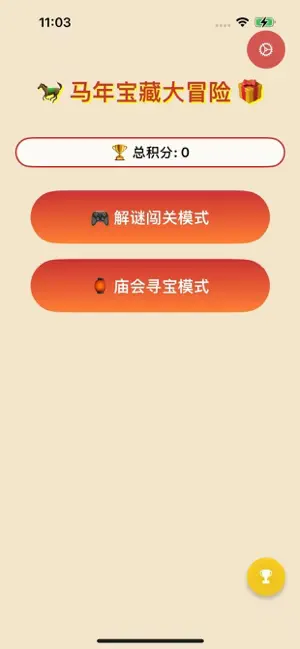
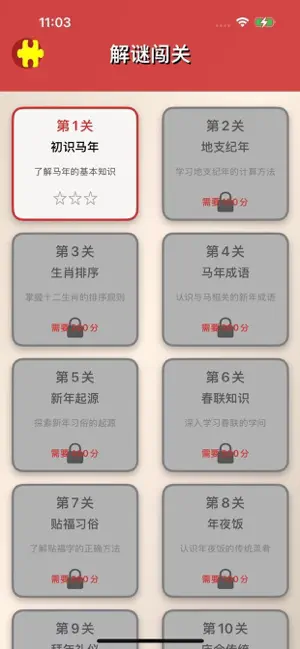
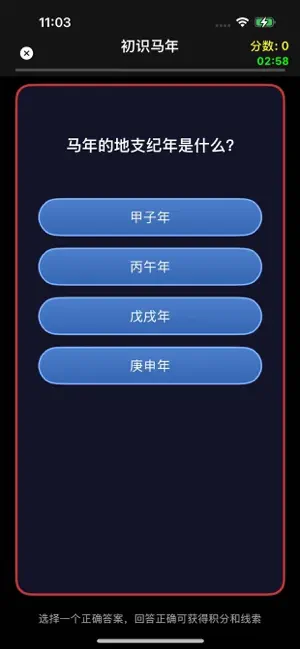
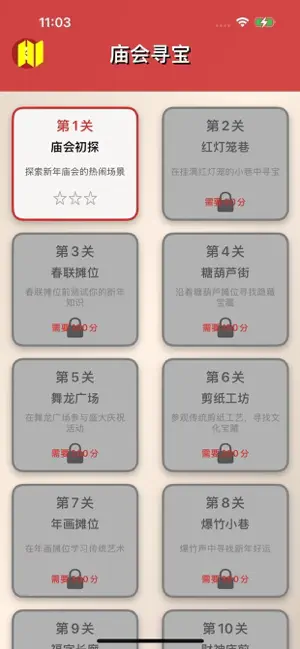
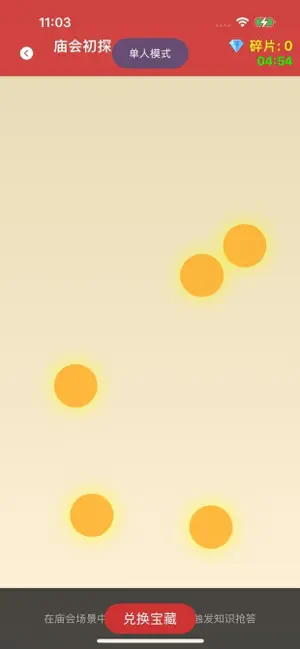
一款融合传统文化知识与趣味互动的精品游戏。在这个充满新春氛围的虚拟世界里,您将化身文化探秘者,通过两大独特玩法,深度探索马年民俗的奥秘,收集珍贵宝藏,传承中华优秀传统文化。 核心玩法一:智慧解谜闯关· 5-8个递进式文化关卡,层层深入马年民俗知识· 独创“知识答题+手势解谜”双挑战模式,全面提升文化认知· 绘制骏马、拼接春联、旋转福字等特色交互,感受传统艺术魅力· 解锁宝藏线索,集齐完整线索开启终极马年勋章 核心玩法二:庙会寻宝探险· 沉浸式虚拟庙会场景,红灯笼、骏马雕塑、春联摊位尽收眼底· 自由探索寻找隐藏触发点,触发知识抢答对决· 支持单机双人模式,与家人朋友同台竞技,共享文化乐趣· 累计宝藏碎片兑换精美马年电子藏品,收藏专属文化记忆 丰富的文化知识库· 涵盖地支纪年、春联贴法、传统习俗等基础民俗知识· 深度解析马年成语、诗词、生肖排序等进阶文化内容· 每个宝藏线索附带详细民俗解说,边玩边学· 真人语音解说关键知识点,沉浸式学习体验 精美视觉与交互设计· 精美手绘国风界面,还原传统新年氛围· 流畅的动画效果:宝藏碎片飘…
App details
What you can learn from 富贵小羊:马年宝藏大冒险
Every shipping app on the App Store has gone through the same decisions you're working through right now: which screenshot goes first, what caption sits over it, which device frame to show, what color the background should be. The 6 screenshots above are 富贵小羊:马年宝藏大冒险's answers to those questions — they're public, they're real, and they made it through Apple's review.
What the numbers say: 富贵小羊:马年宝藏大冒险 runs a mixed light-and-dark set where the background shifts from screenshot to screenshot (first shot #F4E4CC) — each image has to stand on its own, so the captions carry more of the story. The accent colour we picked up, #DC4C34, is the one to reuse for badges, arrows and highlighted words if you borrow this look. Hit Use this style to open the editor with these exact colours and drop your own screenshot in.
Notice the first screenshot in particular. It's the one users see in search results and on the product page, and it's where most apps spend their best caption and tightest design. Look at the proportion of background to phone, where the text sits, what one thing the image is trying to communicate.
Want to see how other Games apps approach the same problem? Browse more Games apps in the showcase.
Take what works into your own screenshots
Open LaunchShots and design your App Store & Google Play screenshots — pick a device frame, drop captions, ship in minutes. Free, in your browser.
Open the screenshot editor →Apps with a similar look
Closest background + accent colours among the listings we've analysed — useful when you want to see the same palette handled by a different team.