launchshots / showcase / utilities / smartclean ai: storage cleaner

SmartClean AI: Storage Cleaner

Utilities ★ 4.4 (994) Free 4+ 169.5 MB

Chart position — tracked daily by LaunchShots

#65 of 100
Top Free Utilities · Sweden
best #56 · 10 days tracked · as of Sep 22
▼ 9 / 7d
#71 of 100
Top Free Utilities · United Kingdom
best #63 · 6 days tracked · as of Sep 24
▼ 4 / 7d
#86 of 100
Top Free Utilities · South Africa
best #63 · 3 days tracked · as of Sep 18
— / 7d
#90 of 100
Top Free Utilities · United States
best #90 · 3 days tracked · as of Sep 24
— / 7d
#93 of 100
Top Free Utilities · Netherlands
best #53 · 4 days tracked · as of Sep 21
▲ 5 / 7d
+ 2 more charts

Screenshot changes — detected by LaunchShots

Sep 25, 2026
SmartClean AI: Storage Cleaner added 1 iPhone screenshot (8 → 9); switched from a mixed to a dark theme; moved to full-bleed screens without captions (was captions above the phone); changed the background colour from #249CFC to #0464FC; changed the accent colour from #84BCFC to #6CD444; unified every screenshot on one background colour. →

Screenshot style breakdown

Sampled from 6 of SmartClean AI: Storage Cleaner's App Store screenshots — background, accent and theme, measured by LaunchShots (not something Apple publishes).

Use this style →
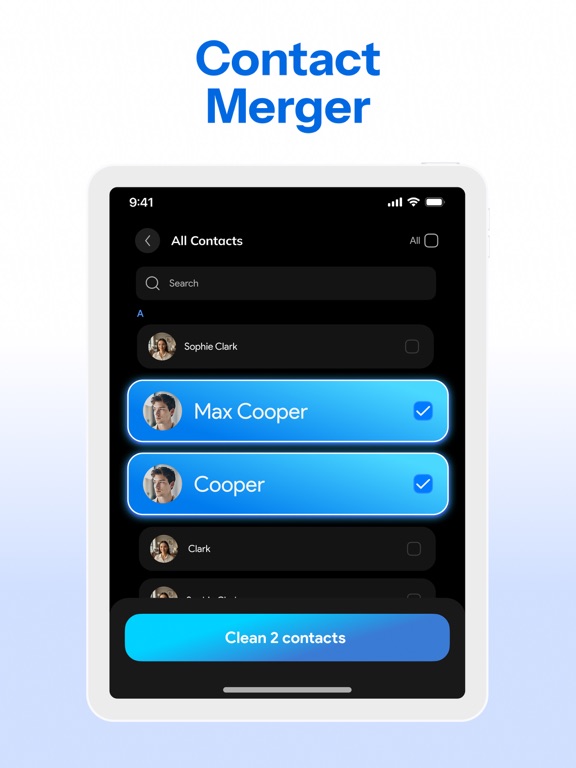
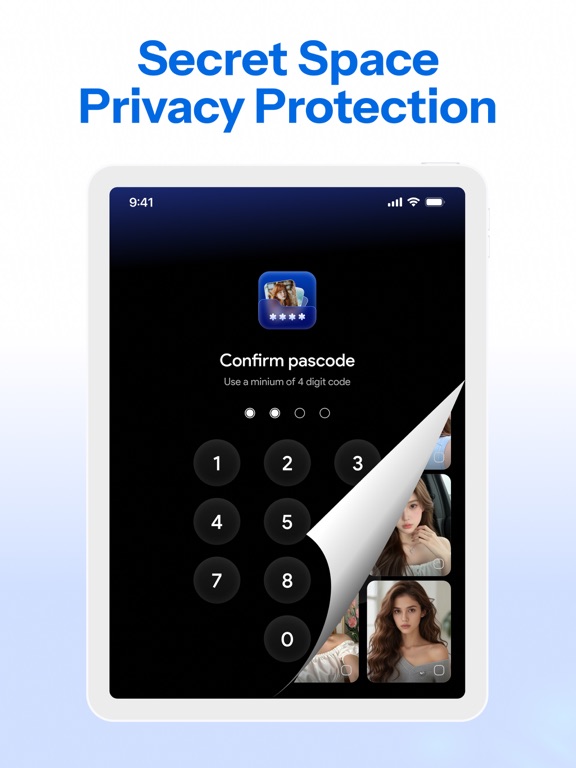
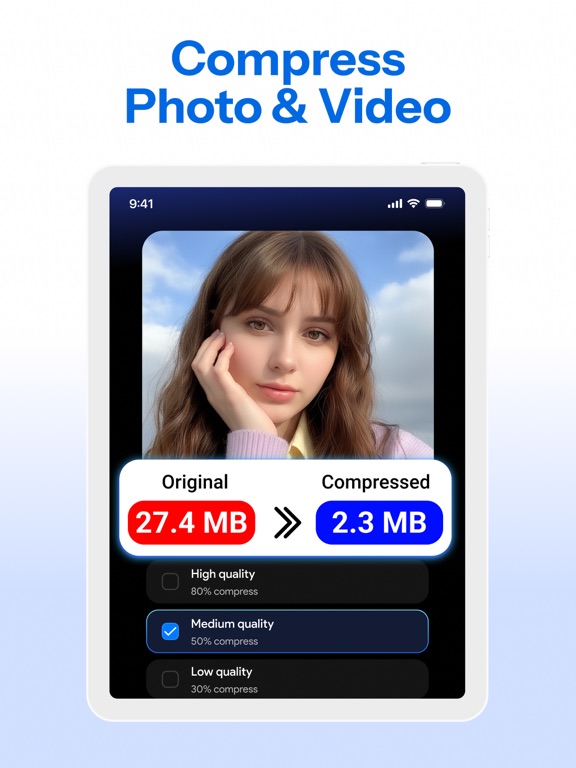
9 iPhone screenshots · 7 iPad Dark theme One background colour across the set
#0464FC bg #2779FC #6CD444 accent #FFFFFF text
vs. Utilities apps we've analysed (2619): 44% use a light theme — SmartClean AI: Storage Cleaner goes dark; 37% put the caption above the phone — SmartClean AI: Storage Cleaner uses no captions; the average set has 5.6 screenshots — SmartClean AI: Storage Cleaner ships 9. Full Utilities benchmark →

Screenshots

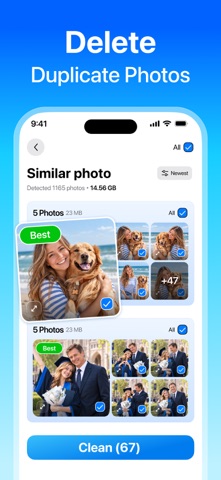
#1 SmartClean AI: Storage Cleaner iPhone screenshot 1
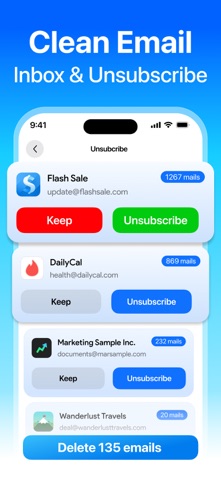
#2 SmartClean AI: Storage Cleaner iPhone screenshot 2
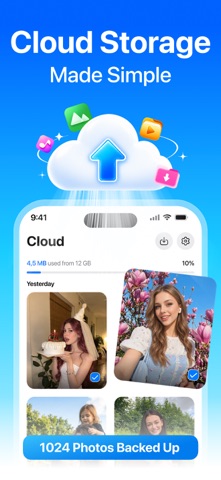
#3 SmartClean AI: Storage Cleaner iPhone screenshot 3
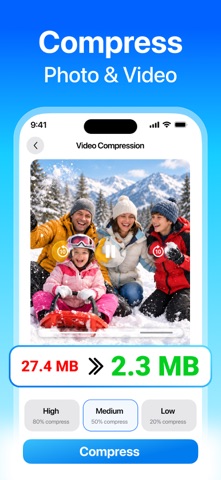
#4 SmartClean AI: Storage Cleaner iPhone screenshot 4
#5 SmartClean AI: Storage Cleaner iPhone screenshot 5
#6 SmartClean AI: Storage Cleaner iPhone screenshot 6
#7 SmartClean AI: Storage Cleaner iPhone screenshot 7
#8 SmartClean AI: Storage Cleaner iPhone screenshot 8
#9 SmartClean AI: Storage Cleaner iPhone screenshot 9

iPad screenshots

#1 SmartClean AI: Storage Cleaner iPad screenshot 1
#2 SmartClean AI: Storage Cleaner iPad screenshot 2
#3 SmartClean AI: Storage Cleaner iPad screenshot 3
#4 SmartClean AI: Storage Cleaner iPad screenshot 4
#5 SmartClean AI: Storage Cleaner iPad screenshot 5
#6 SmartClean AI: Storage Cleaner iPad screenshot 6
#7 SmartClean AI: Storage Cleaner iPad screenshot 7

Icon palette

extracting…
Dominant colors sampled from the icon — click any swatch to copy the hex.

About this app

SmartClean AI: Storage Cleaner Smart Storage Optimizer SmartClean AI identifies redundant system logs and temporary files through automated scanning to free up storage space. All analysis is conducted strictly on-device to ensure your information remains protected in accordance with privacy standards. Media Gallery Utility SmartClean AI uses AI to detect duplicate photos, identical shots, blurry images, and screenshots within your gallery. This process is performed locally, ensuring that no photos or videos are ever uploaded to external servers. Secure Vault SmartClean AI provides encrypted storage by hiding sensitive files in a password-protected folder. It operates through local encryption protocols, ensuring that no external access to your private data is possible. Photo & Video Compressor SmartClean AI compresses photos and videos to reduce the digital footprint of high-resoluti…

App details

Bundle ID
com.phonecleaner.smartclean.storageclean.app
Latest version
1.1.8
Released
Mar 8, 2026
Last updated
Sep 11, 2026
Languages
27 (AF, SQ, AR, HR, EN…)
Genres
Utilities, Productivity

What you can learn from SmartClean AI: Storage Cleaner

Every shipping app on the App Store has gone through the same decisions you're working through right now: which screenshot goes first, what caption sits over it, which device frame to show, what color the background should be. The 16 screenshots above are SmartClean AI: Storage Cleaner's answers to those questions — they're public, they're real, and they made it through Apple's review.

What the numbers say: SmartClean AI: Storage Cleaner runs a dark set with one background colour (#0464FC) carried across every screenshot — the listing reads as a single poster when the shots sit side by side in search results. The accent colour we picked up, #6CD444, is the one to reuse for badges, arrows and highlighted words if you borrow this look. Hit Use this style to open the editor with these exact colours and drop your own screenshot in.

Notice the first screenshot in particular. It's the one users see in search results and on the product page, and it's where most apps spend their best caption and tightest design. Look at the proportion of background to phone, where the text sits, what one thing the image is trying to communicate.

Want to see how other Utilities apps approach the same problem? Browse more Utilities apps in the showcase.

Take what works into your own screenshots

Open LaunchShots and design your App Store & Google Play screenshots — pick a device frame, drop captions, ship in minutes. Free, in your browser.

Open the screenshot editor →

Apps with a similar look

Closest background + accent colours among the listings we've analysed — useful when you want to see the same palette handled by a different team.

Flipsnack - Magazine Reader
#0464FC #64BC6C
Translate Rabbit
#1474FC #8CE454
AI Translator:Voice&Talk
#047CFC #94CC54
BR Radio
#046CFC #94C41C
Sydney Pollen Count & Forecast
#047CFC #4CDC64
Querétaro Maratón
#047CFC #74A444

More Utilities apps

Latest from the blog

Build in public
Getting Your First 100 App Users Without an Ad Budget
Sep 24, 2026
ASO
Screenshot Mistakes That Quietly Cost Installs: 10 Fixes
Sep 23, 2026
Guides
Claude Code Weekly Limit vs 5-Hour Lockout: Complete Usage & Reset Guide
Sep 22, 2026
Guides
When Does Claude Code Usage Reset? Complete Reset Schedule Guide
Sep 22, 2026
1 / 1
copied