Screenshot style breakdown
Sampled from 4 of Pocked-Obtion: Up or Down?'s App Store screenshots — background, accent and theme, measured by LaunchShots (not something Apple publishes).
#040404 bg
#272727
#041C5C accent
#FFFFFF text
Screenshots
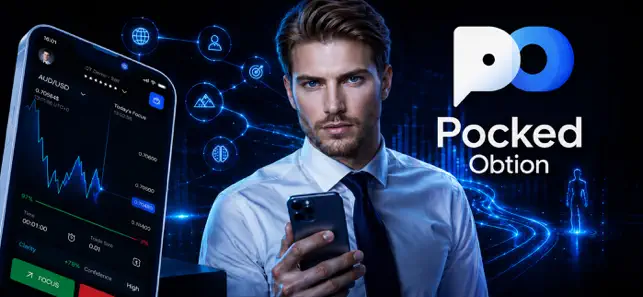
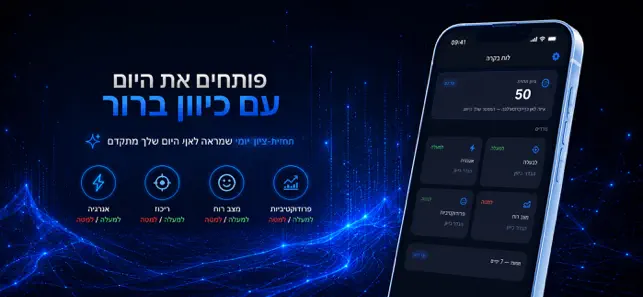
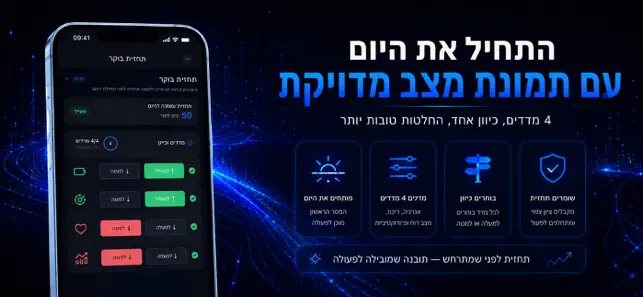
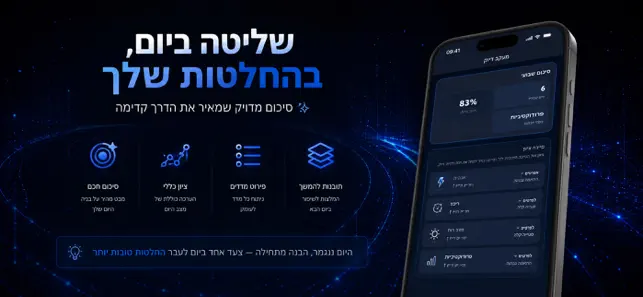
Icon palette
About this app
כשיום חדש מתחיל, קשה להבחין לאן לכוון את האנרגיה, הריכוז והרגשות לפני שמחליטים מה חשוב קודם ולכן הרבה פעמים העבודה מתחילה בלי כיוון. ב־Pocked-Obtion: Up or Down? המסך הראשון כבר מוכן לפעולה: מציג מצב יום מובנה עם קריאה מהירה להזין ארבעה מדדים ולבחור כיוון לכל אחד כדי להיכנס לתהליך החלטה במקום לתהליך זיכרון. בתרחיש יומי אמיתי, פותחים את האפליקציה בבוקר, מזינים אנרגיה, ריכוז, מצב רוח ופרודוקטיביות, מסמנים UP או DOWN ומסיימים בשמירת תחזית. מיד מופיע תחזית-ציון שמראה איפה אתה מרגיש שהיום עומד להשתנות והיכן כדאי להקדים פעולה קטנה: למשל להוריד עומסים או להפנות זמן למשימה שאפשר לסיים קודם. בערב חוזרים לערכים האמיתיים של היום והאפליקציה מסכמת איפה התחזיות היו קרובות לאמת ואיפה סטית. זה מייצר תובנה של דפוסים, לא רק נתונים, כך שאפשר לבחור גישה יציבה יותר ליום הבא בלי להמתין לחודש שלם כדי להבין מה עובד. זו לא עוד אפליקציית טרקר רגילה, כי הדגש כאן לא על רישום אלא על בדיקת תחזית חוזרת: מה חיזוי נ…
App details
What you can learn from Pocked-Obtion: Up or Down?
Every shipping app on the App Store has gone through the same decisions you're working through right now: which screenshot goes first, what caption sits over it, which device frame to show, what color the background should be. The 4 screenshots above are Pocked-Obtion: Up or Down?'s answers to those questions — they're public, they're real, and they made it through Apple's review.
What the numbers say: Pocked-Obtion: Up or Down? runs a dark set with one background colour (#040404) carried across every screenshot — the listing reads as a single poster when the shots sit side by side in search results. The accent colour we picked up, #041C5C, is the one to reuse for badges, arrows and highlighted words if you borrow this look. Hit Use this style to open the editor with these exact colours and drop your own screenshot in.
Notice the first screenshot in particular. It's the one users see in search results and on the product page, and it's where most apps spend their best caption and tightest design. Look at the proportion of background to phone, where the text sits, what one thing the image is trying to communicate.
Want to see how other Lifestyle apps approach the same problem? Browse more Lifestyle apps in the showcase.
Take what works into your own screenshots
Open LaunchShots and design your App Store & Google Play screenshots — pick a device frame, drop captions, ship in minutes. Free, in your browser.
Open the screenshot editor →Apps with a similar look
Closest background + accent colours among the listings we've analysed — useful when you want to see the same palette handled by a different team.