Screenshots

Icon palette
About this app
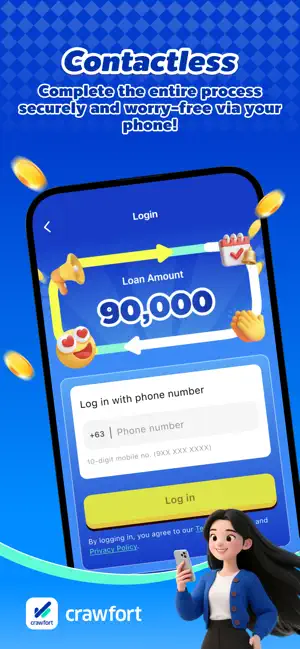
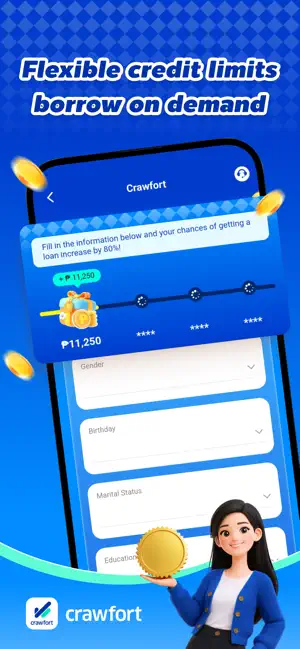
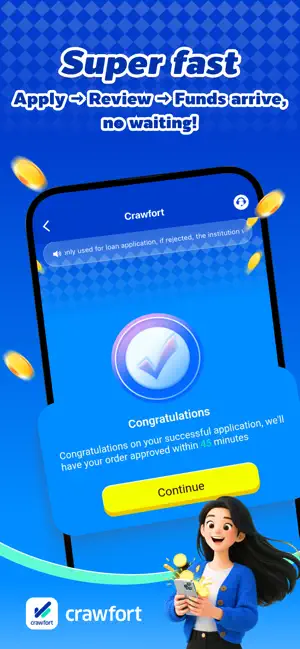
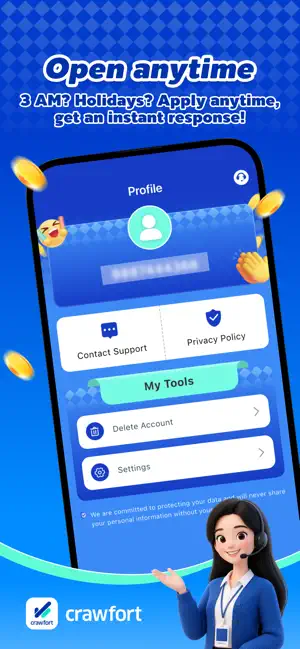
Crawfort holds a legitimate OLP lending license issued by the Philippine SEC, operating in full compliance with regulations, offering transparent and open rates, and strictly protecting user privacy and data security. Our core advantages are efficiency and convenience; the application process is extremely simple, requiring no offline processing or paper documents. Our intelligent system reviews applications quickly, and loan amounts are flexible to suit individual funding needs. Once online signing is completed, funds are disbursed quickly, saving you time and effort in times of emergency liquidity. We truly provide safe, legitimate, and fast online lending services. License Description:Our company strictly abides by Philippine laws and regulations and has obtained the Online Lending Platform (OLP) license issued by the Philippine Securities and Exchange Commission (SEC), possessing a…
App details
What you can learn from Crawfort-Credit Services
Every shipping app on the App Store has gone through the same decisions you're working through right now: which screenshot goes first, what caption sits over it, which device frame to show, what color the background should be. The 5 screenshots above are Crawfort-Credit Services's answers to those questions — they're public, they're real, and they made it through Apple's review.
Notice the first screenshot in particular. It's the one users see in search results and on the product page, and it's where most apps spend their best caption and tightest design. Look at the proportion of background to phone, where the text sits, what one thing the image is trying to communicate.
Want to see how other Finance apps approach the same problem? Browse more Finance apps in the showcase.
Take what works into your own screenshots
Open LaunchShots and design your App Store & Google Play screenshots — pick a device frame, drop captions, ship in minutes. Free, in your browser.
Open the screenshot editor →