Screenshots


Icon palette
About this app
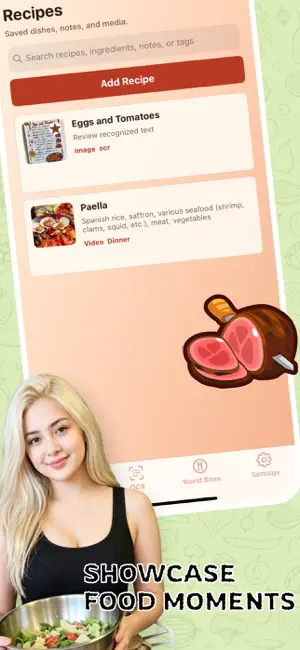
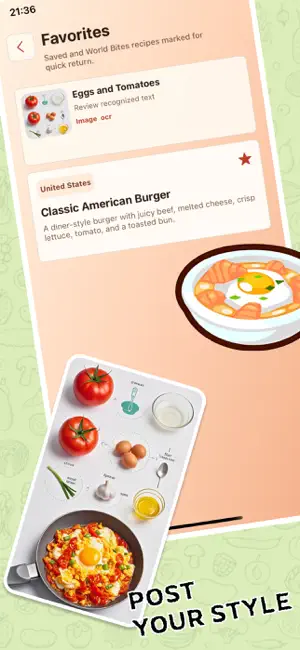
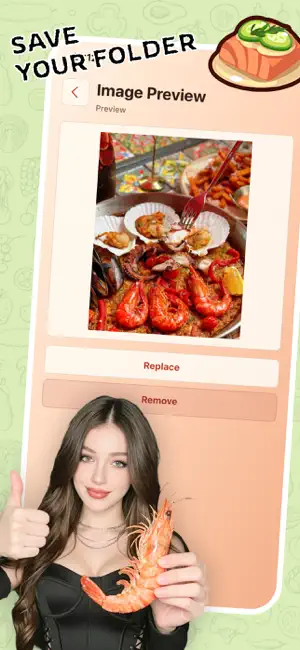
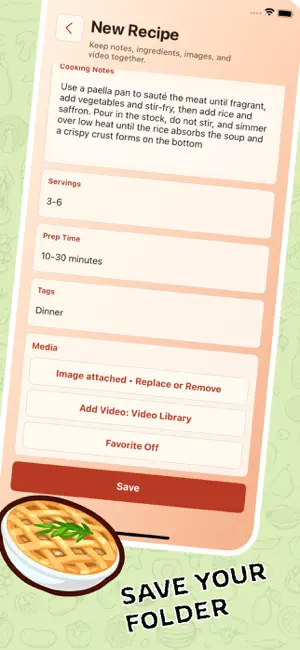
Love hunting for global delicacies on overseas social media and food creator pages? Skip messy screenshot saves and instantly collect Western cuisine, baked treats, exotic light meals and more to build your personal hub of culinary inspiration. Customize tags freely to sort recipes by regional cuisine, meal time or fitness diet. Jot down your exclusive seasoning tweaks and cooking hacks after every cook, creating a uniquely personal food journal ideal for sharing your cooking ideas with food lovers. Fast keyword search lets you pull up any recipe by ingredients or dish names. All high-definition step images and ingredient measurements are fully stored for convenient kitchen viewing without jumping between apps. Your neatly sorted recipe collections look stunning for screenshots to post on international social platforms and exchange hidden gems with fellow food enthusiasts. Centralize…
App details
What you can learn from Tokno
Every shipping app on the App Store has gone through the same decisions you're working through right now: which screenshot goes first, what caption sits over it, which device frame to show, what color the background should be. The 6 screenshots above are Tokno's answers to those questions — they're public, they're real, and they made it through Apple's review.
Notice the first screenshot in particular. It's the one users see in search results and on the product page, and it's where most apps spend their best caption and tightest design. Look at the proportion of background to phone, where the text sits, what one thing the image is trying to communicate.
Want to see how other Reference apps approach the same problem? Browse more Reference apps in the showcase.
Take what works into your own screenshots
Open LaunchShots and design your App Store & Google Play screenshots — pick a device frame, drop captions, ship in minutes. Free, in your browser.
Open the screenshot editor →