Chart position — tracked daily by LaunchShots
Screenshot style breakdown
Sampled from 5 of 河川カメラ RiverPulse - 洪水リスク・水位情報's App Store screenshots — background, accent and theme, measured by LaunchShots (not something Apple publishes).
#FCFCFC bg
#DDDDDD
#0C94EC accent
#111111 text
Reading the caption text from the screenshots in your browser…
Screenshots
iPad screenshots
Icon palette
About this app
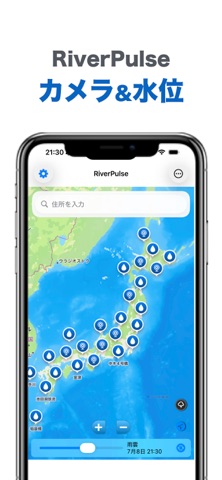
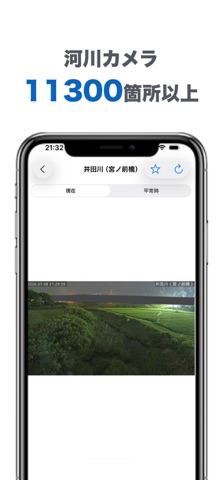
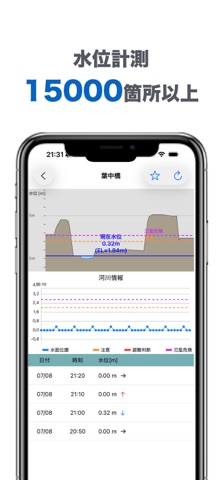
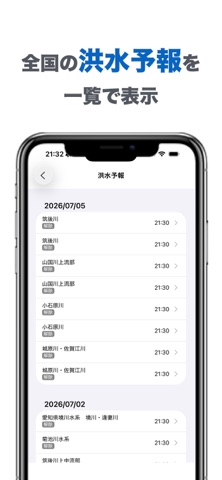
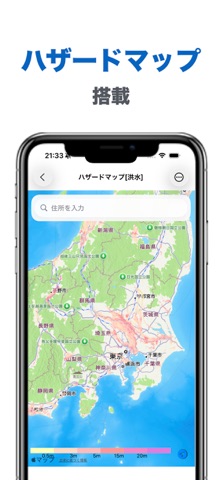
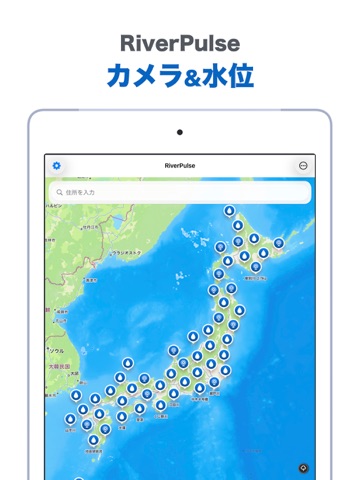
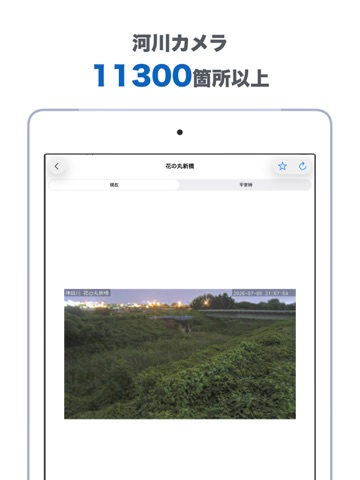
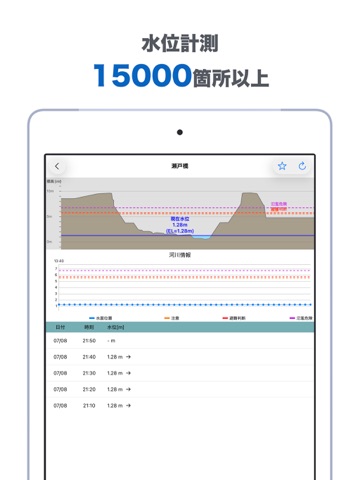
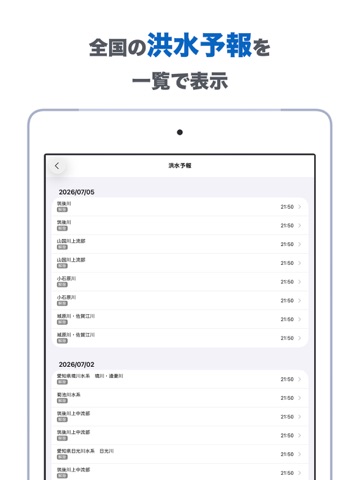
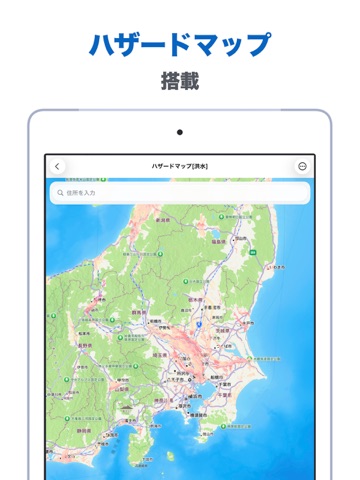
突然の豪雨や水位の上昇に、不安を感じたことはありませんか? RiverPulse(リバーパルス)は、お住まいの地域の河川水位とリアルタイムカメラ映像を、手元で素早く確認できる防災支援アプリです。 緊急時の備えとして、あなたの街の「今」をいつでもどこでも確認できます。 【主な機能】 リアルタイム水位監視:地域を指定するだけで、現在水位や警戒レベルを直感的に表示します。 カメラ映像で状況確認:水位データだけでなく、実際の河川の様子をカメラ映像でライブ確認可能です。 ハザードマップ連携:避難場所や浸水想定区域をマップ上で把握し、迅速な避難行動をサポートします。 お気に入り登録:よく確認する地点を登録して、必要な情報をワンタップで素早くチェック。 【こんな方におすすめ】 川の近くにお住まいで、増水時の状況をいち早く知りたい方。 通勤・通学路の安全確認を習慣化したい方。 万が一の災害に備え、正確な情報を収集するツールをお探しの方。
App details
What you can learn from 河川カメラ RiverPulse - 洪水リスク・水位情報
Every shipping app on the App Store has gone through the same decisions you're working through right now: which screenshot goes first, what caption sits over it, which device frame to show, what color the background should be. The 10 screenshots above are 河川カメラ RiverPulse - 洪水リスク・水位情報's answers to those questions — they're public, they're real, and they made it through Apple's review.
What the numbers say: 河川カメラ RiverPulse - 洪水リスク・水位情報 runs a light set with one background colour (#FCFCFC) carried across every screenshot — the listing reads as a single poster when the shots sit side by side in search results. The accent colour we picked up, #0C94EC, is the one to reuse for badges, arrows and highlighted words if you borrow this look. Hit Use this style to open the editor with these exact colours and drop your own screenshot in.
Notice the first screenshot in particular. It's the one users see in search results and on the product page, and it's where most apps spend their best caption and tightest design. Look at the proportion of background to phone, where the text sits, what one thing the image is trying to communicate.
Want to see how other Weather apps approach the same problem? Browse more Weather apps in the showcase.
Take what works into your own screenshots
Open LaunchShots and design your App Store & Google Play screenshots — pick a device frame, drop captions, ship in minutes. Free, in your browser.
Open the screenshot editor →Apps with a similar look
Closest background + accent colours among the listings we've analysed — useful when you want to see the same palette handled by a different team.