Screenshots

Icon palette
About this app
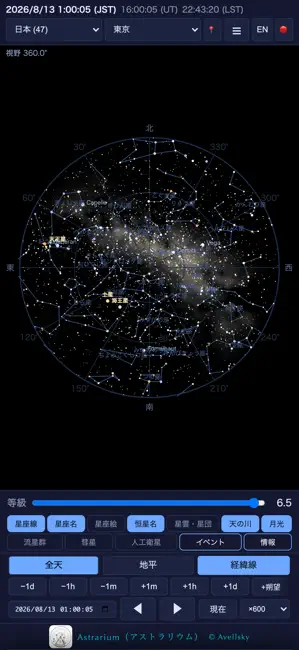
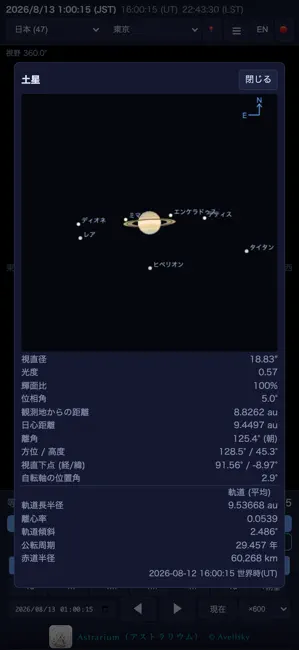
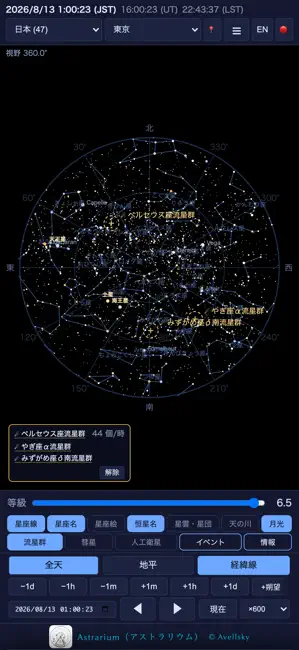
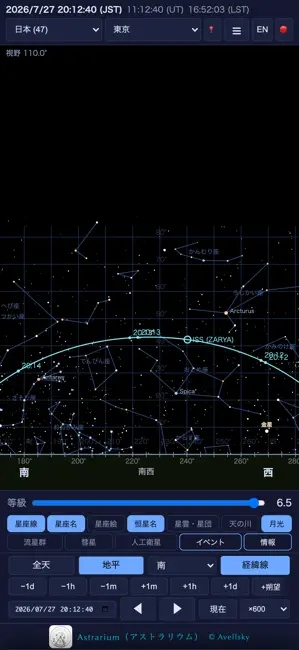
観測地と日時を決めれば、その場所・その時刻の空をそのまま描きます。天体の位置は端末の中で計算するので、電波の届かない観測地でも全機能がそのまま使えます。 【収録データ(すべて内蔵)】 ・恒星 9,096個(エール輝星星表 BSC5、約8等まで=肉眼で見える星をすべて) ・星雲・星団・銀河 155個(メシエ天体+カルドウェル天体、写真と解説つき) ・IAU 88星座の星座線(672本)と星座絵 ・天の川(Tycho-2 星表の星の光を積算した全天マップ) ・惑星・月の暦(JPL DE421)と表面テクスチャ、月の秤動・月齢・満月の呼称 ・主要流星群16件、MPC観測所コード、世界の観測地と日本の星空観察スポット 【できること】 ・全天モードと地平モード、ピンチによる拡大縮小(写野1分角まで) ・任意の日時へのジャンプ、時間の連続再生(最大×6000)、朔望月送り ・惑星の拡大表示:視直径・輝面比・地心/日心距離・軌道要素、木星/土星/火星の衛星の配置。衛星をタップすればその衛星の諸元も ・流星群カレンダー:極大日時(現地時刻とUT)、輻射点高度、月齢条件…
App details
What you can learn from Astrarium アストラリウム
Every shipping app on the App Store has gone through the same decisions you're working through right now: which screenshot goes first, what caption sits over it, which device frame to show, what color the background should be. The 5 screenshots above are Astrarium アストラリウム's answers to those questions — they're public, they're real, and they made it through Apple's review.
Notice the first screenshot in particular. It's the one users see in search results and on the product page, and it's where most apps spend their best caption and tightest design. Look at the proportion of background to phone, where the text sits, what one thing the image is trying to communicate.
Want to see how other Education apps approach the same problem? Browse more Education apps in the showcase.
Take what works into your own screenshots
Open LaunchShots and design your App Store & Google Play screenshots — pick a device frame, drop captions, ship in minutes. Free, in your browser.
Open the screenshot editor →