Chart position — tracked daily by LaunchShots
Screenshot style breakdown
Sampled from 5 of Memora X 古文単語・常識's App Store screenshots — background, accent and theme, measured by LaunchShots (not something Apple publishes).
#FCFCF4 bg
#DDDDD6
#AC7C54 accent
#111111 text
Reading the caption text from the screenshots in your browser…
Screenshots
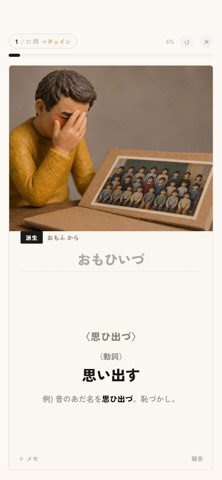

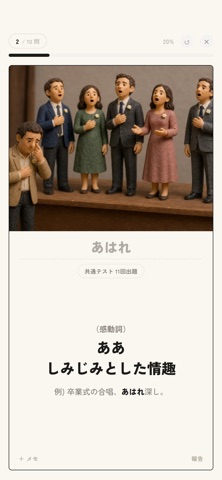
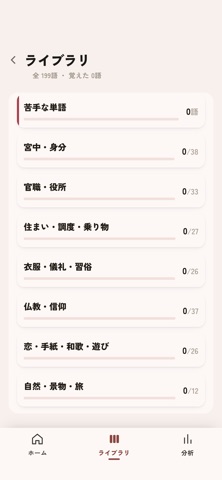
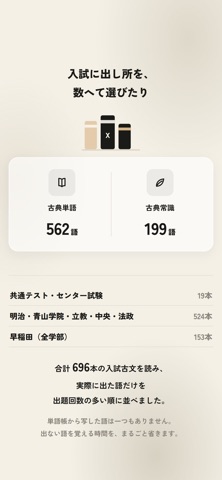
iPad screenshots


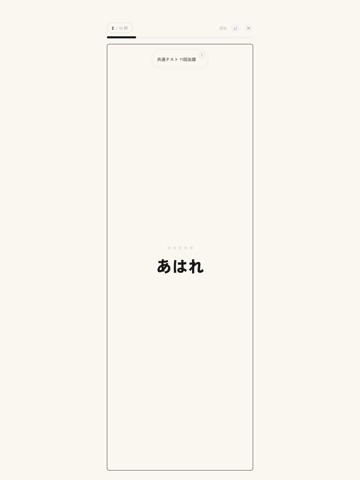


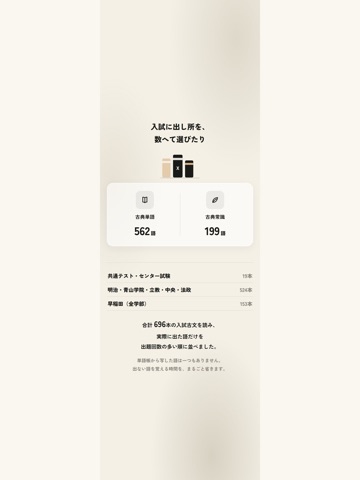
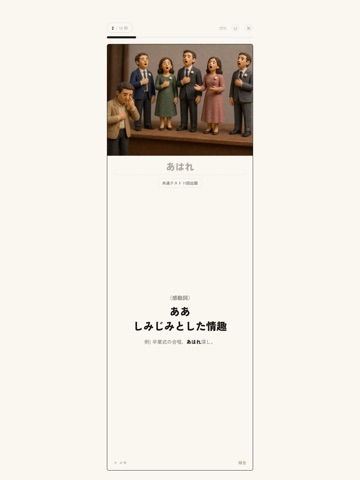
Icon palette
About this app
■ 古文単語も、古典常識も。3冊で対策 Memora Xは、大学受験のための古文単語・古典常識アプリです。共通テストの基礎固めから難関私大対策まで、目的に合わせて学べます。 ・「古典単語」297語/「難関私大」265語/「古典常識」199語の3冊を収録 ・意味だけでなく、品詞・例文・派生語も確認 ・出題回数や重要度を参考に、覚えたい単語を効率よく学習 ■ 画像と例文で、一瞬でイメージ 訳語だけを眺めても、なかなか覚えられない。そんな単語も、イラストや身近な場面の例文と一緒に学べます。 ・答えと一緒に画像を確認し、言葉のイメージをつかむ ・正解した単語から派生語が出題されるカットイン機能で、関連する言葉もまとめて覚える ・複数の意味を確認し、知っているつもりの単語も、もう一歩深く ■ 古典常識で、文章の背景まで 単語の意味はわかるのに、文章の状況がつかめない。その原因は、当時の暮らしや習慣かもしれません。 宮中の身分・官職・住まい・衣服・仏教・和歌など、読解の前提になる古典常識を7つのテーマに分けて収録。全項目に読み仮名…
App details
What you can learn from Memora X 古文単語・常識
Every shipping app on the App Store has gone through the same decisions you're working through right now: which screenshot goes first, what caption sits over it, which device frame to show, what color the background should be. The 13 screenshots above are Memora X 古文単語・常識's answers to those questions — they're public, they're real, and they made it through Apple's review.
What the numbers say: Memora X 古文単語・常識 runs a light set with one background colour (#FCFCF4) carried across every screenshot — the listing reads as a single poster when the shots sit side by side in search results. The accent colour we picked up, #AC7C54, is the one to reuse for badges, arrows and highlighted words if you borrow this look. Hit Use this style to open the editor with these exact colours and drop your own screenshot in.
Notice the first screenshot in particular. It's the one users see in search results and on the product page, and it's where most apps spend their best caption and tightest design. Look at the proportion of background to phone, where the text sits, what one thing the image is trying to communicate.
Want to see how other Education apps approach the same problem? Browse more Education apps in the showcase.
Take what works into your own screenshots
Open LaunchShots and design your App Store & Google Play screenshots — pick a device frame, drop captions, ship in minutes. Free, in your browser.
Open the screenshot editor →Apps with a similar look
Closest background + accent colours among the listings we've analysed — useful when you want to see the same palette handled by a different team.