Screenshot style breakdown
Sampled from 6 of Moon Wink's App Store screenshots — background, accent and theme, measured by LaunchShots (not something Apple publishes).
#F40404 bg
#F52727
#041464 accent
#FFFFFF text
Screenshots

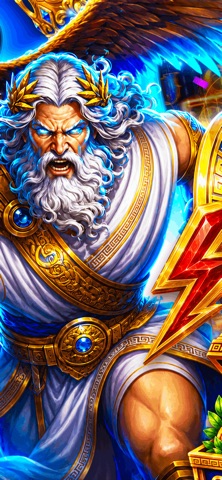


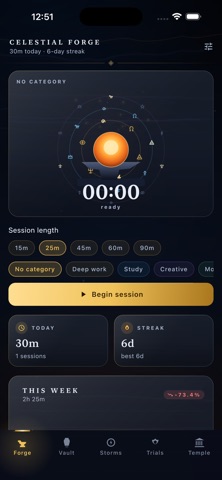
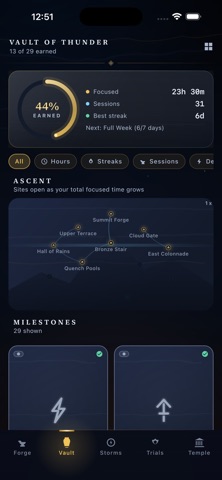
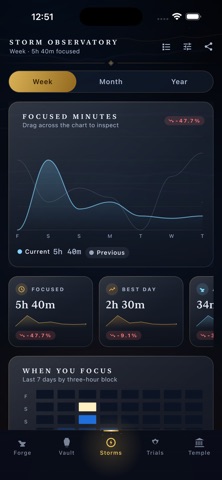

Icon palette
About this app
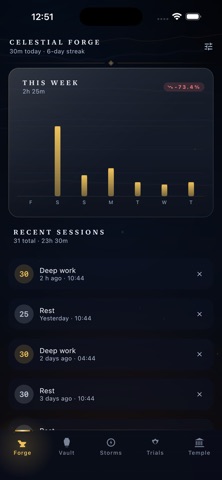
Moon Wink is a focus timer built for people who take their craft seriously. Start a session, name what you are working on, and let the Celestial Forge record every minute of genuine effort. No generated numbers, no fabricated streaks — every insight the app shows comes exclusively from real sessions you have completed. The experience is immersive and atmospheric. Watch the forge glow hotter as a session runs. Earn 28 rarity-tiered milestones — Common through Mythic — that unlock dynamically from your real history. Explore the Olympus Ascent Map: a stylised mountain with 12 hidden sites that reveal themselves as your cumulative focus hours grow. Celebrate each completed session with an animated Victory Burst, collect rune sigils, and climb from Apprentice to Archon as your dedication compounds. Build habits anchored to reality. Link any habit to the timer and Moon Wink counts only minu…
App details
What you can learn from Moon Wink
Every shipping app on the App Store has gone through the same decisions you're working through right now: which screenshot goes first, what caption sits over it, which device frame to show, what color the background should be. The 10 screenshots above are Moon Wink's answers to those questions — they're public, they're real, and they made it through Apple's review.
What the numbers say: Moon Wink runs a dark set where the background shifts from screenshot to screenshot (first shot #F40404) — each image has to stand on its own, so the captions carry more of the story. The accent colour we picked up, #041464, is the one to reuse for badges, arrows and highlighted words if you borrow this look. Hit Use this style to open the editor with these exact colours and drop your own screenshot in.
Notice the first screenshot in particular. It's the one users see in search results and on the product page, and it's where most apps spend their best caption and tightest design. Look at the proportion of background to phone, where the text sits, what one thing the image is trying to communicate.
Want to see how other Productivity apps approach the same problem? Browse more Productivity apps in the showcase.
Take what works into your own screenshots
Open LaunchShots and design your App Store & Google Play screenshots — pick a device frame, drop captions, ship in minutes. Free, in your browser.
Open the screenshot editor →Apps with a similar look
Closest background + accent colours among the listings we've analysed — useful when you want to see the same palette handled by a different team.