Chart position — tracked daily by LaunchShots
Screenshot style breakdown
Sampled from 5 of Easy Wallet 悠遊付's App Store screenshots — background, accent and theme, measured by LaunchShots (not something Apple publishes).
#FCFCFC bg
#DDDDDD
#E4047C accent
#111111 text
Reading the caption text from the screenshots in your browser…
Screenshots
Icon palette
About this app
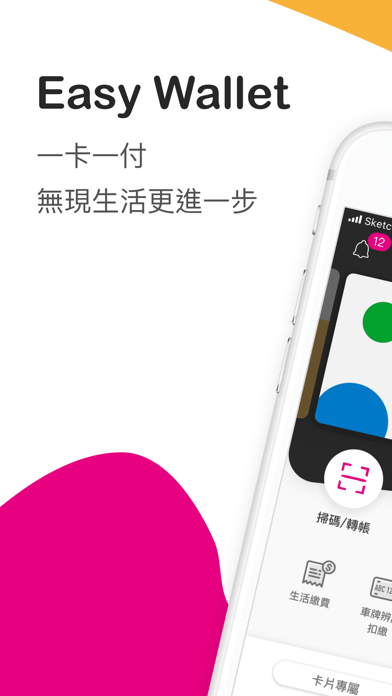
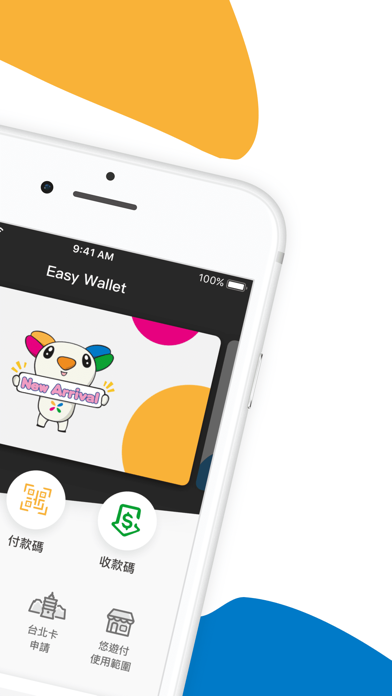
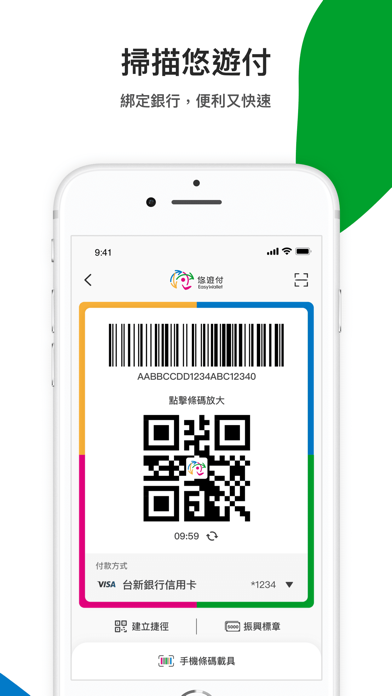
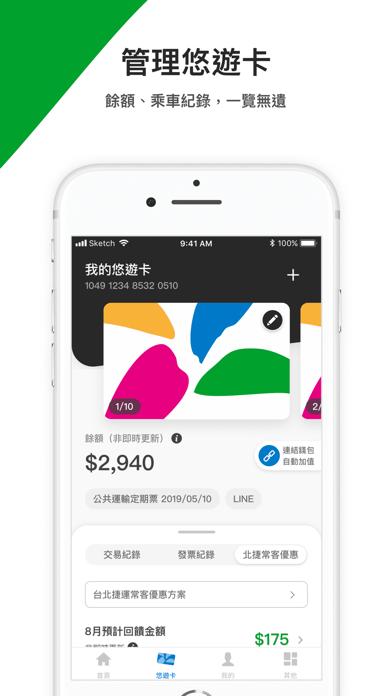
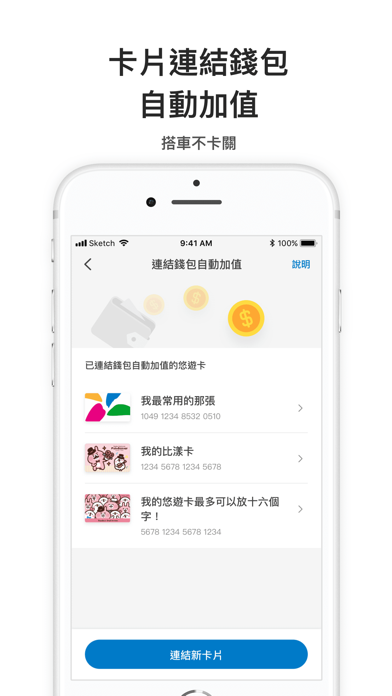
///一卡一付 無現生活更進一步/// 小孩子才做選擇,悠遊付幫你全部搞定! 立即下載,給你更美好的無現生活,馬上體驗悠遊付! 悠遊付->最智慧的電子錢包 _ 【自動加值悠遊卡】 連結悠遊付錢包,再也不用擔心悠遊卡餘額不足!沒有悠遊聯名卡,也可享有自動加值的便利服務。 【管理悠遊卡】 最高管理20張悠遊卡,輕鬆查詢交易紀錄、儲存電子發票,還可自動對獎,智慧生活,由此跨出第一步! 【掃碼付款】 出門只要帶手機,正掃反掃都可掃,還可自由選擇付款的帳戶,無論是從【悠遊付錢包】、【綁定的銀行帳戶】或是【信用卡】皆可喔! 【生活繳費】 一堆帳單總是忘了繳,就交給悠遊付幫忙輕鬆繳! 用悠遊付可繳汽機車路邊停車費、自來水費、電費、瓦斯費、電視費、台北市聯合醫院醫療費、學雜費、台北市國/社宅租金維管費、地方稅、汽燃費、電信費,功能陸續增加中,敬請期待! 【轉帳功能】 【悠遊付錢包】內的錢可自由轉帳給你的家人朋友!也能轉到指定金融機構! 【儲值/提領】 綁定銀行帳戶後,隨時隨地為【悠遊付錢包】儲好儲滿;還能隨時自【悠遊付錢包…
App details
What you can learn from Easy Wallet 悠遊付
Every shipping app on the App Store has gone through the same decisions you're working through right now: which screenshot goes first, what caption sits over it, which device frame to show, what color the background should be. The 5 screenshots above are Easy Wallet 悠遊付's answers to those questions — they're public, they're real, and they made it through Apple's review.
What the numbers say: Easy Wallet 悠遊付 runs a light set with one background colour (#FCFCFC) carried across every screenshot — the listing reads as a single poster when the shots sit side by side in search results. The accent colour we picked up, #E4047C, is the one to reuse for badges, arrows and highlighted words if you borrow this look. Hit Use this style to open the editor with these exact colours and drop your own screenshot in.
Notice the first screenshot in particular. It's the one users see in search results and on the product page, and it's where most apps spend their best caption and tightest design. Look at the proportion of background to phone, where the text sits, what one thing the image is trying to communicate.
Want to see how other Lifestyle apps approach the same problem? Browse more Lifestyle apps in the showcase.
Take what works into your own screenshots
Open LaunchShots and design your App Store & Google Play screenshots — pick a device frame, drop captions, ship in minutes. Free, in your browser.
Open the screenshot editor →Apps with a similar look
Closest background + accent colours among the listings we've analysed — useful when you want to see the same palette handled by a different team.