Screenshots


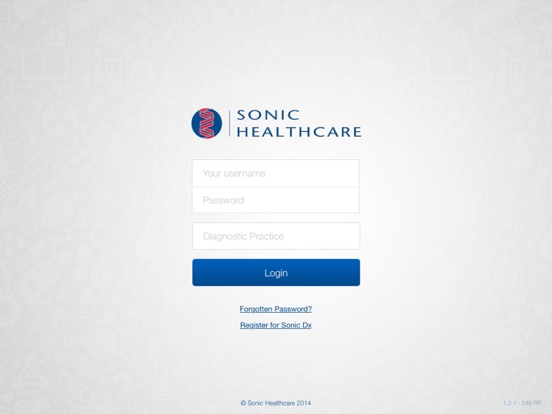
iPad screenshots


Icon palette
About this app
Sonic Dx provides medical referrers with fast and secure access to pathology results when and where they need them. Designed especially for the iPhone and iPad, Sonic Dx’s enhanced functionality allows reporting workflow that can be tailored to each user’s individual needs. Features include: - Clean, clear design - Powerful search capabitities - Cumulative results and graphing - Result filtering by location, date, urgency and more - Quick, secure re-entry to the app via a 4-digit pin - Secure sharing of reports with patients and colleagues - Electronic requesting of additional tests - Special folders for easy access to specific patients or cases - A ‘Watched’ list to highlight nominated patients Sonic Dx can only be used by referring medical professionals, who need to apply for a username and password. More information is available at http://www.sonicdx.com.au.
App details
What you can learn from Sonic Dx
Every shipping app on the App Store has gone through the same decisions you're working through right now: which screenshot goes first, what caption sits over it, which device frame to show, what color the background should be. The 12 screenshots above are Sonic Dx's answers to those questions — they're public, they're real, and they made it through Apple's review.
Notice the first screenshot in particular. It's the one users see in search results and on the product page, and it's where most apps spend their best caption and tightest design. Look at the proportion of background to phone, where the text sits, what one thing the image is trying to communicate.
Want to see how other Medical apps approach the same problem? Browse more Medical apps in the showcase.
Take what works into your own screenshots
Open LaunchShots and design your App Store & Google Play screenshots — pick a device frame, drop captions, ship in minutes. Free, in your browser.
Open the screenshot editor →