Screenshot style breakdown
Sampled from 5 of ユニメモ's App Store screenshots — background, accent and theme, measured by LaunchShots (not something Apple publishes).
#FCFCFC bg
#DDDDDD
#F4BC44 accent
#111111 text
Screenshots
Icon palette
About this app
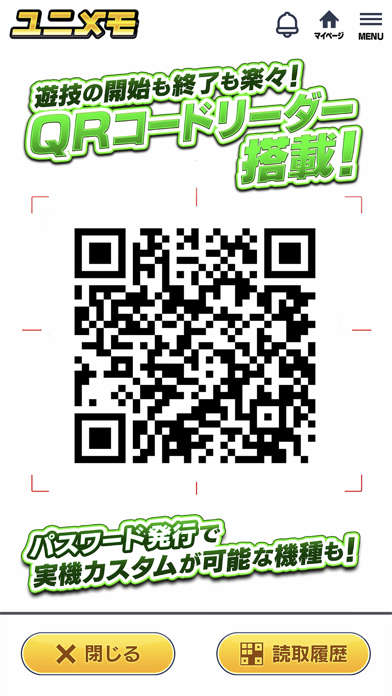
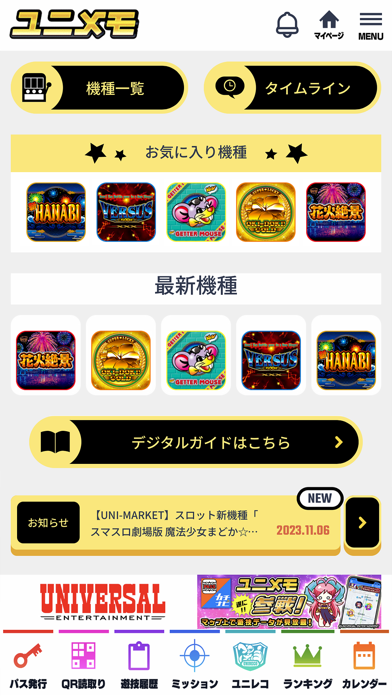
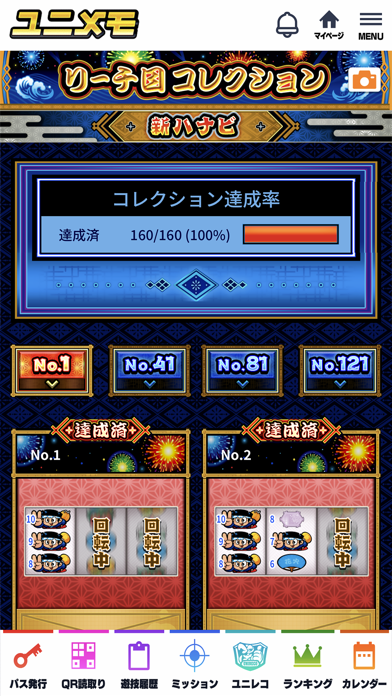
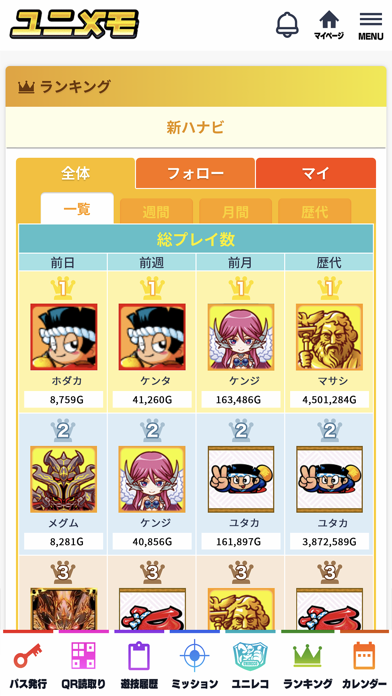
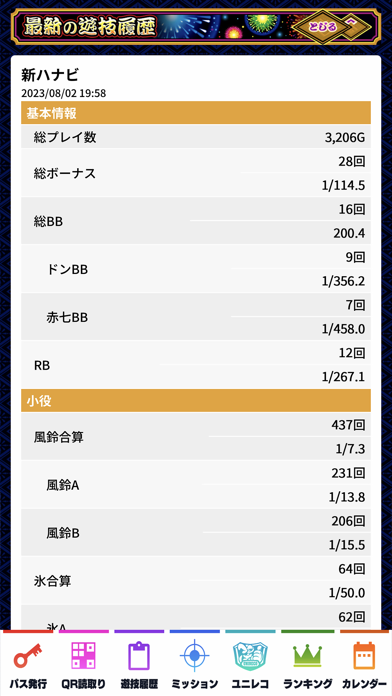
■ユニメモとは ユニバーサルエンターテインメントのユニメモに対応した遊技機をプレイする際、様々な遊技記録を保存することができます。 その他にも様々な機能があり、遊技をさらに深くお楽しみいただけます。 ユニメモをご利用の際には、無料会員登録が必要となります。 ■ユニメモの遊び方 1. パスワード非搭載機種の場合 遊技機の開始QRコードを読み取って遊技を開始し、終了時に終了QRコードを読み取ってください。 2. パスワード搭載機種の場合 ユニメモアプリ上で発行した遊技用パスワードを遊技機に入力して遊技を開始し、終了時に終了QRコードを読み取ってください。 遊び方の詳細は下記を参照ください。 https://www.universal-777.com/product/unimemo/howto ■機能概要 1. 専用QRコードリーダー ユニメモの記録に必要なQRコードの高性能リーダーを搭載しています。 2. 遊技履歴 遊技時の各種遊技データを記録・閲覧することが可能です。 3. ミッション 機種毎に様々なミッションが用意されています。 4. ランキング 遊技結果に基づいた各種ランキ…
App details
What you can learn from ユニメモ
Every shipping app on the App Store has gone through the same decisions you're working through right now: which screenshot goes first, what caption sits over it, which device frame to show, what color the background should be. The 5 screenshots above are ユニメモ's answers to those questions — they're public, they're real, and they made it through Apple's review.
What the numbers say: ユニメモ runs a light set with one background colour (#FCFCFC) carried across every screenshot — the listing reads as a single poster when the shots sit side by side in search results. The accent colour we picked up, #F4BC44, is the one to reuse for badges, arrows and highlighted words if you borrow this look. Hit Use this style to open the editor with these exact colours and drop your own screenshot in.
Notice the first screenshot in particular. It's the one users see in search results and on the product page, and it's where most apps spend their best caption and tightest design. Look at the proportion of background to phone, where the text sits, what one thing the image is trying to communicate.
Want to see how other Games apps approach the same problem? Browse more Games apps in the showcase.
Take what works into your own screenshots
Open LaunchShots and design your App Store & Google Play screenshots — pick a device frame, drop captions, ship in minutes. Free, in your browser.
Open the screenshot editor →Apps with a similar look
Closest background + accent colours among the listings we've analysed — useful when you want to see the same palette handled by a different team.