Chart position — tracked daily by LaunchShots
Screenshot style breakdown
Sampled from 6 of タウンWiFiで手間なくWi-Fiにつないでギガ節約's App Store screenshots — background, accent and theme, measured by LaunchShots (not something Apple publishes).
#348CCC bg
#509CD3
#FCE43C accent
#FFFFFF text
Screenshots


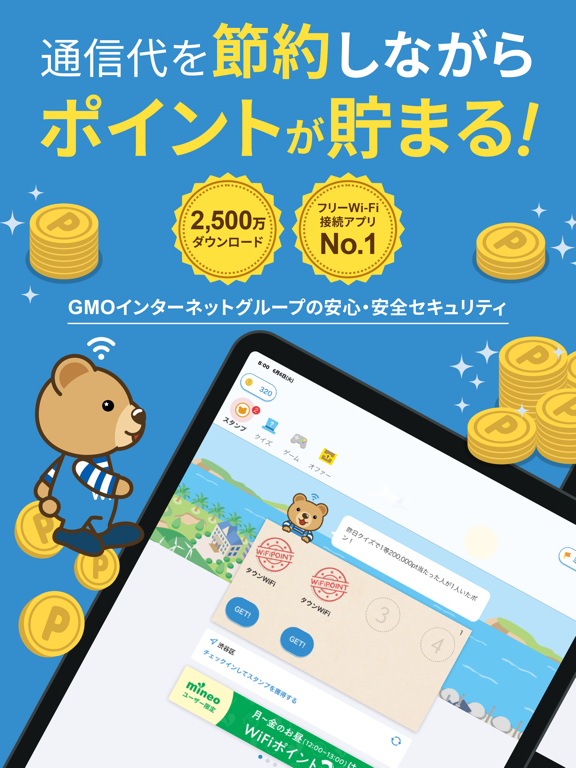
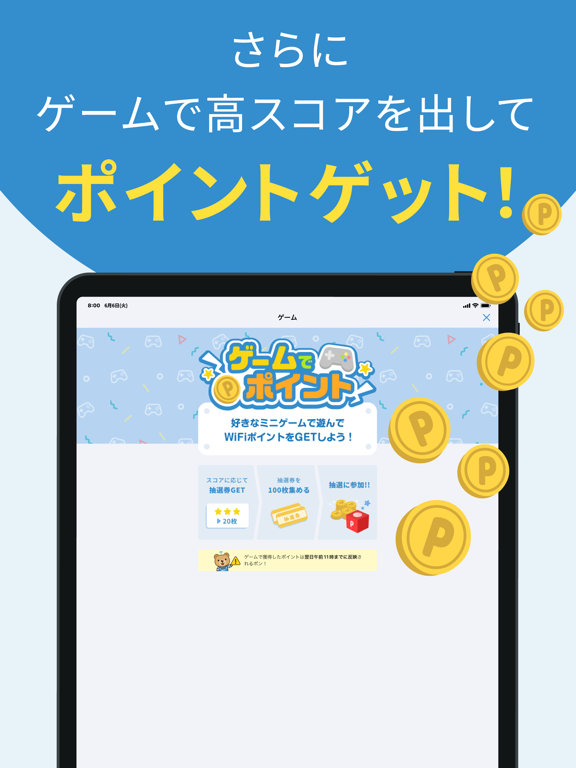
iPad screenshots


Icon palette
About this app
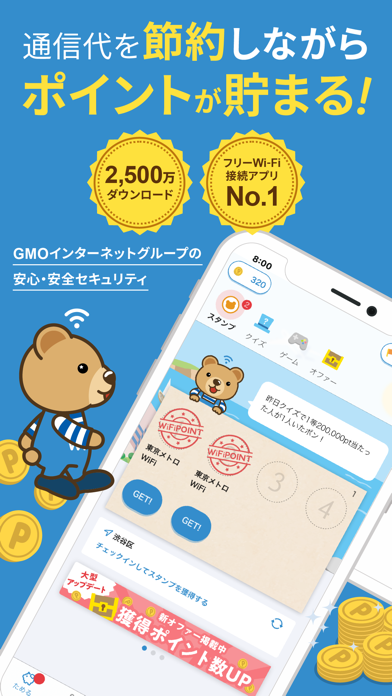
\おかげさまで累計2,500万ダウンロード突破!/ タウンWiFiで、街中のフリーWiFiに自動接続! 通信量を賢く節約しながら、月末のギガ不足や速度制限のイライラを解消できる、WiFi自動接続アプリです。貯めたポイントは、eSIMに交換可能! 日本全国52万スポット以上のフリーWi-Fiに、あなたの代わりにアプリが最適なタイミングで自動接続します。 「WiFiに接続したいけれど、登録のための手動設定が面倒」「ログインの認証画面が表示されなくてイライラする」「せっかく繋がったのに通信速度が遅すぎて使い物にならない」といったストレスを、タウンWiFiがすべて解消します。 また、毎月のスマホのデータ通信量(ギガ)を節約したい学生やビジネスパーソン、格安SIMや携帯キャリアの小容量プラン(ahamo、povo、LINEMO、irumoなど)を契約していてギガを節約したい方に最適なアプリです。 ■タウンWiFiでできること 【フリーWi-Fiに自動接続】 ・街中にある対応Wi-Fiへ自動接続 ・一度自動接続設定をすると、端末のWi-FiをONにするだけで接続可能 ・面倒なWi-Fiの検…
App details
What you can learn from タウンWiFiで手間なくWi-Fiにつないでギガ節約
Every shipping app on the App Store has gone through the same decisions you're working through right now: which screenshot goes first, what caption sits over it, which device frame to show, what color the background should be. The 12 screenshots above are タウンWiFiで手間なくWi-Fiにつないでギガ節約's answers to those questions — they're public, they're real, and they made it through Apple's review.
What the numbers say: タウンWiFiで手間なくWi-Fiにつないでギガ節約 runs a dark set with one background colour (#348CCC) carried across every screenshot — the listing reads as a single poster when the shots sit side by side in search results. The accent colour we picked up, #FCE43C, is the one to reuse for badges, arrows and highlighted words if you borrow this look. Hit Use this style to open the editor with these exact colours and drop your own screenshot in.
Notice the first screenshot in particular. It's the one users see in search results and on the product page, and it's where most apps spend their best caption and tightest design. Look at the proportion of background to phone, where the text sits, what one thing the image is trying to communicate.
Want to see how other Lifestyle apps approach the same problem? Browse more Lifestyle apps in the showcase.
Take what works into your own screenshots
Open LaunchShots and design your App Store & Google Play screenshots — pick a device frame, drop captions, ship in minutes. Free, in your browser.
Open the screenshot editor →Apps with a similar look
Closest background + accent colours among the listings we've analysed — useful when you want to see the same palette handled by a different team.