Chart position — tracked daily by LaunchShots
Screenshot changes — detected by LaunchShots
Screenshot style breakdown
Sampled from 6 of Tatilbudur's App Store screenshots — background, accent and theme, measured by LaunchShots (not something Apple publishes).
#0C2C5C bg
#2E4972
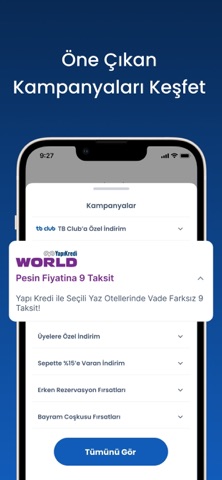
#145CBC accent
#FFFFFF text
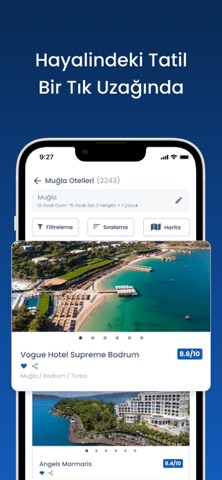
- #2. Vogue Hotel Supreme Bodrum | 8.6/10
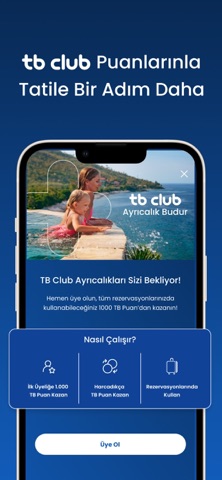
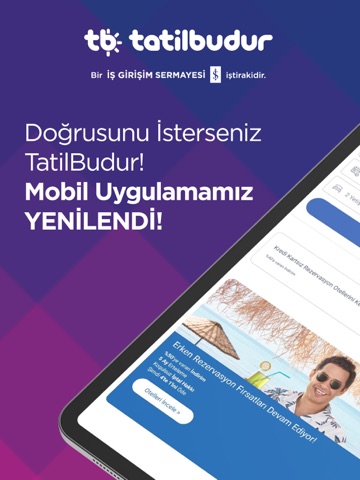
- #3Nasıl Çalışır? & & 0 İlküyeliğe 1.000 Harcadıkça Rezervasyonlarında
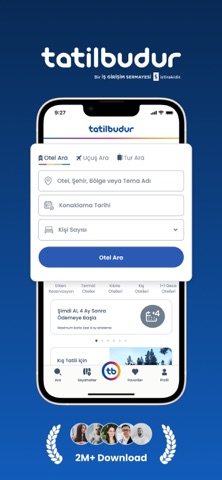
- #4Erken Rezervasyon Otelleri Şehir Otelleri
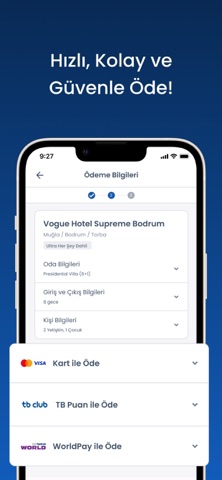
- #52 Yetişkin, 1 Çocuk 1 @ visa Kart ile Öde v tbelub TB Puan ile Öde i
- #6Üyelere Özel İndirim v Sepette %15'e Varan İndirim v Erken Rezervasyon Fırsatları v
Captions read from the screenshots (OCR, may contain small errors): 5 headlines, 10.2 words on average (longest 17).
Screenshots

iPad screenshots


Icon palette
About this app
TatilBudur.com ile tatilinizi kolayca planlayabilirsiniz; -Tatil konaklamanız için otel ara seçeneği ile konaklayacağınız oteli kolayca bulabilirsiniz. -Kolay filtreleme ve sıralama özellikleri sayesinde zevkinize uygun otellere hızlıca ulaşabilirsiniz. -Favorilerim özelliği ile yeni bir hesap oluşturarak size özel otel listenizi yapabilir, uygun otel fırsatlarına kolayca erişebilirsiniz. -Otel ara ve tur ara seçenekleriyle filtrelediğiniz tatil seçeneklerinden beğendiklerinizi sosyal ağlardaki arkadaşlarınızla kolayca paylaşabilirsiniz. -Güvenli ödeme ile size uygun tatil fırsatları sunan otellerde rezervasyonlarınızı rahatça gerçekleştirebilirsiniz. -İptal sigortası ile rezervasyonunuzu güvenli ve kolay bir şekilde iptal edebilirsiniz. Ayrıca uygulamada yer alan diğer menülerden, -Bulunduğunuz yere yakın satış ofislerimizin adres ve telefon bilgilerine ulaşabilir, satış ofislerimiz …
App details
What you can learn from Tatilbudur
Every shipping app on the App Store has gone through the same decisions you're working through right now: which screenshot goes first, what caption sits over it, which device frame to show, what color the background should be. The 9 screenshots above are Tatilbudur's answers to those questions — they're public, they're real, and they made it through Apple's review.
What the numbers say: Tatilbudur runs a mixed light-and-dark set where the background shifts from screenshot to screenshot (first shot #0C2C5C) — each image has to stand on its own, so the captions carry more of the story. The accent colour we picked up, #145CBC, is the one to reuse for badges, arrows and highlighted words if you borrow this look. Hit Use this style to open the editor with these exact colours and drop your own screenshot in.
Notice the first screenshot in particular. It's the one users see in search results and on the product page, and it's where most apps spend their best caption and tightest design. Look at the proportion of background to phone, where the text sits, what one thing the image is trying to communicate.
Want to see how other Travel apps approach the same problem? Browse more Travel apps in the showcase.
Take what works into your own screenshots
Open LaunchShots and design your App Store & Google Play screenshots — pick a device frame, drop captions, ship in minutes. Free, in your browser.
Open the screenshot editor →Apps with a similar look
Closest background + accent colours among the listings we've analysed — useful when you want to see the same palette handled by a different team.