Screenshot style breakdown
Sampled from 6 of しんきん通帳's App Store screenshots — background, accent and theme, measured by LaunchShots (not something Apple publishes).
#FCFCFC bg
#DDDDDD
#0404FC accent
#111111 text
Reading the caption text from the screenshots in your browser…
Screenshots
Icon palette
About this app
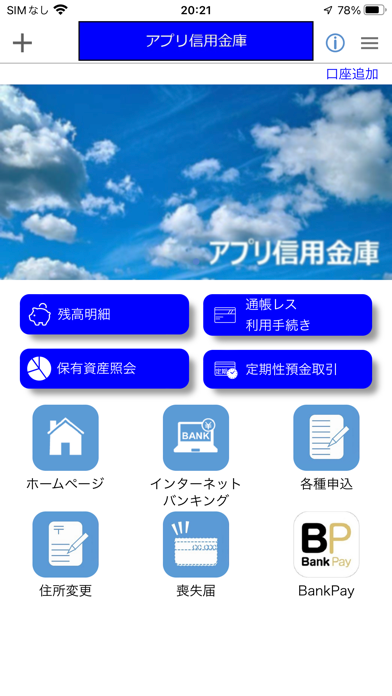
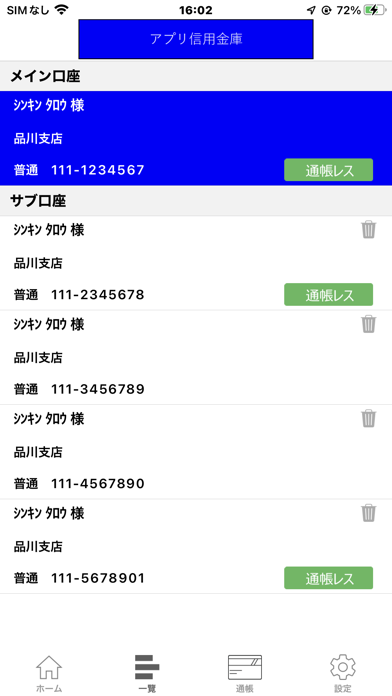
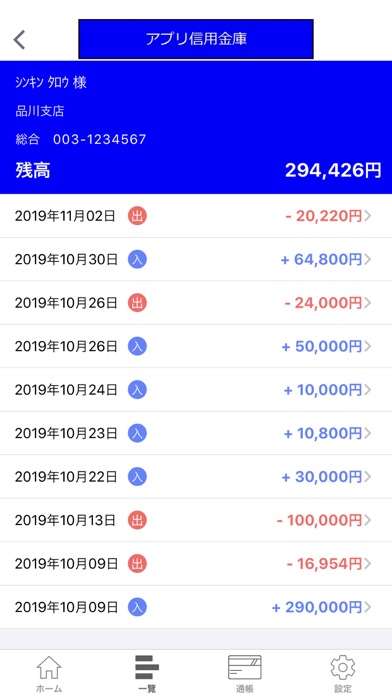
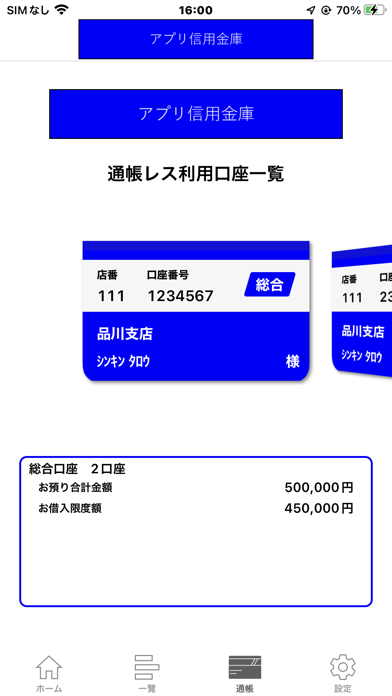
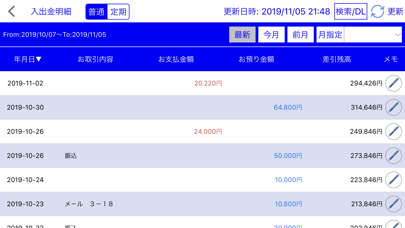
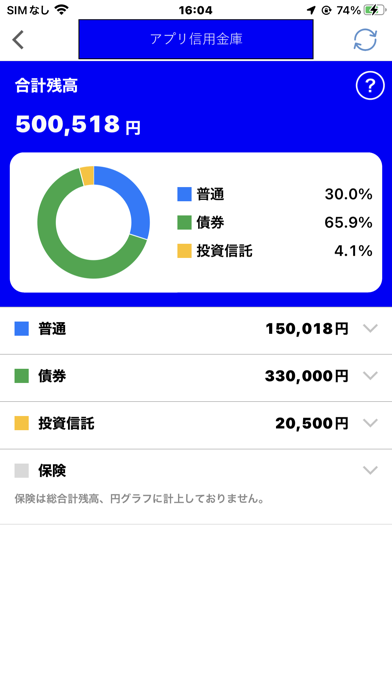
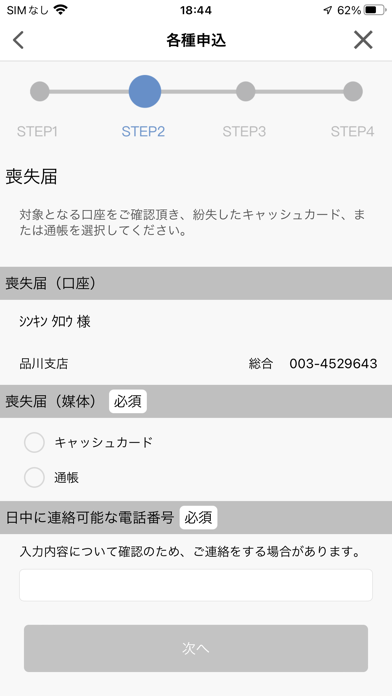
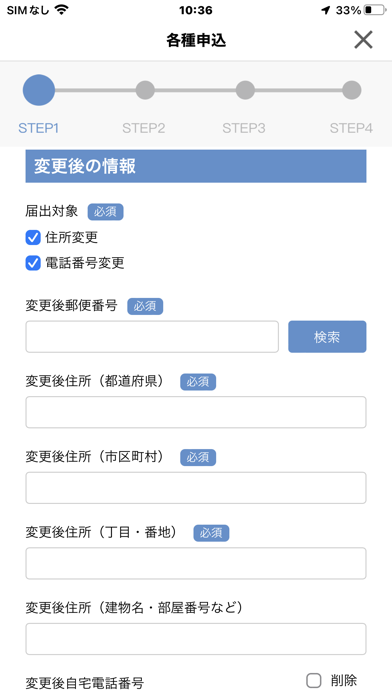
しんきん通帳アプリは、口座の残高、入出金明細をご確認いただくことができます。 また、通帳レス機能をご利用いただくことで、通帳が不要となり、アプリから最大10年分の明細をご確認いただけます。 ■ご利用いただけるお客さま 信用金庫の普通預金口座をお持ちで、その口座でキャッシュカードをご利用の個人のお客さま本人が対象です。(インターネットバンキングのご契約は不要です。) ■ご利用方法 初回登録として、信用金庫の普通預金口座情報(支店番号・口座番号等のご本人様情報)、キャッシュカード暗証番号を入力のうえ、しんきん通帳アプリで利用するパスワードを設定してください。 また、しんきん通帳アプリでは、同一名義人の口座であれば、1信用金庫最大5口座、5信用金庫まで登録できます。 ■ご利用いただける機能 【機能1:入出金明細照会機能】 しんきん通帳アプリにご登録いただいた口座の「預金残高」と「入出金明細」を照会することができます。 入出金明細は、照会実行日を含めた過去62日間のお取引から直近10件を表示します。 【…
App details
What you can learn from しんきん通帳
Every shipping app on the App Store has gone through the same decisions you're working through right now: which screenshot goes first, what caption sits over it, which device frame to show, what color the background should be. The 10 screenshots above are しんきん通帳's answers to those questions — they're public, they're real, and they made it through Apple's review.
What the numbers say: しんきん通帳 runs a mixed light-and-dark set where the background shifts from screenshot to screenshot (first shot #FCFCFC) — each image has to stand on its own, so the captions carry more of the story. The accent colour we picked up, #0404FC, is the one to reuse for badges, arrows and highlighted words if you borrow this look. Hit Use this style to open the editor with these exact colours and drop your own screenshot in.
Notice the first screenshot in particular. It's the one users see in search results and on the product page, and it's where most apps spend their best caption and tightest design. Look at the proportion of background to phone, where the text sits, what one thing the image is trying to communicate.
Want to see how other Finance apps approach the same problem? Browse more Finance apps in the showcase.
Take what works into your own screenshots
Open LaunchShots and design your App Store & Google Play screenshots — pick a device frame, drop captions, ship in minutes. Free, in your browser.
Open the screenshot editor →Apps with a similar look
Closest background + accent colours among the listings we've analysed — useful when you want to see the same palette handled by a different team.