Screenshot style breakdown
Sampled from 5 of LiveFuller's App Store screenshots — background, accent and theme, measured by LaunchShots (not something Apple publishes).
#6CACFC bg
#5F97DD
#4C74A4 accent
#111111 text
Screenshots
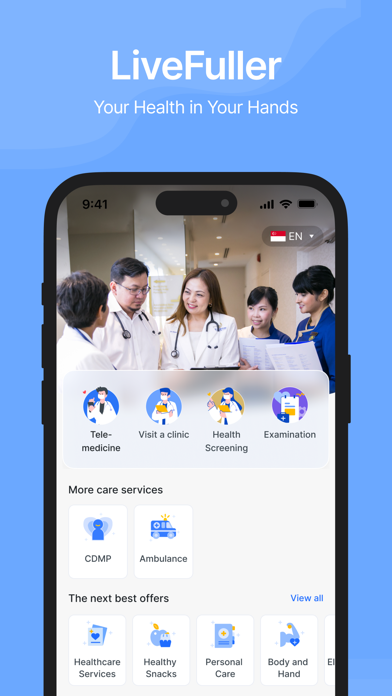
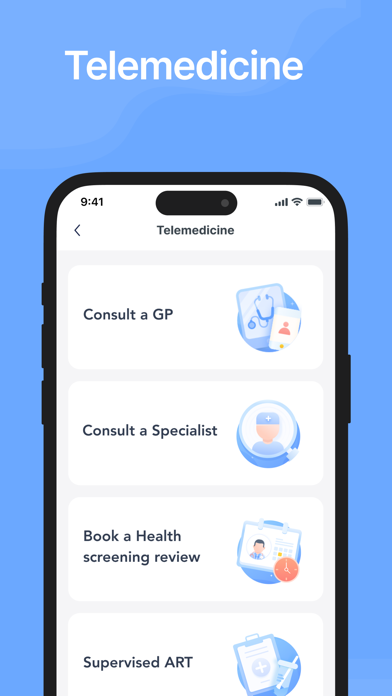


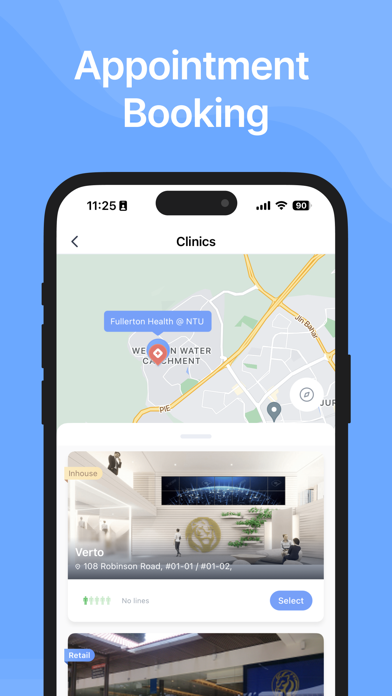
Icon palette
About this app
Teleconsult with our MOH-accredited doctors anytime, anywhere and have your medications delivered to you in 3 hours with LiveFuller. With over 50 years of experience in healthcare and corporate healthcare solutions, we aim to provide affordable accessible care for all. Common illnesses strike anyone, at any time. We’re always just a call away. Suitable common medical conditions include: - Flu, cough, cold or sore throat - Fever, or headache - Diarrhoea, constipation or vomiting - Rash, or cold sores - Conjunctivitis - Urinary tract infection - Dermatological conditions - Hypertension - Hyperlipidemia - Diabetes - Other secondary diseases which may arise from chronic disease conditions For conditions not listed above, our doctors will exercise their professional judgement and discretion. Misplaced your medication packaging? To recover quickly, it is important to follow the treatment …
App details
What you can learn from LiveFuller
Every shipping app on the App Store has gone through the same decisions you're working through right now: which screenshot goes first, what caption sits over it, which device frame to show, what color the background should be. The 5 screenshots above are LiveFuller's answers to those questions — they're public, they're real, and they made it through Apple's review.
What the numbers say: LiveFuller runs a light set with one background colour (#6CACFC) carried across every screenshot — the listing reads as a single poster when the shots sit side by side in search results. The accent colour we picked up, #4C74A4, is the one to reuse for badges, arrows and highlighted words if you borrow this look. Hit Use this style to open the editor with these exact colours and drop your own screenshot in.
Notice the first screenshot in particular. It's the one users see in search results and on the product page, and it's where most apps spend their best caption and tightest design. Look at the proportion of background to phone, where the text sits, what one thing the image is trying to communicate.
Want to see how other Medical apps approach the same problem? Browse more Medical apps in the showcase.
Take what works into your own screenshots
Open LaunchShots and design your App Store & Google Play screenshots — pick a device frame, drop captions, ship in minutes. Free, in your browser.
Open the screenshot editor →Apps with a similar look
Closest background + accent colours among the listings we've analysed — useful when you want to see the same palette handled by a different team.