Chart position — tracked daily by LaunchShots
Screenshot changes — detected by LaunchShots
Screenshot style breakdown
Sampled from 6 of Proxyman - Capture HTTPS's App Store screenshots — background, accent and theme, measured by LaunchShots (not something Apple publishes).
#FCFCFC bg
#DDDDDD
#2C84F4 accent
#111111 text
Reading the caption text from the screenshots in your browser…
Screenshots


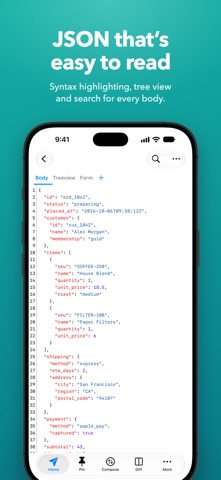

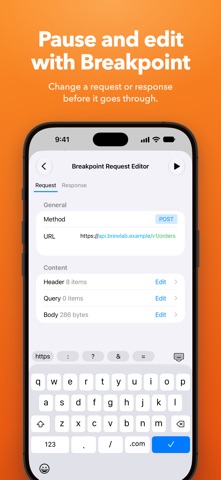

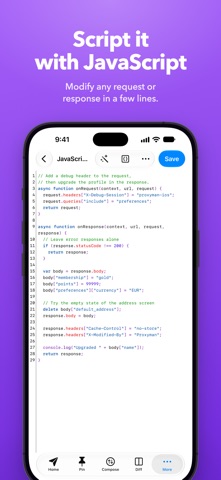

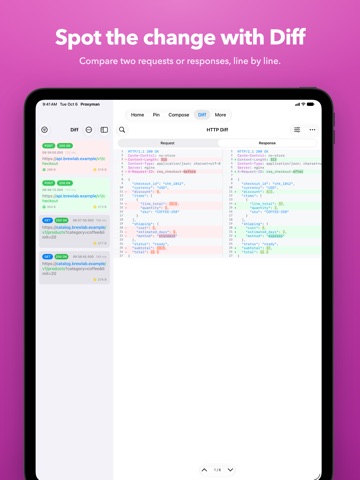
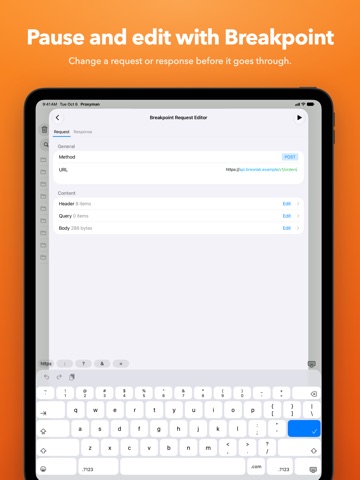
iPad screenshots




Icon palette
About this app
Meet a superb Web Debugging Proxy that can act like a middleman, aka Proxyman. ### Features - Directly Capture & Inspect HTTP/HTTPS from your iOS/iPad Devices without using MacBooks. - Decrypt and View HTTP/HTTPS Request/Response in plain text - JSON Syntax Highlighting - Exclusively designed for iPhone and iPad (Landscape and Two Columns) - Share traffic to Proxyman macOS - a native macOS app for better inspection - Pin working domains - Quick filter with URL, Header Body, and Type of Request/Response (e.g., JSON, Form, HTML, CSS, Document, etc) - Better Request/Response Previewer: Multiple columns, JSON Preview, JSON TreeView, etc - Safe Lock: Protect your sensitive data with FaceID / TouchID / Passcode - Advanced Debugging Tools: SSL Proxying, Block List, Map Local, Breakpoint, etc - Rewrite & Scripting ### Proxyman macOS Proxyman for iOS works perfectly with Proxyman for macOS (…
App details
What you can learn from Proxyman - Capture HTTPS
Every shipping app on the App Store has gone through the same decisions you're working through right now: which screenshot goes first, what caption sits over it, which device frame to show, what color the background should be. The 16 screenshots above are Proxyman - Capture HTTPS's answers to those questions — they're public, they're real, and they made it through Apple's review.
What the numbers say: Proxyman - Capture HTTPS runs a mixed light-and-dark set where the background shifts from screenshot to screenshot (first shot #FCFCFC) — each image has to stand on its own, so the captions carry more of the story. The accent colour we picked up, #2C84F4, is the one to reuse for badges, arrows and highlighted words if you borrow this look. Hit Use this style to open the editor with these exact colours and drop your own screenshot in.
Notice the first screenshot in particular. It's the one users see in search results and on the product page, and it's where most apps spend their best caption and tightest design. Look at the proportion of background to phone, where the text sits, what one thing the image is trying to communicate.
Want to see how other Developer Tools apps approach the same problem? Browse more Developer Tools apps in the showcase.
Take what works into your own screenshots
Open LaunchShots and design your App Store & Google Play screenshots — pick a device frame, drop captions, ship in minutes. Free, in your browser.
Open the screenshot editor →Apps with a similar look
Closest background + accent colours among the listings we've analysed — useful when you want to see the same palette handled by a different team.