Chart position — tracked daily by LaunchShots
Screenshot style breakdown
Sampled from 6 of Walgreens's App Store screenshots — background, accent and theme, measured by LaunchShots (not something Apple publishes).
#F4F4EC bg
#D6D6CF
#A42C34 accent
#111111 text
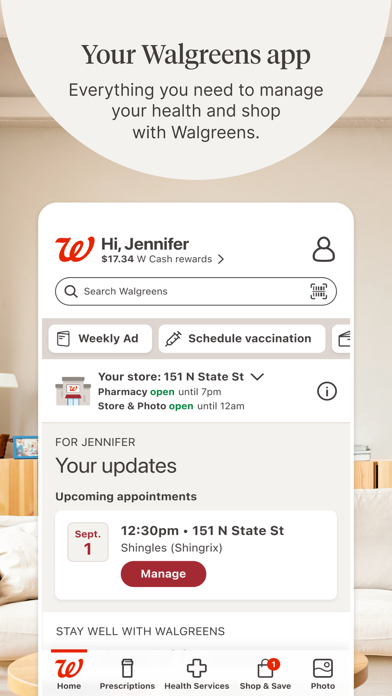
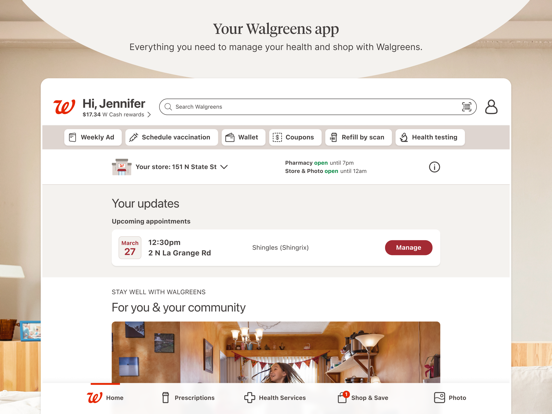
- #1Your Walgreens app Everything you need to manage your health and shop
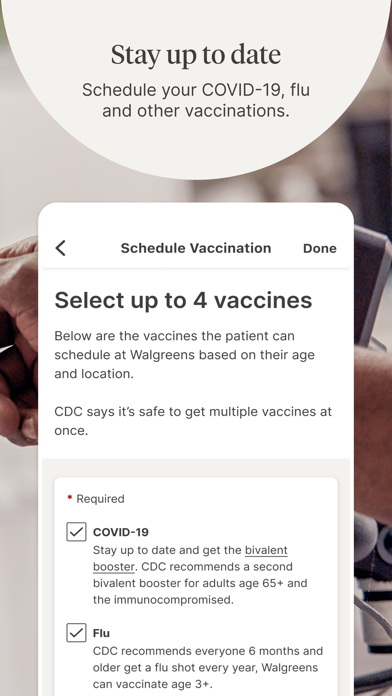
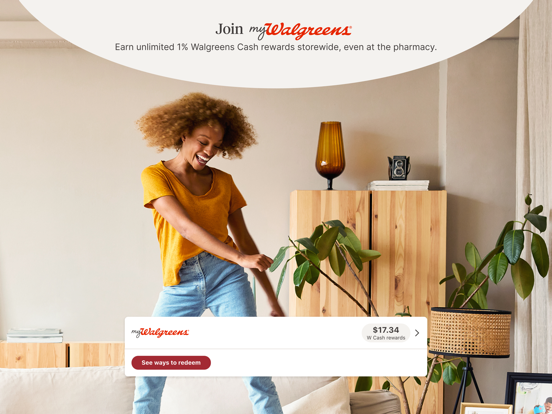
- #2Join 7% Earn unlimited 1% Walgreens Cash 488 rewards storewide, even
- #3Save time Pick up in as little as 30 minutes, delivery in as little as 1 hour.
- #4\ Streamline your shopping | Seamlessly browse, clip and save, — right in the app. £
- #5Pay with Wallet Go contactless at checkout and get digital receipts.
- #6Manage your health Find the care you need and view your health records,
Captions read from the screenshots (OCR, may contain small errors): 6 headlines, 13.3 words on average (longest 17), 50% speak to "you".
Screenshots


iPad screenshots


Icon palette
About this app
Get the best of Walgreens at your fingertips. Refill prescriptions, access health services for your family, create custom photo keepsakes, shop, save and more. Prescriptions & Pharmacy • Refill in a snap by scanning your prescription bottle • Receive refill updates and alerts • Track order status for the whole family • Never miss a refill with auto refills Health Services • Book vaccinations for the whole family • Schedule COVID-19 and flu tests and check eligibility for antiviral prescription treatment • Get virtual online visits with a healthcare provider 24/7 for most non-emergency conditions • Find support for diabetes, pain management, mental health and more • Get FREE prescription and general health advice 24/7 from a pharmacy expert with Pharmacy Chat Photo • Upload photos from your device to create customized photo prints, posters, calendars, and cards available in as littl…
App details
What you can learn from Walgreens
Every shipping app on the App Store has gone through the same decisions you're working through right now: which screenshot goes first, what caption sits over it, which device frame to show, what color the background should be. The 16 screenshots above are Walgreens's answers to those questions — they're public, they're real, and they made it through Apple's review.
What the numbers say: Walgreens runs a light set with one background colour (#F4F4EC) carried across every screenshot — the listing reads as a single poster when the shots sit side by side in search results. The accent colour we picked up, #A42C34, is the one to reuse for badges, arrows and highlighted words if you borrow this look. Hit Use this style to open the editor with these exact colours and drop your own screenshot in.
Notice the first screenshot in particular. It's the one users see in search results and on the product page, and it's where most apps spend their best caption and tightest design. Look at the proportion of background to phone, where the text sits, what one thing the image is trying to communicate.
Want to see how other Medical apps approach the same problem? Browse more Medical apps in the showcase.
Take what works into your own screenshots
Open LaunchShots and design your App Store & Google Play screenshots — pick a device frame, drop captions, ship in minutes. Free, in your browser.
Open the screenshot editor →Apps with a similar look
Closest background + accent colours among the listings we've analysed — useful when you want to see the same palette handled by a different team.