Screenshot style breakdown
Sampled from 6 of Allianz Bank's App Store screenshots — background, accent and theme, measured by LaunchShots (not something Apple publishes).
#FCFCFC bg
#DDDDDD
#043484 accent
#111111 text
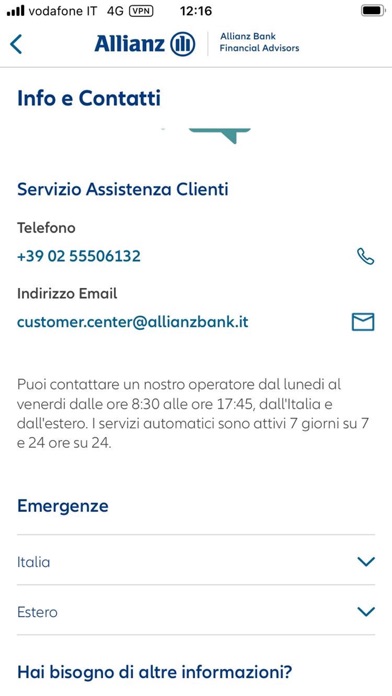
- #1Sei un nuovo cliente? Fa Info & Contatti versione 5.0.0 (build 10)
- #2Emergenze Hai bisogno di altre informazioni?
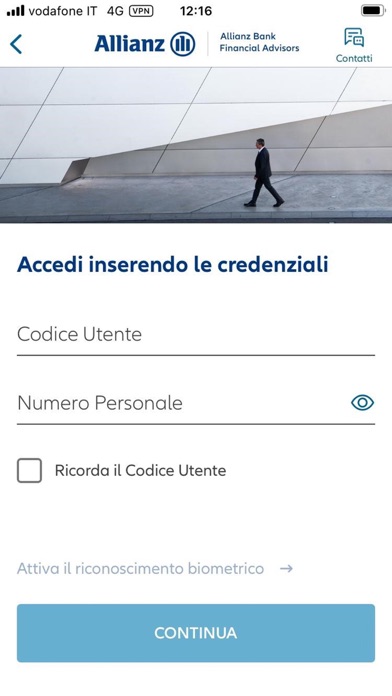
- #3Attiva il riconoscimento biometrico > CONTINUA
- #4ES Archivio operazioni
- #5A Archivio Notifiche Push Home ‘Operazioni Trading Patrimonio Menu
- #6Home ‘Operazioni Trading Patrimonio Menu
Captions read from the screenshots (OCR, may contain small errors): 6 headlines, 6.8 words on average (longest 12).
Screenshots



Icon palette
About this app
Per Allianz Bank Financial Advisors la tua sicurezza è importante. Senza bisogno di autenticarti trovi le FAQ con tutte le informazioni utili e i contatti del nostro Servizio Assistenza Clienti. Accedi all’app in modo più veloce con il sistema “Attiva OTP” che, tramite la modalità di Notifiche Push, ti consente di accedere e di autorizzare le operazioni con maggiore semplicità. Per la tua operatività puoi contare su due modalità, una mobile e una telefonica, entrambe conformi agli standard di sicurezza imposti dalla normativa vigente. Grazie alla tua sola impronta digitale o al FaceID, se supportato dal tuo smartphone, avrai a disposizione i servizi di Internet Home Banking, il trading e la rendicontazione della tua Sintesi Patrimonio. Puoi inoltre consultare la tua documentazione periodica in formato digitale con MyPost Bank e MyPost Investment, nonché visualizzare, accettare e a…
App details
What you can learn from Allianz Bank
Every shipping app on the App Store has gone through the same decisions you're working through right now: which screenshot goes first, what caption sits over it, which device frame to show, what color the background should be. The 7 screenshots above are Allianz Bank's answers to those questions — they're public, they're real, and they made it through Apple's review.
What the numbers say: Allianz Bank runs a light set with one background colour (#FCFCFC) carried across every screenshot — the listing reads as a single poster when the shots sit side by side in search results. The accent colour we picked up, #043484, is the one to reuse for badges, arrows and highlighted words if you borrow this look. Hit Use this style to open the editor with these exact colours and drop your own screenshot in.
Notice the first screenshot in particular. It's the one users see in search results and on the product page, and it's where most apps spend their best caption and tightest design. Look at the proportion of background to phone, where the text sits, what one thing the image is trying to communicate.
Want to see how other Finance apps approach the same problem? Browse more Finance apps in the showcase.
Take what works into your own screenshots
Open LaunchShots and design your App Store & Google Play screenshots — pick a device frame, drop captions, ship in minutes. Free, in your browser.
Open the screenshot editor →Apps with a similar look
Closest background + accent colours among the listings we've analysed — useful when you want to see the same palette handled by a different team.