Screenshots
iPad screenshots


Icon palette
About this app
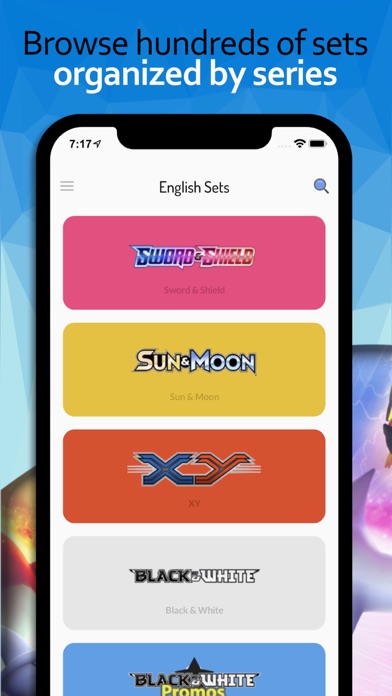
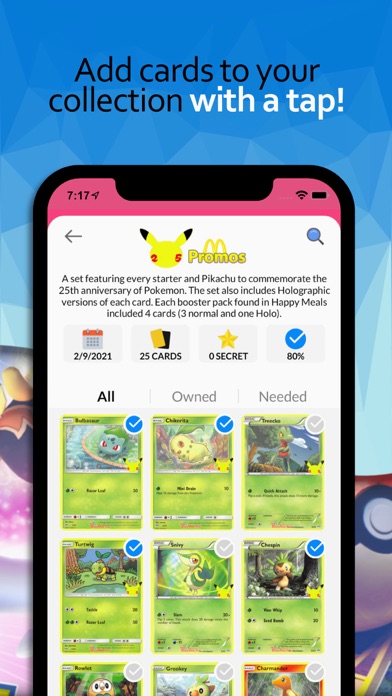
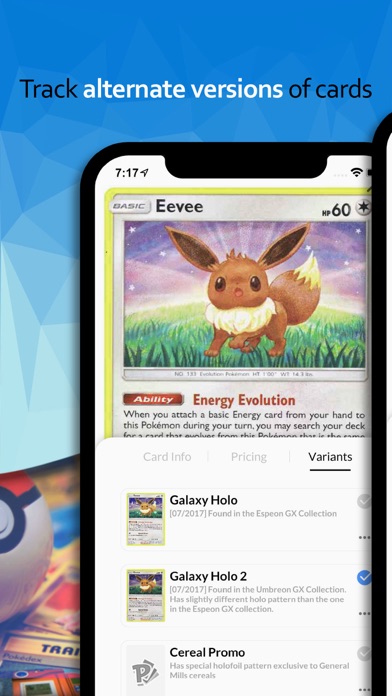
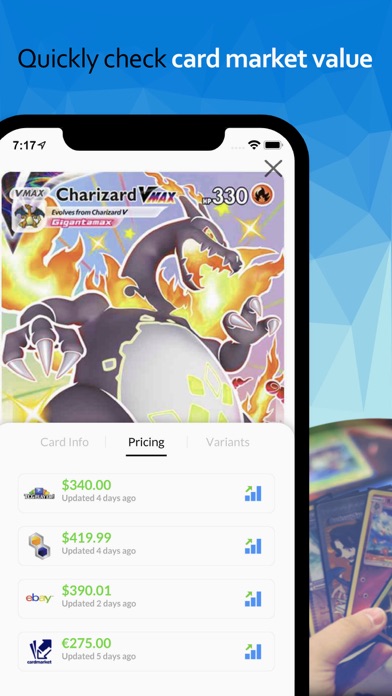
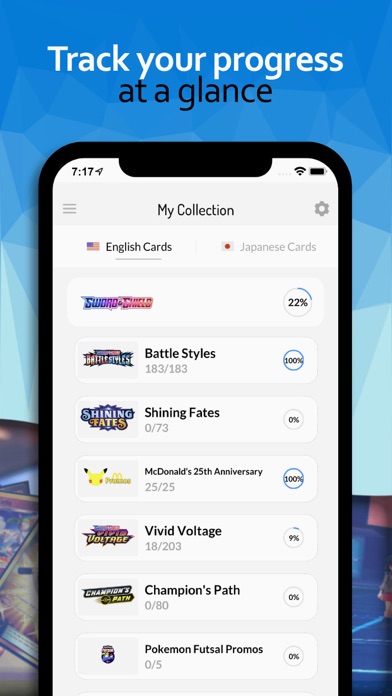
Pokellector modernizes your Pokemon TCG card collection, bringing it all to your fingertips! You will be able to manage cards with one of the best Pokemon card collector apps, and enjoy in using great features - For all fans of trading card games! We're building a database of all the Pokemon Cards in the English and Japanese sets to date. With the Pokemon Card Scanner feature, you will be able to scan cards from different sets and expansions such as Sword and Shield, Sun & Moon, Black & White, Legend, PPP promos, DP Era and many others. Features of this Pokemon TCG card collector: - Search Poke Cards - Look up cards from various sets such as Sword and Shield, and many others. - English and Japanese sets - Search through all sets and check which cards you own, and which of them you miss. - PTCGO card info - Check prices and history from around the web at a glance. Get detailed informat…
App details
What you can learn from Pokellector: Card Collector
Every shipping app on the App Store has gone through the same decisions you're working through right now: which screenshot goes first, what caption sits over it, which device frame to show, what color the background should be. The 10 screenshots above are Pokellector: Card Collector's answers to those questions — they're public, they're real, and they made it through Apple's review.
Notice the first screenshot in particular. It's the one users see in search results and on the product page, and it's where most apps spend their best caption and tightest design. Look at the proportion of background to phone, where the text sits, what one thing the image is trying to communicate.
Want to see how other Reference apps approach the same problem? Browse more Reference apps in the showcase.
Take what works into your own screenshots
Open LaunchShots and design your App Store & Google Play screenshots — pick a device frame, drop captions, ship in minutes. Free, in your browser.
Open the screenshot editor →