Screenshot style breakdown
Sampled from 6 of 確定申告FinFin 請求書/領収書/確定申告アプリ's App Store screenshots — background, accent and theme, measured by LaunchShots (not something Apple publishes).
#1C246C bg
#3B4280
#FCF404 accent
#FFFFFF text
Screenshots





iPad screenshots





Icon palette
About this app
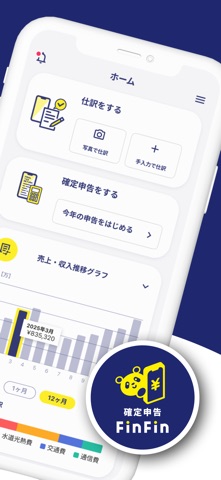
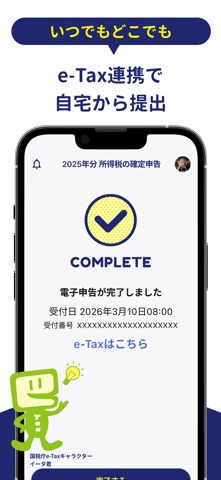
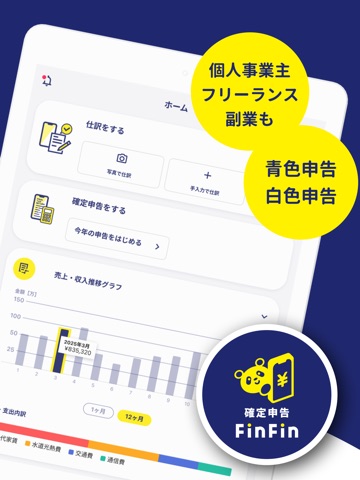
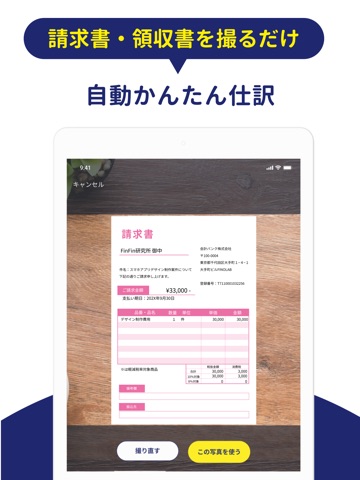
《 業界最安値(※)!無料ではじめる確定申告アプリ 》 スマホひとつで日々の会計処理から確定申告までできる会計アプリ「確定申告FinFin 」 フリーランスや個人事業主、副業の方にも対応しています! ※自社調べ(2026年1月時点)「スマホ完結確定申告アプリ」として 【確定申告FinFinのココがすごい!】 ◆ 「まるなげ控除」で控除もかんたん! 書類をアップロードするだけで控除の内容が自動反映! 計算はすベてアプリにおまかせ! (医療費控除・セルフメディケーション税制・寄附金控除に対応) ◆選べる3モード(事業者モード・かんたん副業モード・控除だけモード) 「自分がどのモードかわからない・・・」 そんなあなたに、 アプリの質問に沿って答えていくだけで あなたに合ったモードをおすすめします! 自分に合ったモードを選択してスムーズに申告ができます ◆もちろん電子申告も◎ 〇×の質問に答えて確定申告書を作成し、 自宅から書類の提出ができます (青色申告/白色申告の両方に対応しています) ◆日々の会計業務も入力レス 99%の金融機関の口座…
App details
What you can learn from 確定申告FinFin 請求書/領収書/確定申告アプリ
Every shipping app on the App Store has gone through the same decisions you're working through right now: which screenshot goes first, what caption sits over it, which device frame to show, what color the background should be. The 19 screenshots above are 確定申告FinFin 請求書/領収書/確定申告アプリ's answers to those questions — they're public, they're real, and they made it through Apple's review.
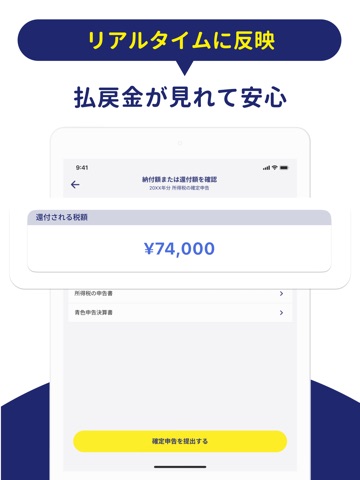
What the numbers say: 確定申告FinFin 請求書/領収書/確定申告アプリ runs a mixed light-and-dark set where the background shifts from screenshot to screenshot (first shot #1C246C) — each image has to stand on its own, so the captions carry more of the story. The accent colour we picked up, #FCF404, is the one to reuse for badges, arrows and highlighted words if you borrow this look. Hit Use this style to open the editor with these exact colours and drop your own screenshot in.
Notice the first screenshot in particular. It's the one users see in search results and on the product page, and it's where most apps spend their best caption and tightest design. Look at the proportion of background to phone, where the text sits, what one thing the image is trying to communicate.
Want to see how other Finance apps approach the same problem? Browse more Finance apps in the showcase.
Take what works into your own screenshots
Open LaunchShots and design your App Store & Google Play screenshots — pick a device frame, drop captions, ship in minutes. Free, in your browser.
Open the screenshot editor →Apps with a similar look
Closest background + accent colours among the listings we've analysed — useful when you want to see the same palette handled by a different team.