Screenshots



Icon palette
About this app
Never Lose a WhatsApp Memory: Secure Backup, Text-to-Speech & Translation with Backup WA Chat Media Say goodbye to lost WhatsApp moments and communication barriers! Backup WA Chat Media empowers you to create secure backups of your entire WhatsApp chat history, including media, while offering unique features to enhance your experience: Complete WhatsApp Backup: Safeguard your chats, photos, videos, links, and documents with our comprehensive WhatsApp chat backup solution. Effortless Backup Creation: Creating a WA backup is a breeze with Backup WA Chat Media. Just a few taps and you have a secure copy of your conversations, giving you peace of mind. Offline Storage: All your backed-up chats are stored securely offline on your device, accessible only through the app. Text-to-Speech: Struggling to read on the go? Simply tap and hold any chat to have Backup WA Chat Media read it out…
App details
What you can learn from Message Backup Restore Delete
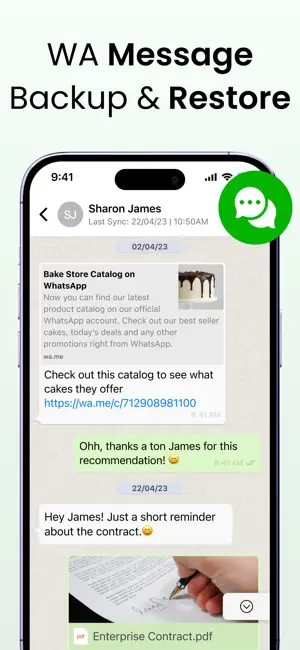
Every shipping app on the App Store has gone through the same decisions you're working through right now: which screenshot goes first, what caption sits over it, which device frame to show, what color the background should be. The 6 screenshots above are Message Backup Restore Delete's answers to those questions — they're public, they're real, and they made it through Apple's review.
Notice the first screenshot in particular. It's the one users see in search results and on the product page, and it's where most apps spend their best caption and tightest design. Look at the proportion of background to phone, where the text sits, what one thing the image is trying to communicate.
Want to see how other Reference apps approach the same problem? Browse more Reference apps in the showcase.
Take what works into your own screenshots
Open LaunchShots and design your App Store & Google Play screenshots — pick a device frame, drop captions, ship in minutes. Free, in your browser.
Open the screenshot editor →