Screenshots
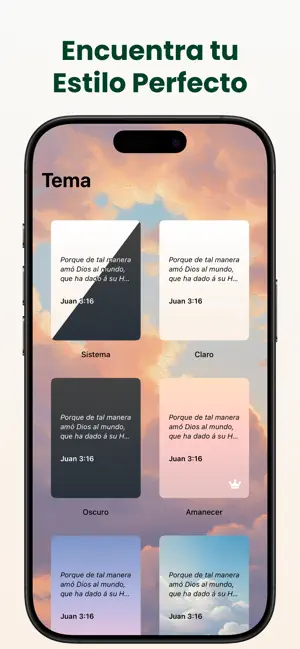
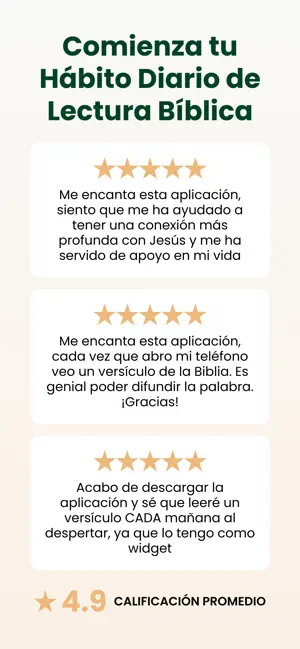
Icon palette
About this app
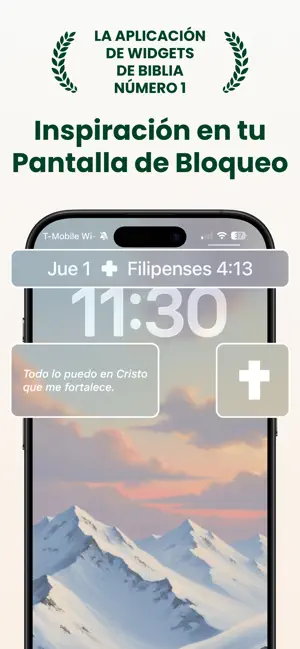
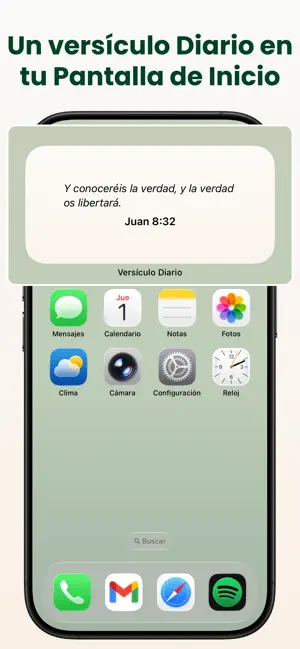
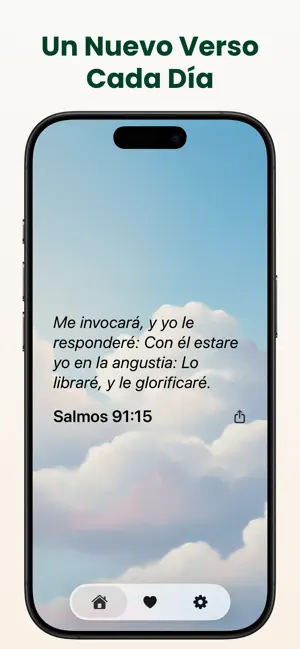
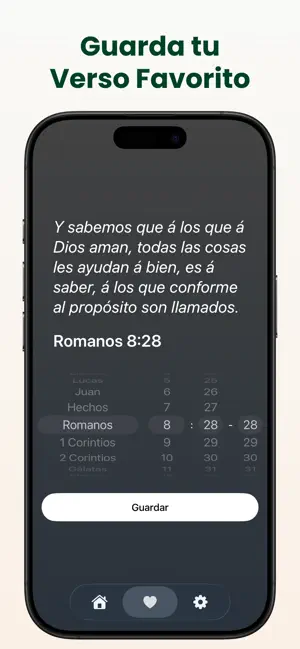
Encuentra Inspiración Cada día com Widget de Versículos Bíblicos Comienza cada día con un versículo bíblico poderoso y alentador, directamente en tu Pantalla de Inicio o de Bloqueo. Ya sea que busques ánimo diario, profundizar en tu fe o simplemente desees un recordatorio sutil de la palabra de Dios a lo largo del día, nuestra app lo hace fácil y hermoso. Características: + Versículo Bíblico Diario – Recibe un versículo fresco cada día para inspirar tu espíritu y guiar tus pensamientos. + Elige tu Versículo Favorito – Selecciona el versículo que más te llegue al corazón y muéstralo en cualquier momento. + Widgets para Pantalla de Inicio y Bloqueo – Mantén la palabra de Dios siempre a la vista con widgets de diseño elegante. + Comparte la Palabra – Comparte versículos fácilmente con amigos y familiares a través de mensajes de texto, redes sociales o apps de mensajería. + Simple y Elega…
App details
What you can learn from Widget de Versículos Bíblicos
Every shipping app on the App Store has gone through the same decisions you're working through right now: which screenshot goes first, what caption sits over it, which device frame to show, what color the background should be. The 6 screenshots above are Widget de Versículos Bíblicos's answers to those questions — they're public, they're real, and they made it through Apple's review.
Notice the first screenshot in particular. It's the one users see in search results and on the product page, and it's where most apps spend their best caption and tightest design. Look at the proportion of background to phone, where the text sits, what one thing the image is trying to communicate.
Want to see how other Reference apps approach the same problem? Browse more Reference apps in the showcase.
Take what works into your own screenshots
Open LaunchShots and design your App Store & Google Play screenshots — pick a device frame, drop captions, ship in minutes. Free, in your browser.
Open the screenshot editor →