Screenshot style breakdown
Sampled from 5 of 多练 - 羽毛球's App Store screenshots — background, accent and theme, measured by LaunchShots (not something Apple publishes).
#F4F4F4 bg
#D6D6D6
#54BCA4 accent
#111111 text
Screenshots
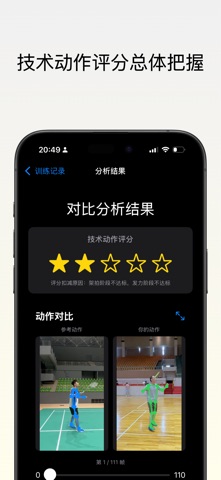
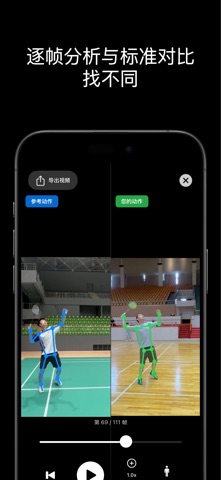

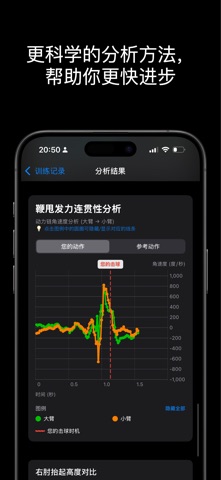
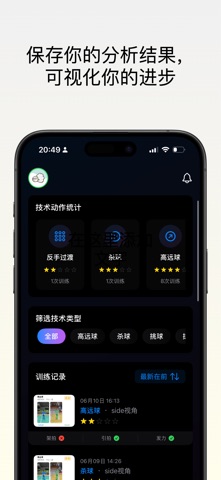
iPad screenshots



Icon palette
About this app
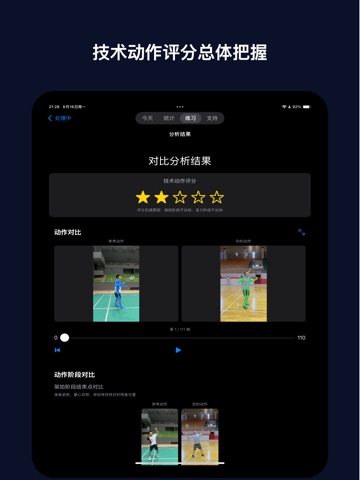
多练 - AI羽毛球教练,让每一拍都更专业 【产品简介】 多练是您的私人AI羽毛球教练,通过先进的计算机视觉技术,精准分析您的每一个动作,让技术提升看得 见! 【核心功能】 ► 智能动作识别:自动识别架拍、引拍、击球、随挥等关键技术环节 ► 专业对比分析:与职业教练动作逐帧对比,找出技术差异 ► 个性化指导:基于您的动作特点,提供针对性改进建议 ► 详细技术报告:每次练习后生成完整分析报告,量化进步轨迹 ► 成就系统:解锁技术徽章,记录每一个进步时刻 ► 训练记录:完整保存训练视频,随时回顾技术成长 【适用人群】 • 羽毛球初学者:快速掌握正确动作要领 • 进阶爱好者:突破技术瓶颈,精进球技 • 青少年球员:科学训练,避免错误动作定型 • 教练员:辅助教学,提供客观数据支持 【使用条款】 隐私政策:https://duolian.cc/privacy-policy.html 使用条款:https://duolian.cc/terms-of-use.html 【联系我们】 邮箱:support@duolian.cc 官网:https://duolian.cc 让科技助力您的羽毛球之旅,和多练一起…
App details
What you can learn from 多练 - 羽毛球
Every shipping app on the App Store has gone through the same decisions you're working through right now: which screenshot goes first, what caption sits over it, which device frame to show, what color the background should be. The 9 screenshots above are 多练 - 羽毛球's answers to those questions — they're public, they're real, and they made it through Apple's review.
What the numbers say: 多练 - 羽毛球 runs a mixed light-and-dark set where the background shifts from screenshot to screenshot (first shot #F4F4F4) — each image has to stand on its own, so the captions carry more of the story. The accent colour we picked up, #54BCA4, is the one to reuse for badges, arrows and highlighted words if you borrow this look. Hit Use this style to open the editor with these exact colours and drop your own screenshot in.
Notice the first screenshot in particular. It's the one users see in search results and on the product page, and it's where most apps spend their best caption and tightest design. Look at the proportion of background to phone, where the text sits, what one thing the image is trying to communicate.
Want to see how other Sports apps approach the same problem? Browse more Sports apps in the showcase.
Take what works into your own screenshots
Open LaunchShots and design your App Store & Google Play screenshots — pick a device frame, drop captions, ship in minutes. Free, in your browser.
Open the screenshot editor →Apps with a similar look
Closest background + accent colours among the listings we've analysed — useful when you want to see the same palette handled by a different team.