Screenshots

Icon palette
About this app
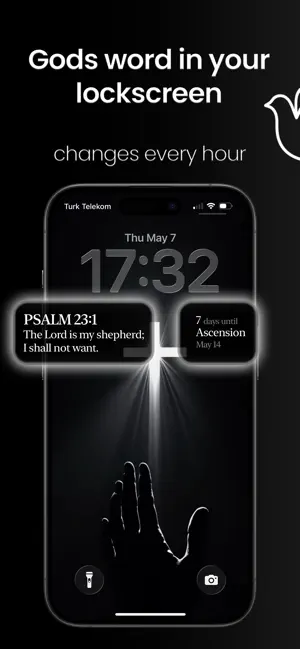
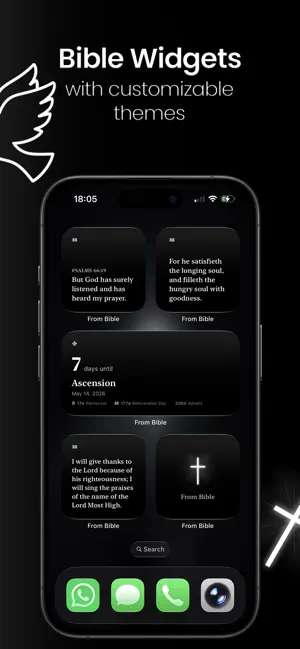
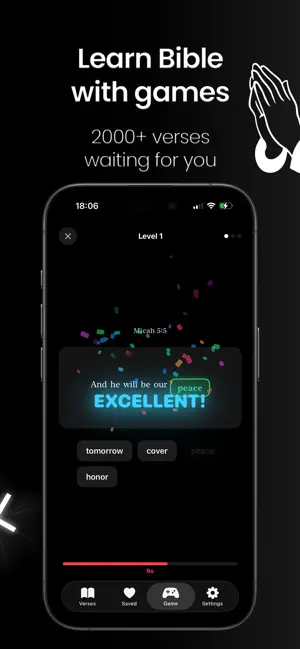
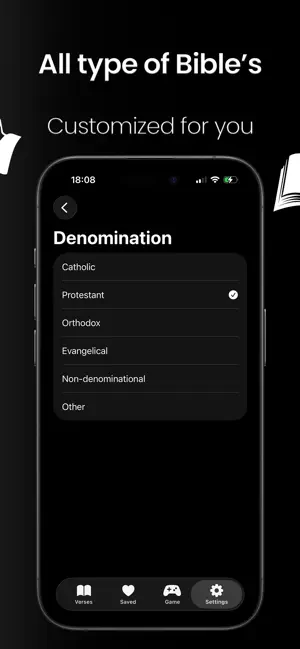
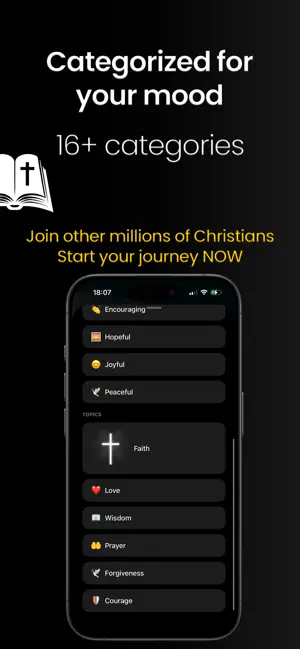
Discover Bible verses that speak directly to your heart. FromBible delivers personalized Scripture based on your mood, faith journey, and spiritual needs — every single day. PERSONALIZED FOR YOU Choose from 33 spiritual categories including Faith, Hope, Love, Peace, Wisdom, Healing, Courage, and more. Our smart algorithm learns your preferences and delivers verses that resonate with where you are in life. 596 CURATED VERSES Carefully selected passages from 66 books of the Bible, each tagged by mood and topic. Whether you need comfort in grief, strength in adversity, or joy in celebration — the right verse finds you. BUILD A DAILY HABIT Track your reading streak with a beautiful calendar. Set customizable reminders that break through Focus mode so you never miss your daily Scripture. Set goals from 1 to 20 verses per day. BEAUTIFUL DESIGN 11 stunning themes from Classic to Royal, 8 e…
App details
What you can learn from From Bible: Bible Widgets
Every shipping app on the App Store has gone through the same decisions you're working through right now: which screenshot goes first, what caption sits over it, which device frame to show, what color the background should be. The 6 screenshots above are From Bible: Bible Widgets's answers to those questions — they're public, they're real, and they made it through Apple's review.
Notice the first screenshot in particular. It's the one users see in search results and on the product page, and it's where most apps spend their best caption and tightest design. Look at the proportion of background to phone, where the text sits, what one thing the image is trying to communicate.
Want to see how other Reference apps approach the same problem? Browse more Reference apps in the showcase.
Take what works into your own screenshots
Open LaunchShots and design your App Store & Google Play screenshots — pick a device frame, drop captions, ship in minutes. Free, in your browser.
Open the screenshot editor →