Screenshot style breakdown
Sampled from 4 of Fexorio-AIビデオを生成する's App Store screenshots — background, accent and theme, measured by LaunchShots (not something Apple publishes).
#FCC46C bg
#DDAC5F
#F47C2C accent
#111111 text
Screenshots
Icon palette
About this app
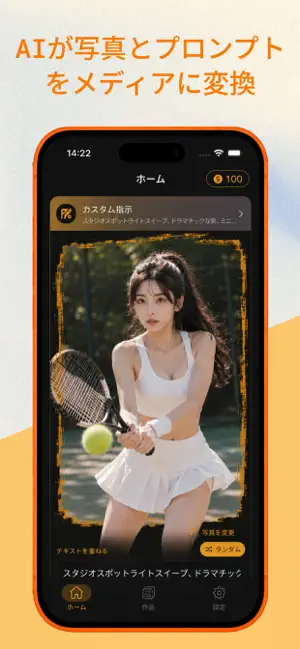
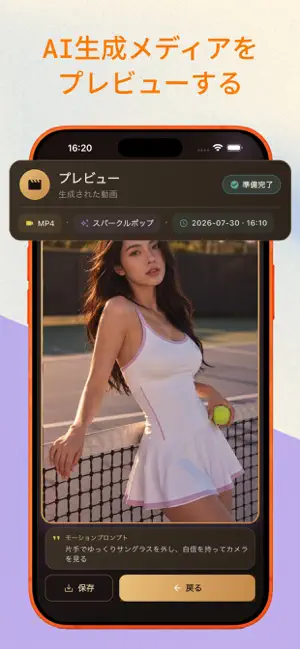
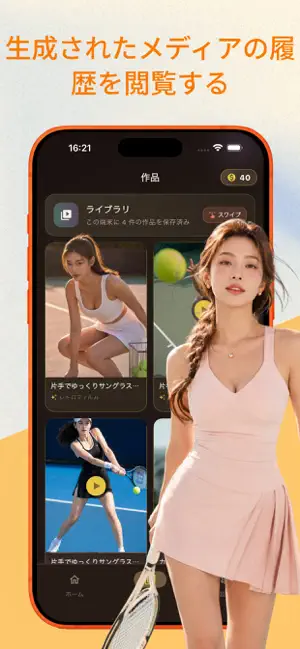
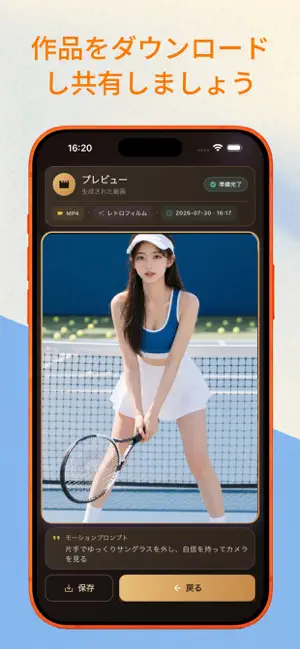
# Fexorio – AI写真から動画作成(簡易紹介) Fexorioは軽量型のAI写真動画変換ツールです。専門的なスキルは一切不要。ユーザーは1枚の写真をアップロードし、文字オーバーレイを追加し、動きのスタイルを選ぶだけで、日常のクリエイティブコンテンツ用のショート動画を素早く作成・保存・共有できます。 ## 仕組み スマホの写真アルバムから画像をアップロードする、もしくはアプリ内で新規撮影が可能です。任意の重ね文字を追加し、好みの動きスタイルを選択するか、ランダムスタイルを指定すればより短時間で作成できます。生成ボタンをタップすると、アプリがテンプレートと入力した文字をもとに制作用指示を作成し、安全性の高いクラウドサービスを通じてAIで動画をレンダリングします。 動画を1回生成するごとにアカウントのコインが消費され、サブスクリプション契約中でも同様です。画面上で生成のリアルタイム進捗を確認できます。ネットワーク障害で生成が失敗した場合、該当条件に合致すれば消費したコインが自動返金されます。生成に成功した後は動画…
App details
What you can learn from Fexorio-AIビデオを生成する
Every shipping app on the App Store has gone through the same decisions you're working through right now: which screenshot goes first, what caption sits over it, which device frame to show, what color the background should be. The 4 screenshots above are Fexorio-AIビデオを生成する's answers to those questions — they're public, they're real, and they made it through Apple's review.
What the numbers say: Fexorio-AIビデオを生成する runs a light set where the background shifts from screenshot to screenshot (first shot #FCC46C) — each image has to stand on its own, so the captions carry more of the story. The accent colour we picked up, #F47C2C, is the one to reuse for badges, arrows and highlighted words if you borrow this look. Hit Use this style to open the editor with these exact colours and drop your own screenshot in.
Notice the first screenshot in particular. It's the one users see in search results and on the product page, and it's where most apps spend their best caption and tightest design. Look at the proportion of background to phone, where the text sits, what one thing the image is trying to communicate.
Want to see how other Utilities apps approach the same problem? Browse more Utilities apps in the showcase.
Take what works into your own screenshots
Open LaunchShots and design your App Store & Google Play screenshots — pick a device frame, drop captions, ship in minutes. Free, in your browser.
Open the screenshot editor →Apps with a similar look
Closest background + accent colours among the listings we've analysed — useful when you want to see the same palette handled by a different team.