Screenshots


Icon palette
About this app
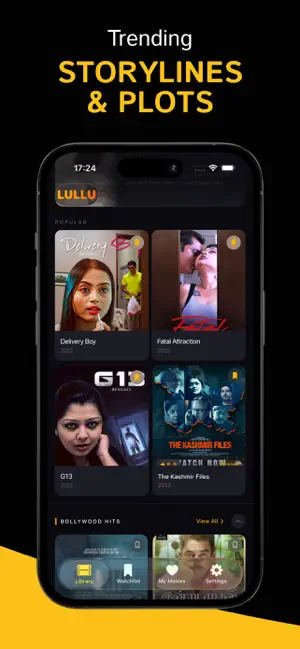
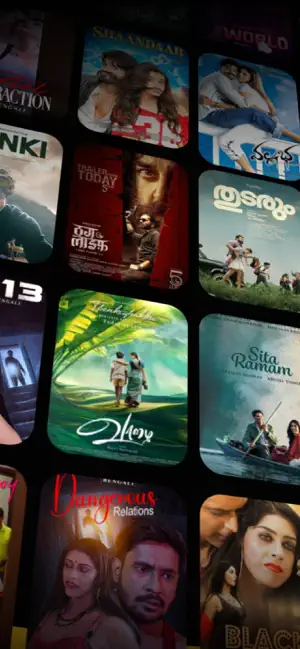
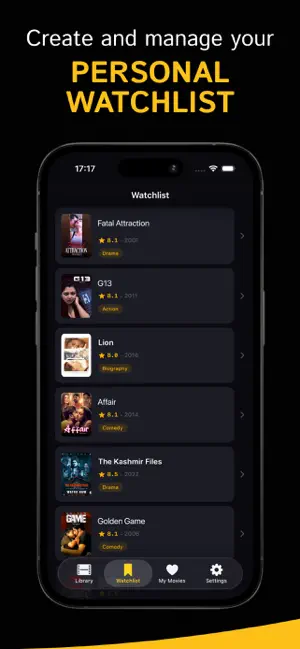
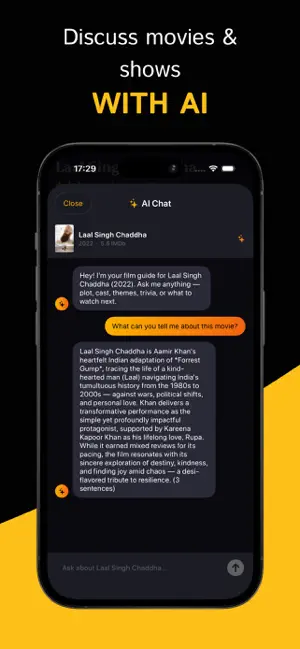
LULLU is your personal guide to Indian cinema. Browse thousands of Bollywood, Tamil, Telugu and Malayalam titles. Get IMDb ratings, full cast and crew, plot overviews and genre tags — all the data you need to find your next favourite film. WATCHLIST Save any movie with a long press and build a personal collection. Your watchlist stays with you across sessions so you never forget what caught your eye. AI CHAT Open any movie and start a conversation with the built-in AI. Ask about the plot, the director, the cast, hidden details or what to watch next — it knows the film inside out. MOVIE QUIZZES Test your Bollywood knowledge with interactive quizzes generated from real film data. Each movie has its own set of questions. CATEGORIES Browse curated sections — top-rated Indian films, trending Tamil and Telugu releases, upcoming titles, Malayalam cinema classics and more. SEARCH Find any…
App details
What you can learn from LULLU - Movies & Shows
Every shipping app on the App Store has gone through the same decisions you're working through right now: which screenshot goes first, what caption sits over it, which device frame to show, what color the background should be. The 6 screenshots above are LULLU - Movies & Shows's answers to those questions — they're public, they're real, and they made it through Apple's review.
Notice the first screenshot in particular. It's the one users see in search results and on the product page, and it's where most apps spend their best caption and tightest design. Look at the proportion of background to phone, where the text sits, what one thing the image is trying to communicate.
Want to see how other Reference apps approach the same problem? Browse more Reference apps in the showcase.
Take what works into your own screenshots
Open LaunchShots and design your App Store & Google Play screenshots — pick a device frame, drop captions, ship in minutes. Free, in your browser.
Open the screenshot editor →