Chart position — tracked daily by LaunchShots
Screenshot changes — detected by LaunchShots
Screenshot style breakdown
Sampled from 6 of 拍拍贷借款-手机信用贷款分期借款借钱平台's App Store screenshots — background, accent and theme, measured by LaunchShots (not something Apple publishes).
#FCFCFC bg
#DDDDDD
#1C9CE4 accent
#111111 text
Screenshots



Icon palette
About this app
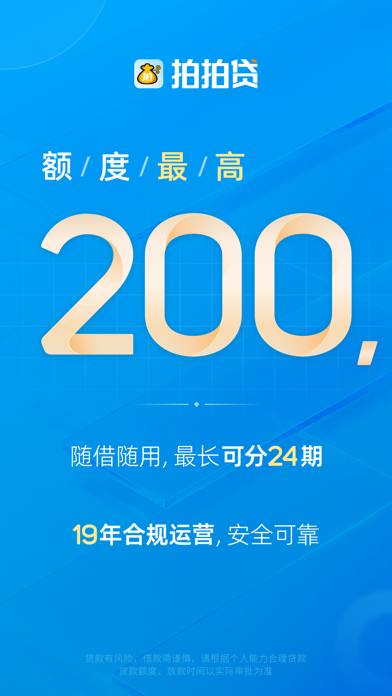
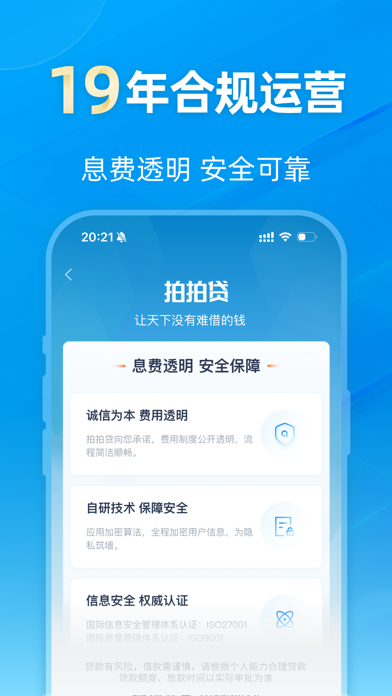
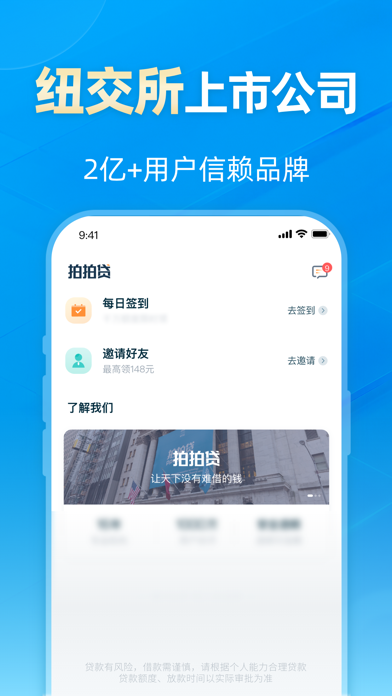
借钱就上拍拍贷借款! 【关于拍拍贷】 拍拍贷借款是信也科技旗下的一家网络信用借贷平台,2007年诞生于上海,2017年11月于纽交所成功上市,利用AI智能和大数据风控技术为用户提供方便、快捷的借款服务,力图通过大数据和人工智能等技术实现“科技,让金融更美好”的使命。 【产品特色】 1、产品提供:个人消费贷、企业经营贷等。 2、借款便捷:借款流程简单,全流程线上审批,随借随用。 3、额度灵活:最高额度20万,额度循环使用。 4、息费透明:综合年化利率区间3.6%-24%。 5、自主提额:额度跟随信用状况变更,可自主申请提额。 6、信息保密:用户信息严格保密,值得信赖。 7、小额借款(现金借款,借钱,手机借款,手机借钱,线上贷款)就找拍拍贷。 【产品标签】 一站式实现线上贷款,手机借钱,现金借贷,小额借钱,小额贷款,信用贷款,分期贷款的网络信用借贷平台。借钱,就上拍拍贷借款! 【联系我们】 客服电话:95065(08:00-20:00) 微信关注“上海拍拍贷”公众号 温馨提示: 1、贷款有风险,借款需谨慎,请根据个人经济能力合理贷款,合理消费,避免逾…
App details
What you can learn from 拍拍贷借款-手机信用贷款分期借款借钱平台
Every shipping app on the App Store has gone through the same decisions you're working through right now: which screenshot goes first, what caption sits over it, which device frame to show, what color the background should be. The 6 screenshots above are 拍拍贷借款-手机信用贷款分期借款借钱平台's answers to those questions — they're public, they're real, and they made it through Apple's review.
What the numbers say: 拍拍贷借款-手机信用贷款分期借款借钱平台 runs a mixed light-and-dark set where the background shifts from screenshot to screenshot (first shot #FCFCFC) — each image has to stand on its own, so the captions carry more of the story. The accent colour we picked up, #1C9CE4, is the one to reuse for badges, arrows and highlighted words if you borrow this look. Hit Use this style to open the editor with these exact colours and drop your own screenshot in.
Notice the first screenshot in particular. It's the one users see in search results and on the product page, and it's where most apps spend their best caption and tightest design. Look at the proportion of background to phone, where the text sits, what one thing the image is trying to communicate.
Want to see how other Finance apps approach the same problem? Browse more Finance apps in the showcase.
Take what works into your own screenshots
Open LaunchShots and design your App Store & Google Play screenshots — pick a device frame, drop captions, ship in minutes. Free, in your browser.
Open the screenshot editor →Apps with a similar look
Closest background + accent colours among the listings we've analysed — useful when you want to see the same palette handled by a different team.