Chart position — tracked daily by LaunchShots
Screenshot style breakdown
Sampled from 6 of WavePad音声編集ソフト's App Store screenshots — background, accent and theme, measured by LaunchShots (not something Apple publishes).
#141424 bg
#343442
#6414A4 accent
#FFFFFF text
Reading the caption text from the screenshots in your browser…
Screenshots


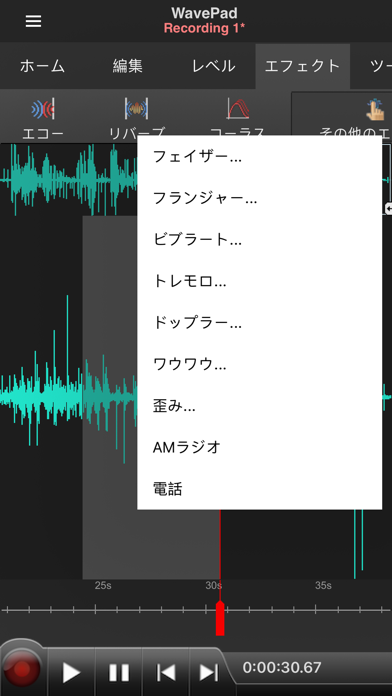


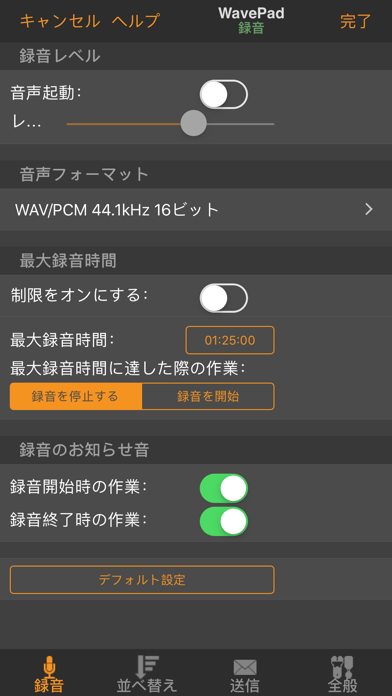
iPad screenshots


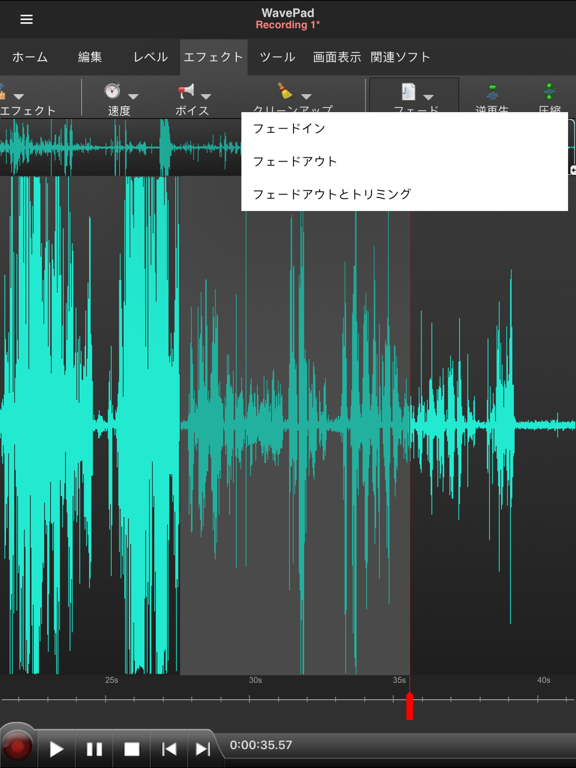

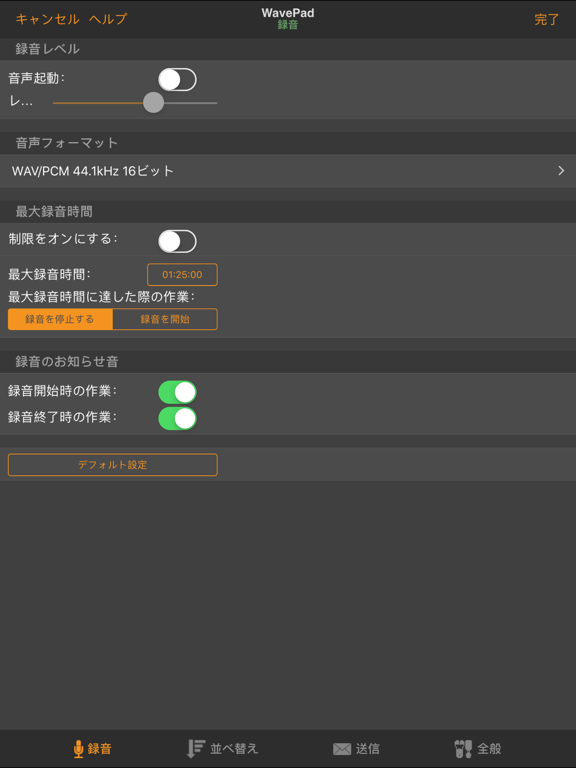
Icon palette
About this app
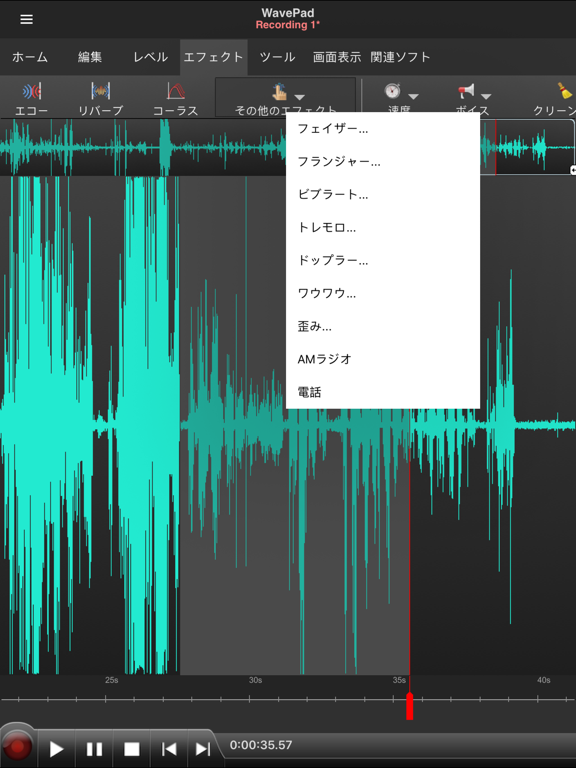
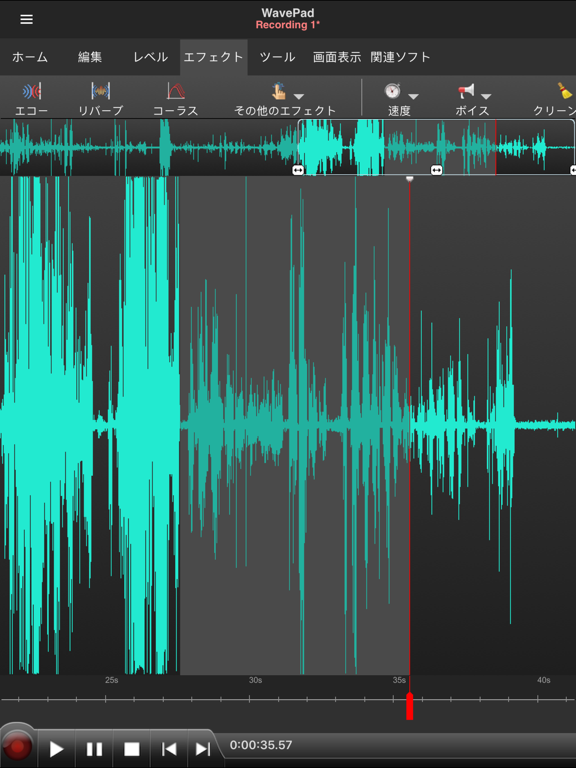
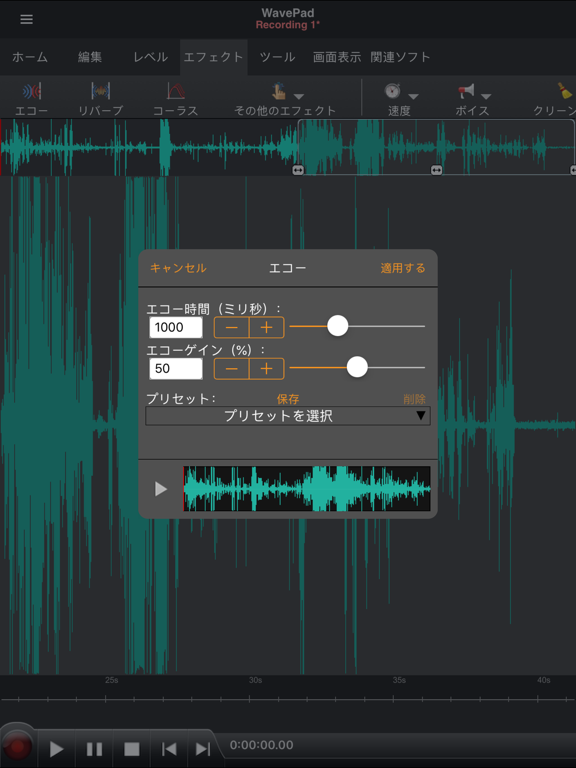
WavePadはプロ仕様の本格的な音声編集が初心者でも簡単にできる音声・音楽編集アプリです。音声の切り貼りなどの基本的な編集はもちろん、エコーや音声増幅などの各種エフェクトの追加やノイズの除去など便利な機能がたくさん詰まっています。お気に入りの音楽編集やボイス録音の編集、着うたや着メロの作成など、使い方はいろいろ! WavePadはまた、mp3やwavのほか、vox、gsm、wma、real audio、au、aif、flac、ogg など多様なフォーマットの音声ファイルに対応しています。 WavePadの主な機能: • wavやaiffなど幅広い音声フォーマットに対応 • 音声の切り取りやコピー、貼り付け、トリミングなど豊富な編集機能 • ノーマライズやエコーなど多彩なエフェクト • 複数の音声ファイルを使った作業 • 音声起動や自動トリミングなど様々な自動ツール • 8000~44100hzのサンプルレート、8~32ビットから選択 • 画面がオフの時もバックグラウンドでの作業が可能 WavePadは更に多くのアドオン機能をApp内課金でご購入いただける他、便利なサブスクリプション(定額制サ…
App details
What you can learn from WavePad音声編集ソフト
Every shipping app on the App Store has gone through the same decisions you're working through right now: which screenshot goes first, what caption sits over it, which device frame to show, what color the background should be. The 16 screenshots above are WavePad音声編集ソフト's answers to those questions — they're public, they're real, and they made it through Apple's review.
What the numbers say: WavePad音声編集ソフト runs a dark set where the background shifts from screenshot to screenshot (first shot #141424) — each image has to stand on its own, so the captions carry more of the story. The accent colour we picked up, #6414A4, is the one to reuse for badges, arrows and highlighted words if you borrow this look. Hit Use this style to open the editor with these exact colours and drop your own screenshot in.
Notice the first screenshot in particular. It's the one users see in search results and on the product page, and it's where most apps spend their best caption and tightest design. Look at the proportion of background to phone, where the text sits, what one thing the image is trying to communicate.
Want to see how other Music apps approach the same problem? Browse more Music apps in the showcase.
Take what works into your own screenshots
Open LaunchShots and design your App Store & Google Play screenshots — pick a device frame, drop captions, ship in minutes. Free, in your browser.
Open the screenshot editor →Apps with a similar look
Closest background + accent colours among the listings we've analysed — useful when you want to see the same palette handled by a different team.