Apple Small Business Program 2026: 30% → 15% Commission Guide
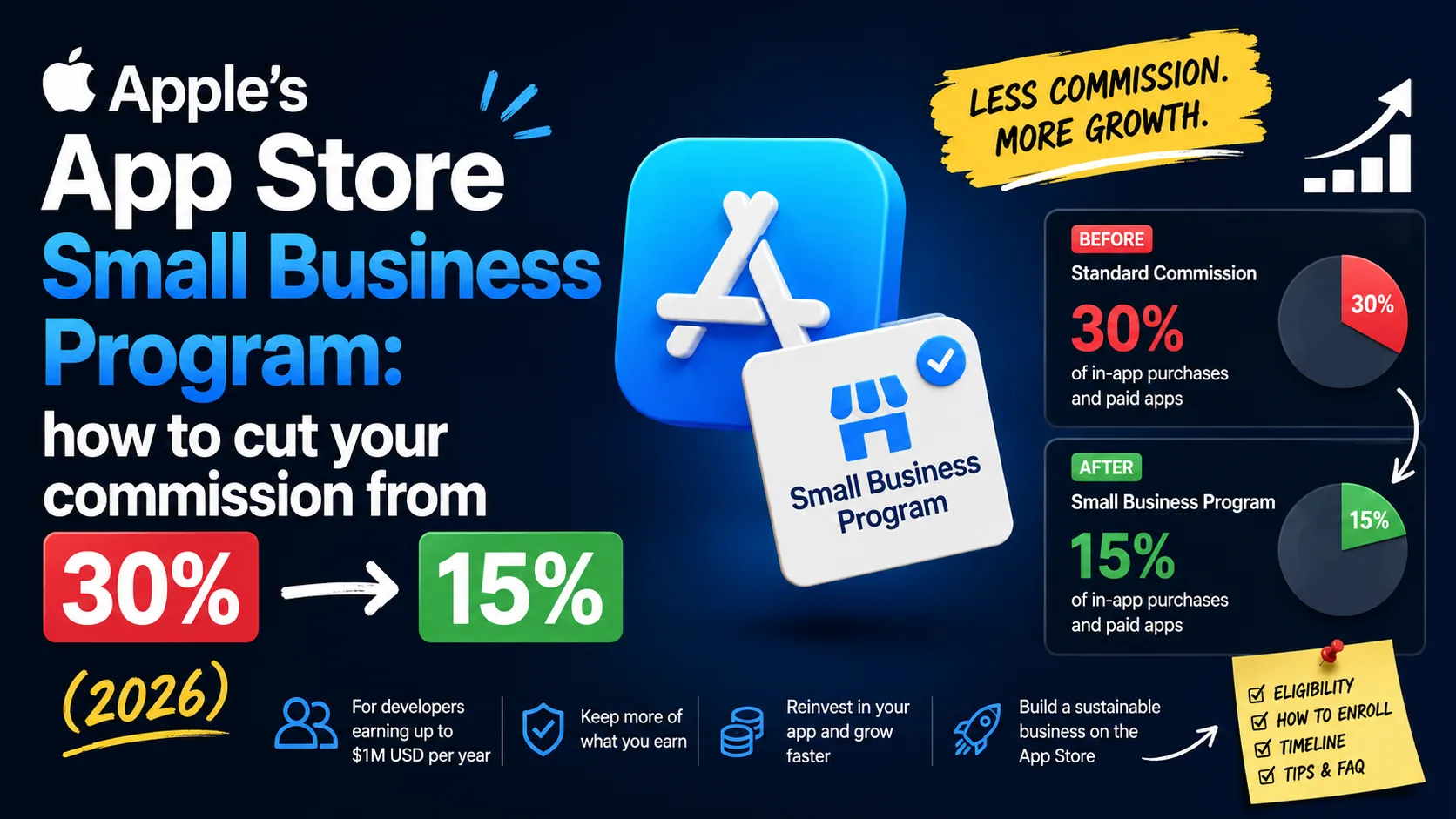
Apple's standard App Store commission is 30%. For most indie developers, it shouldn't be. Five years ago Apple launched the App Store Small Business Program, and if your annual proceeds are under $1 million, you can cut that commission in half — to 15% — on every paid download, in-app purchase, and subscription. The savings are real: at $500,000 in annual proceeds, that's $75,000 staying in your company instead of going to Apple, roughly a mid-level engineer's salary or a full year of marketing budget. The program is straightforward to join, but the eligibility rules, timing, and edge cases have details that quietly cost developers money. Here's the complete operator-level guide for 2026.
What the program actually does
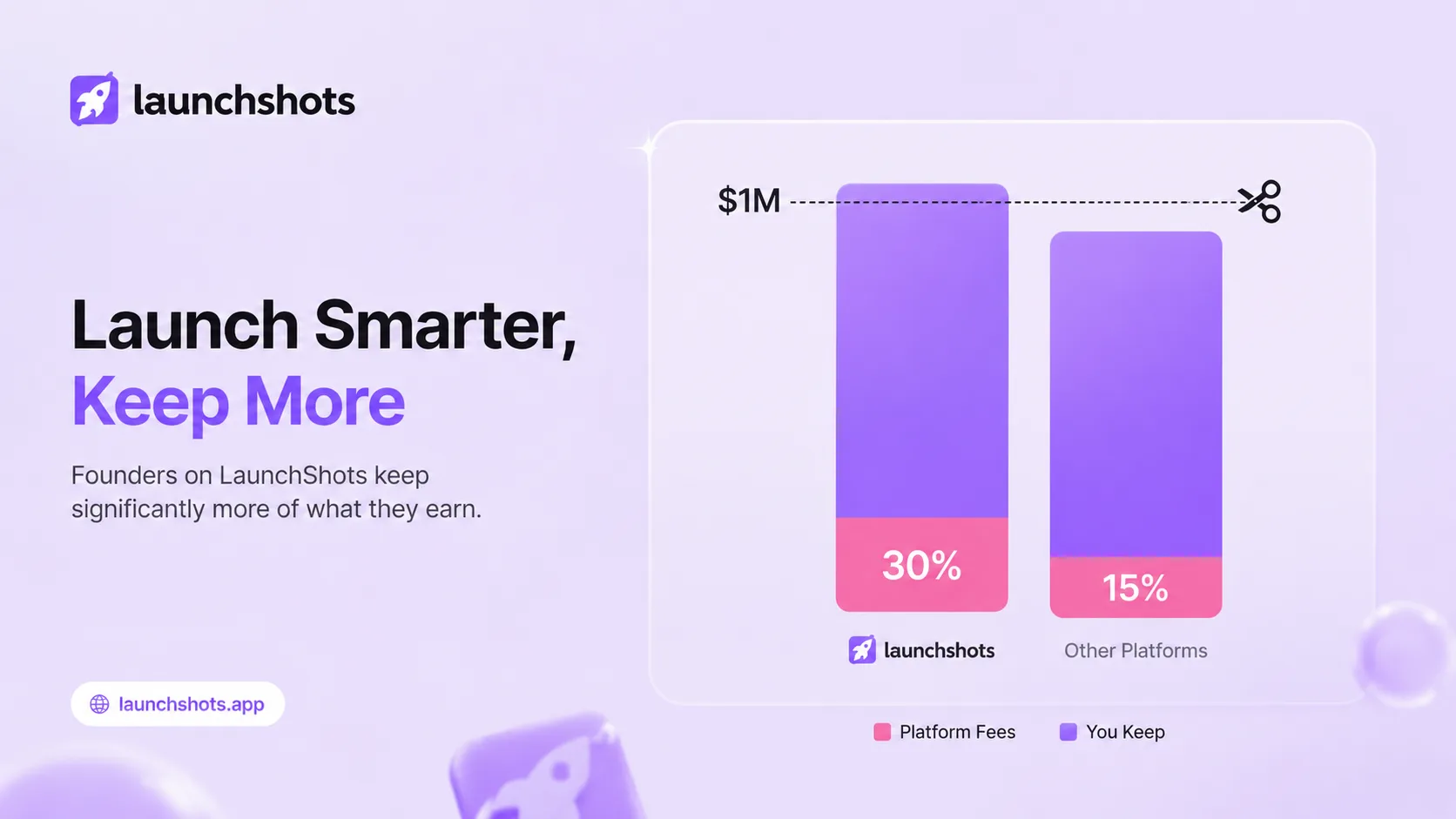
The Small Business Program reduces Apple's standard commission from 30% to 15% on every kind of monetization: paid app downloads, one-time in-app purchases, and recurring subscriptions. Apple launched it in January 2021 after years of indie developer pushback against the 30% rate, and it's been running with broadly the same terms ever since.
On a $10 monthly subscription, the math is simple. At 30%, Apple keeps $3.00 and you net $7.00. At 15%, Apple keeps $1.50 and you net $8.50 — a 21% increase in your take-home, with no change to your pricing or your app. Across hundreds or thousands of customers, the difference compounds fast.
Real dollar math at different revenue levels
The abstract percentage hides how meaningful this is in absolute dollars. Here's what the 15% rate actually saves at four common revenue levels:
- $50,000 in annual proceeds: $7,500 saved per year. That's a year of cloud hosting, a part-time contractor, or a developer conference plus flights.
- $150,000 in annual proceeds: $22,500 saved per year. That's a meaningful chunk of an indie developer's runway — three months of living expenses in most US markets.
- $500,000 in annual proceeds: $75,000 saved per year. Roughly a mid-level engineer's salary, a full year of paid user acquisition budget, or a year of full-time runway for the founder.
- $900,000 in annual proceeds: $135,000 saved per year. That's a serious budget — a senior hire, a second product line, or a multi-year cash buffer.
The number that matters most is whatever yours is. If you've never run the calculation for your own app, do it now — proceeds × 15% is the annual amount you're leaving on the table by not enrolling.
Who qualifies
The headline rule is the $1 million threshold, but there are several conditions worth understanding before you assume you're in:
- Annual proceeds under $1 million. Apple uses "proceeds" — your sales net of Apple's commission and certain taxes — not gross revenue. The threshold applies to the previous calendar year for existing developers.
- New developers automatically qualify. If you're new to the App Store with no earnings history, you're in by default — but you still need to formally enroll. New ≠ automatically enrolled.
- Associated accounts get combined. If you control multiple Apple Developer accounts (or another entity controls yours), all of their proceeds are added together against the $1M ceiling. You can't split revenue across accounts to game the limit.
- Account Holder requirement. You must be the Account Holder of your Apple Developer Program membership, not just a team member or admin. If your account sits under someone else's organization, only they can enroll.
- Paid Applications agreement. You need to have accepted the latest Paid Applications contract in App Store Connect. If you've ignored an agreement update notification, this is where it bites you.
One important detail: Apple converts everything to USD for the eligibility calculation, so if your earnings are in EUR, GBP, or another currency, you (or Apple's reports) need to convert at the appropriate rates. The annual reports in App Store Connect's Payments and Financial Reports section show proceeds in USD by default.
How "proceeds" is actually calculated
This is where most developers either underestimate or overestimate where they stand. Proceeds is not the same as gross sales or the price of your app:
- Gross sales is the total amount customers paid (e.g., $9.99 × number of purchases).
- Proceeds is what's left after Apple's commission and certain taxes are subtracted — essentially the amount that hits your bank account.
If you sold $1.2M in gross revenue last year but Apple kept $360K in commission and another $90K went to VAT, your proceeds were $750K — and you still qualify for the program. Use App Store Connect's Payments and Financial Reports to pull the actual proceeds number; don't eyeball it from your sales total.
How to enroll, step by step
The enrollment itself is short. The whole process takes about ten minutes if your account is in order:
- Confirm you're the Account Holder of the Apple Developer Program — check via App Store Connect under Users and Access. If "Account Holder" isn't your role, find out who it is and have them enroll.
- Accept the latest Paid Applications agreement in App Store Connect (Agreements, Tax, and Banking section). The Small Business Program requires the current version — older versions block enrollment.
- Go to the enrollment page on Apple's developer site (developer.apple.com/app-store/small-business-program/).
- Declare your Associated Developer Accounts. Apple will ask you to list any other accounts you own or control. Be honest — they cross-check.
- Accept the program terms and submit.
You'll get a confirmation email that your enrollment is under review. Approval is usually fast — often within a few business days. Apple may follow up if your Associated Account declarations look incomplete or inconsistent.
When the lower rate actually starts
This is where developers get tripped up. The 15% rate doesn't start the day you're approved — it starts 15 days after the end of the fiscal month in which Apple approved you. Apple's fiscal months don't align with calendar months, which is why "approved February 10th" can mean your reduced rate begins March 14th, not February 25th.
The practical implication: if you can enroll before a fiscal month closes, you save weeks. Check Apple's fiscal calendar before you submit, and don't sit on an application thinking it's instant. A delay of a week in submitting can push your effective start date by a full fiscal month — real money at higher revenue levels.
Edge cases that quietly cost money
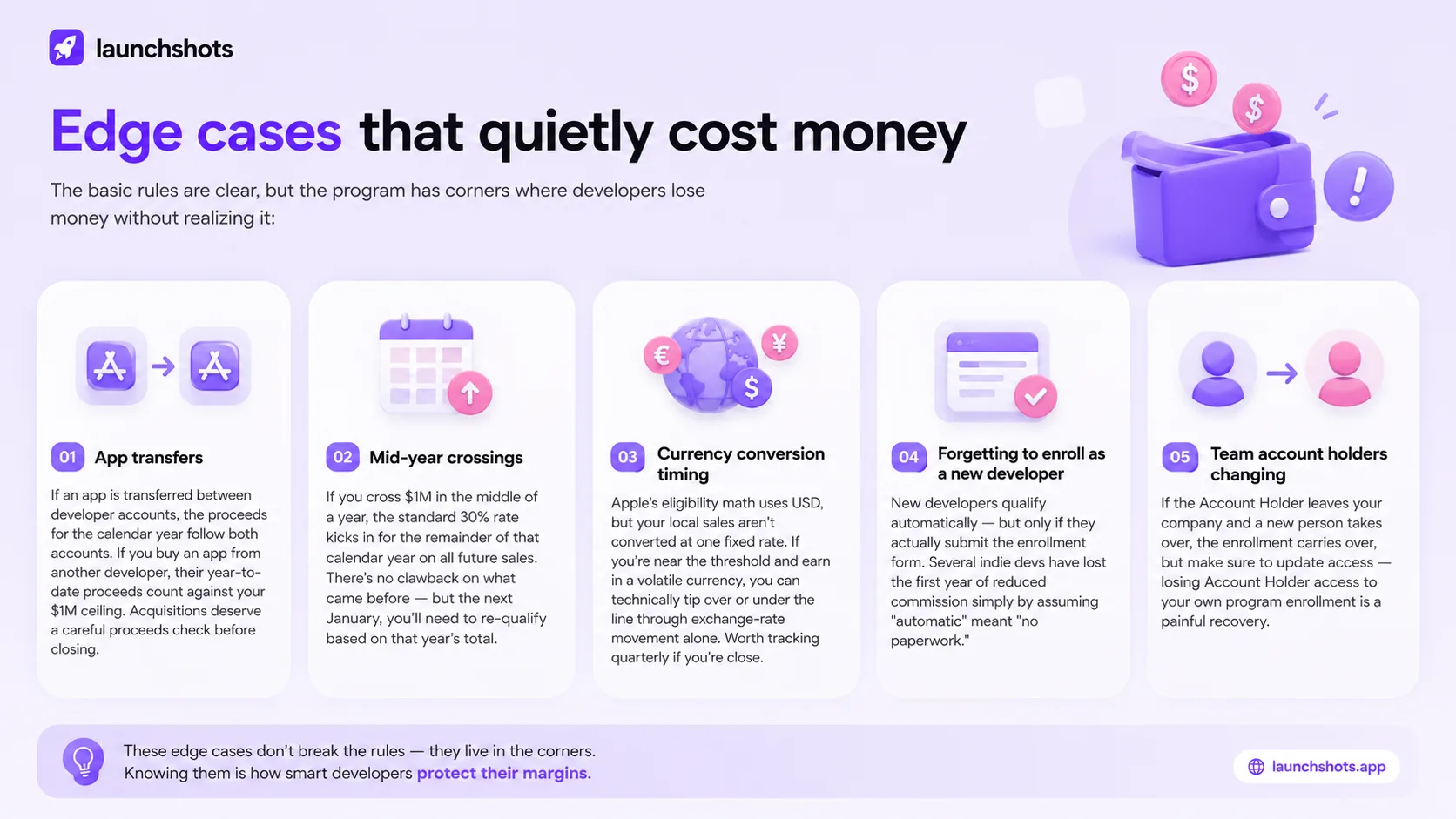
The basic rules are clear, but the program has corners where developers lose money without realizing it:
- App transfers. If an app is transferred between developer accounts, the proceeds for the calendar year follow both accounts. If you buy an app from another developer, their year-to-date proceeds count against your $1M ceiling. Acquisitions deserve a careful proceeds check before closing.
- Mid-year crossings. If you cross $1M in the middle of a year, the standard 30% rate kicks in for the remainder of that calendar year on all future sales. There's no clawback on what came before — but the next January, you'll need to re-qualify based on that year's total.
- Currency conversion timing. Apple's eligibility math uses USD, but your local sales aren't converted at one fixed rate. If you're near the threshold and earn in a volatile currency, you can technically tip over or under the line through exchange-rate movement alone. Worth tracking quarterly if you're close.
- Forgetting to enroll as a new developer. New developers qualify automatically — but only if they actually submit the enrollment form. Several indie devs have lost the first year of reduced commission simply by assuming "automatic" meant "no paperwork."
- Team account holders changing. If the Account Holder leaves your company and a new person takes over, the enrollment carries over, but make sure to update access — losing Account Holder access to your own program enrollment is a painful recovery.
Common mistakes (and how to avoid them)
Across the indie dev community, the same enrollment mistakes show up over and over:
- Confusing gross revenue with proceeds. Devs see $1.1M in gross sales and assume they don't qualify, when proceeds (post-commission) might still be well under $1M. Always pull the actual proceeds number from App Store Connect.
- Failing to disclose Associated Accounts. If you have side projects under separate developer accounts, list them. Apple cross-checks and catching omissions can disqualify you or trigger account-level review.
- Not accepting the updated Paid Applications agreement. Every time Apple updates contracts, you have to re-accept. If you missed the latest one, enrollment will silently fail.
- Enrolling too late in a fiscal month. Submitting on the last day of a fiscal month is the same as submitting on the first day of the next one — both push your start date back by a full cycle. Submit early in the month if possible.
- Forgetting to re-enroll after crossing $1M. If you crossed the threshold last year, your status switched to standard 30%. If proceeds drop back under $1M, you need to re-qualify — it doesn't reactivate automatically the next year.
The Google Play equivalent (and why it's easier)
Google runs a similar but simpler structure on the Play Store. Since July 2021, every Play developer automatically pays 15% on the first $1M in earnings per year, per developer account, and 30% on anything above that. No enrollment, no application, no annual renewal — Google just applies the lower rate by default.
The differences are worth knowing if you ship on both stores:
- Enrollment: Apple requires opt-in; Google is automatic.
- Threshold scope: Apple looks at proceeds across all associated accounts combined; Google looks at earnings per developer account separately.
- Crossing the threshold: Apple flips to 30% for the rest of the calendar year on all future sales; Google applies 30% only on the portion above $1M.
- Re-qualification: Apple requires re-qualification; Google resets automatically each year.
If you ship on both stores, the practical takeaway is that Google Play handles this for you while Apple makes you opt in. Check your Apple enrollment status; the Google side runs in the background.
Frequently asked questions
Can I enroll if I haven't earned anything yet?
Yes. New developers with no earnings history qualify automatically — but you still need to formally enroll through the program page. Enroll before your first sale to lock in the reduced rate from day one.
Does the 15% rate apply to free apps?
Free apps with no in-app purchases or subscriptions pay no commission either way, so the program doesn't change anything for them. The 15% applies to any paid transaction: paid downloads, one-time in-app purchases, and subscriptions of any duration.
What about the 15% subscription rate after year one?
Apple has a separate rule that subscriptions automatically drop to 15% after a customer has been subscribed for more than a year. The Small Business Program applies the 15% rate from day one, regardless of customer subscription length. The two rules don't stack — you don't get 7.5%.
Can I lose my enrollment if I cross $1M?
Yes. If your proceeds exceed $1M in a calendar year, the standard 30% rate applies for the rest of that year on all future transactions. If your proceeds drop back below $1M in a subsequent year, you can re-qualify for the following year.
How long does enrollment approval take?
Most enrollments are approved within a few business days. Complex cases — multiple associated accounts, recent account changes, or pending agreements — can take longer.
Does the program apply to all countries?
Yes. The Small Business Program applies globally, regardless of where you or your customers are located. Proceeds from every storefront count toward the $1M threshold.
Do I need to re-enroll every year?
No, but your eligibility is re-evaluated each calendar year based on the prior year's proceeds. If you stay under $1M, your reduced rate continues. If you cross the threshold and later drop back under, you do need to re-qualify.
What if I'm an LLC with multiple apps?
All apps under the same developer account count together. Multiple LLCs or entities that share common ownership are treated as Associated Accounts and combined. The $1M threshold is per business, not per app.
The bottom line for indie developers
If you're under $1M in annual proceeds and you haven't enrolled, you're leaving real money on the table — half your Apple commission, every month, on every transaction. The application takes minutes. The benefit can be a major engineering hire's salary in your pocket instead of Apple's. Check your enrollment status today; if you're not in, the next ten minutes is the highest-ROI work you'll do this week.
If you're at the launch stage and reading this before your first dollar, even better — enroll now and your reduced rate is active from the day your app starts earning. While you're tightening up the business side, our app launch checklist covers the asset and listing side, and the first 100 downloads guide covers what happens once you're live. For everything you need to assemble for your App Store and Google Play listings — icons, screenshots, feature graphics — the complete visual assets checklist covers the full set with 2026 specs.
Related posts
Make your App Store screenshots free
LaunchShots is a free, in-browser screenshot maker. No signup, no watermark.
Open the app →
Comments (0)