Previewed Alternative: LaunchShots vs Previewed (2026)
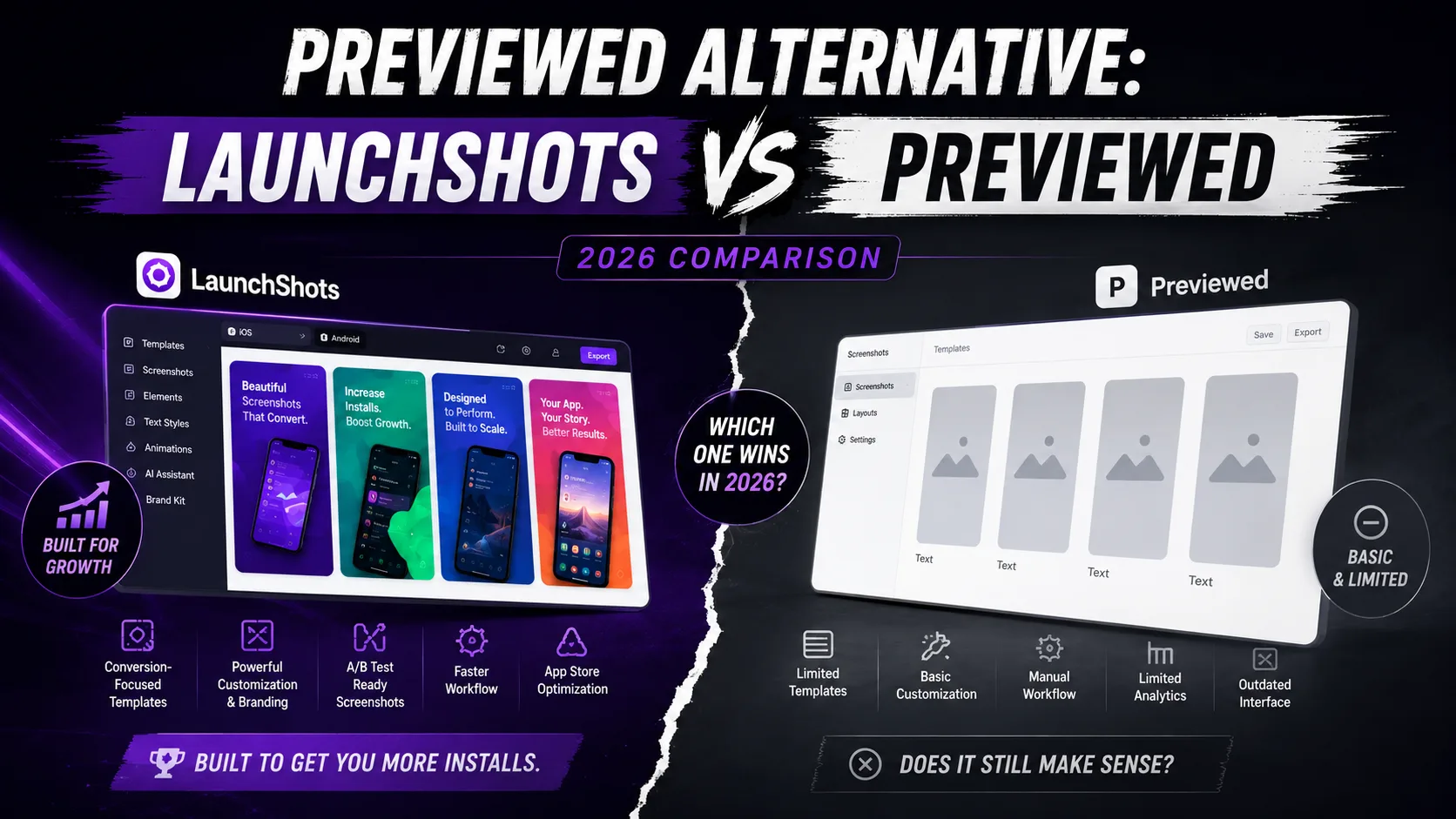
Previewed is the premium-aesthetic screenshot tool in the App Store generator market — known for high-end 3D device mockups, animated screenshot videos, and a polished overall look that maps closely to what top-grossing apps ship. LaunchShots is the all-free indie tool with a different philosophy: 2D screenshots, broader ecosystem, no watermarks, no signup. They occupy different positions in the screenshot tool landscape, and the right choice depends on whether you're optimizing for premium visuals or shipping speed without budget constraints. This is the honest comparison for 2026: what each tool offers, where each one wins, the real cost math for indie developers, and which one fits your launch.
What each tool actually is
Both tools live in the same category (App Store and Google Play screenshot generators) but target different developer profiles:
- Previewed (previewed.app): A premium-aesthetic screenshot generator focused on 3D device mockups and animated screenshot videos. Cloud-backed projects, team collaboration support, regular new templates. Free Lite tier with attribution required and 720p output ceiling; Plus tier at $9.99 one-time for higher resolution, 3D, video, and commercial license; Pro tier at $19/month for full feature access. Strong reputation in premium-positioned apps.
- LaunchShots (launchshots.app): A free, no-signup screenshot editor focused on producing exact App Store and Google Play required dimensions (including the 2026 iPhone 6.9″ 1320×2868 requirement), plus a wider free toolkit: app icon generator, ASO description writer, feature graphic maker, privacy policy generator, app-ads.txt generator, and QR code generator. Smaller user base than Previewed; all features free with no paid tier.
The shorthand: Previewed is the polished commercial tool with premium 3D visuals, suited to apps positioning themselves at the premium end of their category. LaunchShots is the free indie tool with broader ecosystem coverage, suited to solo indie developers who want fast, free, watermark-free output across the full launch workflow. Both work — for different jobs.
Pricing: where they diverge most
This is the most consequential difference between the two tools:
- Previewed Free Lite: Unlimited 2D exports at 720p maximum resolution, with mandatory attribution (Previewed branding on the output). Useful for prototyping or non-commercial use. Not suitable for actual App Store submissions where you want clean, brand-controlled visuals.
- Previewed Plus ($9.99 one-time): Unlocks 1080p+ resolution, 3D device mockups, 30fps video exports, and commercial license. Removes attribution. One-time payment — no recurring subscription.
- Previewed Pro ($19/month, 35% off annual): Adds advanced features, team collaboration, and ongoing updates. Recurring subscription.
- LaunchShots: Free. No tier, no signup, no watermark on any export, no resolution ceiling. Pay-what-you-want tip jar exists but no feature is gated.
The real math for indie developers:
- For one app launch with no special design requirements: LaunchShots is $0 vs Previewed's $9.99 (Plus is the practical minimum for App Store-ready output without attribution).
- For agencies or premium-positioned apps wanting 3D visuals: Previewed Plus at $9.99 is genuinely affordable. The 3D mockups and video exports are real differentiators worth paying for.
- For teams and ongoing premium work: Previewed Pro at $19/month is reasonable. LaunchShots covers the basics but doesn't offer comparable polish.
- For multi-app indie studios: LaunchShots' free model compounds across launches; Previewed's $9.99 one-time fee per project (Plus tier) is per-license, not per-app.
Note: the $9.99 Plus tier from Previewed is a one-time payment, not annual. For indie developers planning a single launch with premium visual ambitions, $9.99 is genuinely modest. For solo indies launching on a strict zero-budget plan, LaunchShots is the only fully-free path with no watermarks.
Where Previewed genuinely wins
Despite our bias as the team behind LaunchShots, there are situations where Previewed is clearly the better choice:
- You want 3D device mockups. Previewed's signature feature — rotated phone angles, dimensional shadows, premium aesthetic — has no direct equivalent in LaunchShots' 2D editor. If 3D mockups match your brand, Previewed wins.
- You need animated screenshot videos. Google Play supports video screenshots, and Previewed's animated exports at 30fps look genuinely premium. LaunchShots focuses on static images. Video is a real Previewed strength.
- You're positioning at the premium end of your category. Apps selling at $19.99/month or higher benefit from visuals that signal "premium product" rather than "indie launch." Previewed's polish matches that positioning naturally.
- You're a small team needing collaboration features. Cloud-backed projects, shared workspaces, and team review flows are Previewed's design strength. LaunchShots is a solo-developer editor without team features.
- You want the most "polished out of the box" experience. Previewed's templates and defaults look premium without much customization. LaunchShots' templates are simpler and require more design judgment to look high-end.
- You can spend $9.99 on a one-time license. The price is genuinely modest for a single launch with premium visuals. If budget isn't a blocker and visual polish matters, Previewed earns the spend.
Where LaunchShots genuinely wins
And the situations where LaunchShots is the better choice:
- You want fully free without watermarks. Previewed's free tier requires attribution and caps at 720p — not suitable for actual App Store submission. LaunchShots produces App Store-ready exports with no watermarks at full resolution, free.
- You need more than screenshots. App icon generation, ASO copy writing, feature graphic creation (1024×500), privacy policy generation, app-ads.txt generation, QR codes — all free in the same ecosystem. Previewed focuses on screenshots and video specifically; you'd need separate tools for the rest.
- You hate signup forms. No account creation, no email, no password. Open the site, design, export, done. Previewed requires account creation for cloud-backed projects.
- You're a solo indie developer with no design budget. The math is simple: LaunchShots is $0 across all features. Previewed is $9.99 minimum for usable output. For some launches, $9.99 is the right call; for others, $0 is the only call.
- You ship in 5+ languages. LaunchShots' 23-language single-design workflow generates localized variants together. Previewed supports multiple languages but per-language workflow is more manual.
- You want a 2D screenshot aesthetic. Not every app benefits from 3D mockups. Utility apps, productivity tools, and minimalist brands often look better with clean 2D screenshots. LaunchShots delivers exactly that.
- You value friction-free workflow. Open the site, finish the screenshots, leave. No login, no project management, no cloud sync. Some developers prefer that simplicity.
Feature comparison side by side
Line by line, what each tool offers:
- Free with usable output: LaunchShots ✅ (full resolution, no watermark). Previewed ⚠️ (720p with attribution required).
- 3D device mockups: Previewed ✅. LaunchShots ❌.
- Animated/video screenshot exports: Previewed ✅ (Plus tier and above). LaunchShots ❌ (static only).
- 2D static screenshots: Both ✅. Even on this front.
- iPhone 6.9″ (1320×2868) export: Both ✅. Current 2026 requirement supported.
- App icon generator: LaunchShots ✅ (1024×1024 and all required sizes). Previewed ❌.
- ASO description writer: LaunchShots ✅. Previewed ❌.
- Feature graphic maker (1024×500 Google Play): LaunchShots ✅. Previewed ❌.
- Privacy policy generator: LaunchShots ✅. Previewed ❌.
- app-ads.txt generator: LaunchShots ✅. Previewed ❌.
- QR code generator: LaunchShots ✅. Previewed ❌.
- Cloud-backed projects: Previewed ✅. LaunchShots ❌ (browser-only, designs stay local).
- Team collaboration: Previewed ✅. LaunchShots ❌ (solo workflow).
- No signup required: LaunchShots ✅. Previewed ❌ (account required for cloud features).
- 23-language localization workflow: LaunchShots ✅ (built-in single-design workflow). Previewed ⚠️ (supports languages, more manual per-language work).
- Premium aesthetic out of the box: Previewed ✅. LaunchShots ⚠️ (cleaner output but less "polished" by default).
- Maturity / track record: Both have established user bases. Previewed has more visibility in premium app circles; LaunchShots has growing indie audience.
Real-world scenarios — which tool fits
To make this concrete, here's which tool actually fits for different developer profiles:
- Solo indie launching a $1.99/month productivity app: LaunchShots. Free, no signup, broader ecosystem covers icon + ASO + feature graphic.
- Indie team launching a $14.99/month premium fitness app: Previewed Plus ($9.99 one-time). 3D mockups and video exports match premium positioning.
- Game developer needing animated screenshots for Google Play: Previewed. Video support is Previewed's signature feature.
- Solo developer launching first app, no budget at all: LaunchShots. $0 is $0.
- Design agency producing 10 app launches per month: Either works. Previewed Pro ($19/month) at scale absorbs agency overhead; LaunchShots' free model saves the recurring fee.
- Developer needing icon + screenshots + feature graphic + privacy policy: LaunchShots covers all four free. Previewed covers screenshots and video; you'd need 3 other tools.
- Indie shipping in 8+ languages: LaunchShots' 23-language single-design workflow saves significant manual time.
- Premium SaaS with $50K+ marketing budget: Previewed Pro. The polish matches the brand investment.
The hybrid approach that works
For developers who want the best of both: use LaunchShots for the supporting assets (icon, feature graphic, ASO copy, privacy policy) and Previewed for the hero screenshots with 3D mockups and video.
- Step 1: Generate your icon in LaunchShots at all required sizes for both stores.
- Step 2: Generate your feature graphic in LaunchShots at the Play Store 1024×500.
- Step 3: Use LaunchShots' ASO writer for title, subtitle, description.
- Step 4: Generate your privacy policy in LaunchShots matching App Privacy nutrition labels.
- Step 5: Use Previewed for the App Store screenshots if premium 3D mockups match your brand.
- Step 6: Export from Previewed at the required dimensions and submit.
Total cost: $9.99 one-time for Previewed Plus, $0 for everything else. This hybrid approach is common among indie developers who want premium visuals without paying for a complete commercial toolkit.
What neither tool actually does
Both tools produce the pixels; neither makes the strategic decisions that drive App Store conversion:
- What goes in your screenshot captions. The text — what value you communicate across screens — matters more than which tool generates the pixels.
- Which features to highlight in the first two screenshots. These carry 80% of the install decision. Both tools let you do anything; neither tells you what.
- How many screenshots to ship. 5–7 is the sweet spot. Both tools support up to 10.
- Whether premium 3D vs clean 2D fits your brand. This is brand judgment, not tool capability. Pick the aesthetic that matches your category and audience.
For the strategic side, our guide on App Store screenshots that convert covers the patterns that drive installs — independent of which tool produces the pixels.
The decision framework
Rather than "which is better," ask yourself five questions:
- 1. Do you want 3D mockups or video screenshots? Yes → Previewed (LaunchShots doesn't offer either). No → LaunchShots covers 2D static well.
- 2. Is your app premium-positioned ($14.99+/month) or budget-friendly? Premium → Previewed's polish matches. Budget → LaunchShots' free model fits the indie launch ethos.
- 3. Do you need icon + ASO copy + feature graphic + privacy policy alongside screenshots? Yes → LaunchShots covers all in one ecosystem. No → Previewed's focused approach is fine.
- 4. Are you working solo or as part of a team? Team → Previewed's collaboration features help. Solo → LaunchShots' simpler workflow is faster.
- 5. Can you spend $9.99 on a one-time tool license? Yes → Previewed Plus is genuinely affordable. No → LaunchShots is the fully-free path.
If you answered "Previewed" to most: pick Previewed. If you answered "LaunchShots" to most: pick LaunchShots. The hybrid approach (LaunchShots for supporting assets, Previewed for hero screenshots) covers the middle ground for developers who want both premium visuals and broader free tooling.
Frequently asked questions
Is Previewed's free tier usable for App Store submission?
Technically yes — Apple won't reject the submission for the attribution watermark. But real users seeing watermarked screenshots perceive the app as less polished, and the 720p cap limits visual quality. Previewed Plus ($9.99 one-time) is the practical minimum for serious launches.
Does LaunchShots support 3D device mockups?
No. LaunchShots focuses on 2D static screenshots with clean device frames. For 3D mockups or animated screenshots, Previewed is the better choice.
Does Previewed support Google Play feature graphics (1024×500)?
Previewed supports App Store and Google Play screenshot dimensions but is focused on the screenshot use case. For the dedicated Google Play feature graphic (1024×500), LaunchShots' feature graphic maker is more streamlined.
Which tool is faster for first-time production?
Comparable for screenshots. Previewed's premium templates can save time when a template matches your brand exactly; LaunchShots' editor gives faster control if you want a specific design without working through cloud projects and accounts.
Can I use both tools together?
Yes. A common hybrid workflow uses LaunchShots for supporting assets (icon, ASO copy, feature graphic, privacy policy) and Previewed for hero screenshots with premium 3D mockups. Total cost: $9.99 one-time for Previewed Plus, $0 for everything else.
Are video screenshots worth the effort?
For premium-positioned apps in visual categories (games, photo editors, AR), video screenshots can lift conversion by 5–15%. For utility apps or text-heavy productivity apps, video is often unnecessary and over-designed. Match the format to your category.
Does Previewed have an icon generator or ASO tools?
No. Previewed focuses on screenshots and video. For icon generation, ASO copy, privacy policy, and feature graphics, you'd need separate tools. LaunchShots includes all of these in the same free ecosystem.
Which is better for design agencies?
Previewed Pro ($19/month) at scale matches agency workflows with team collaboration and ongoing updates. LaunchShots' free model is better for solo developers and small studios where the agency overhead doesn't apply.
Will the premium aesthetic of Previewed actually drive more installs?
It depends on your category. For premium-positioned apps targeting design-conscious users, polished visuals correlate with higher conversion. For utility apps and budget-friendly tools, clean simple screenshots often convert as well or better than over-designed premium visuals.
Which tool has been around longer?
Previewed has a longer track record and more visibility in premium app design circles. LaunchShots is newer with a growing indie audience.
The bottom line
Previewed and LaunchShots target different developer profiles. Previewed is the premium commercial tool with 3D device mockups, animated screenshot videos, cloud collaboration, and polish that matches what top-grossing apps ship. LaunchShots is the all-free indie tool with broader ecosystem coverage — screenshots plus icon generator, ASO writer, feature graphic maker, privacy policy generator, and more, all without watermarks or signup. For premium-positioned apps with budget for visual polish, Previewed Plus at $9.99 one-time is genuinely affordable and earns the spend. For solo indie developers on zero budget or for launches where the full free toolkit matters more than premium 3D visuals, LaunchShots is the cleaner fit. The hybrid approach — LaunchShots for supporting assets, Previewed for hero screenshots — covers developers who want both.
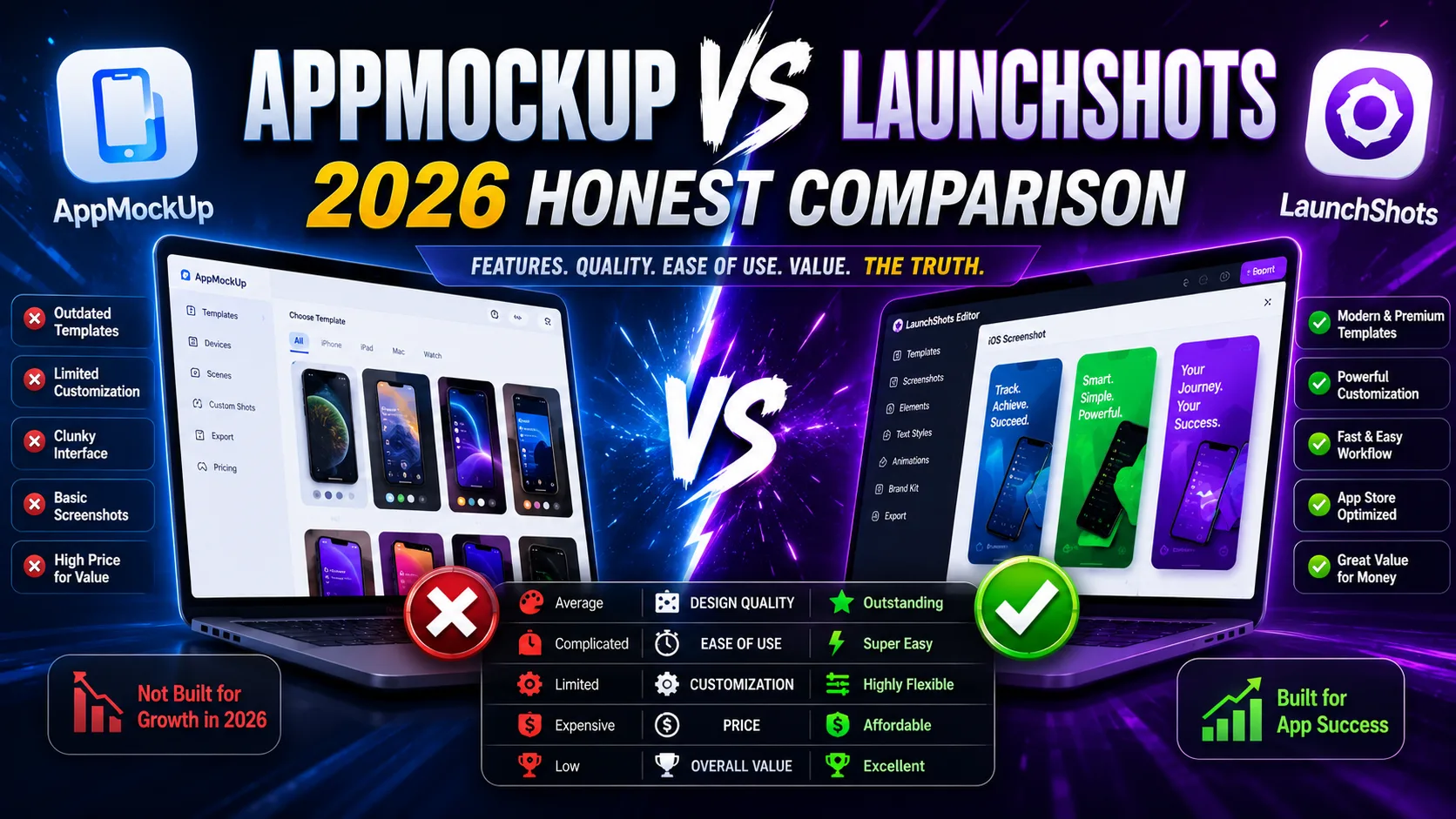
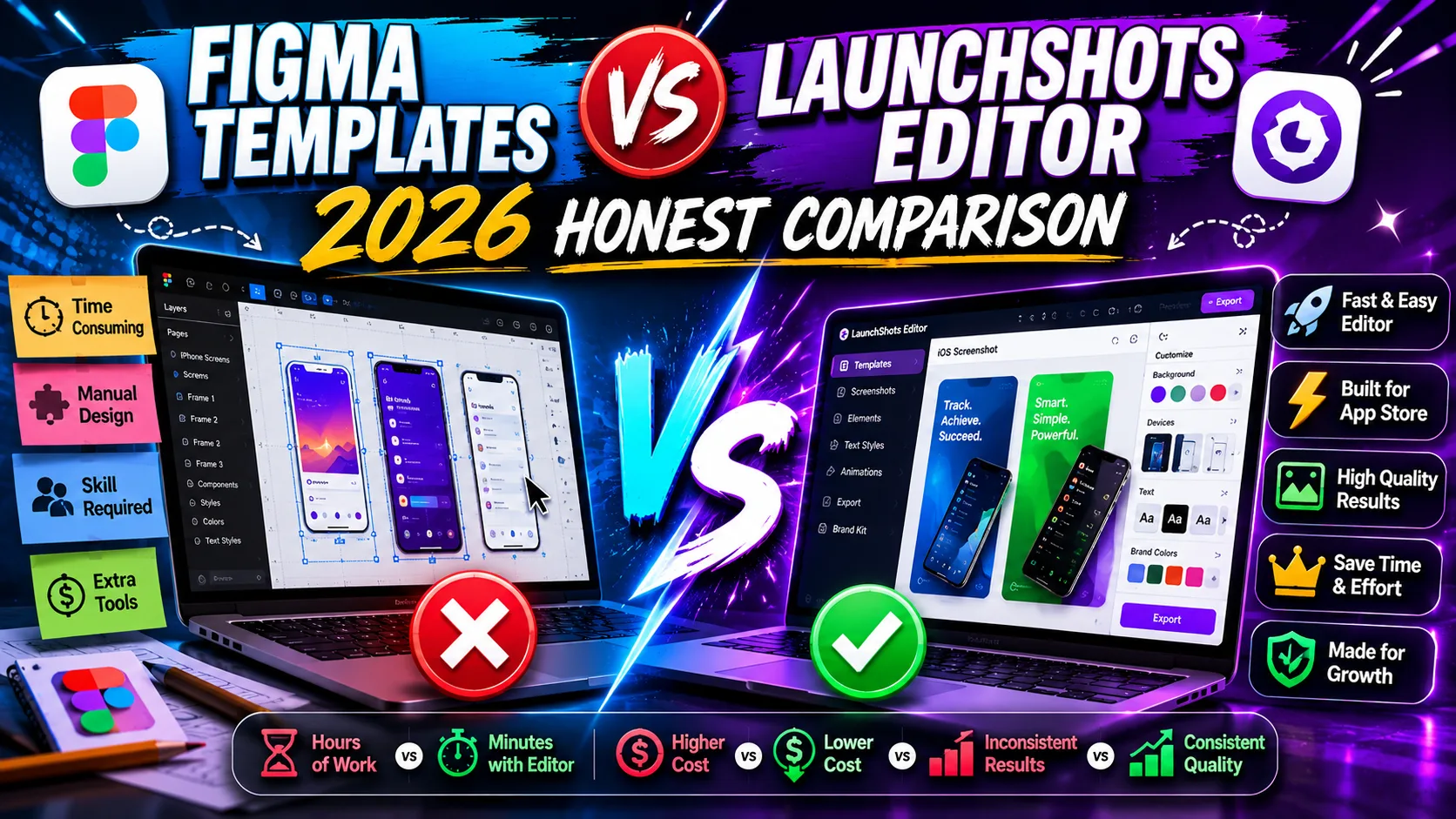
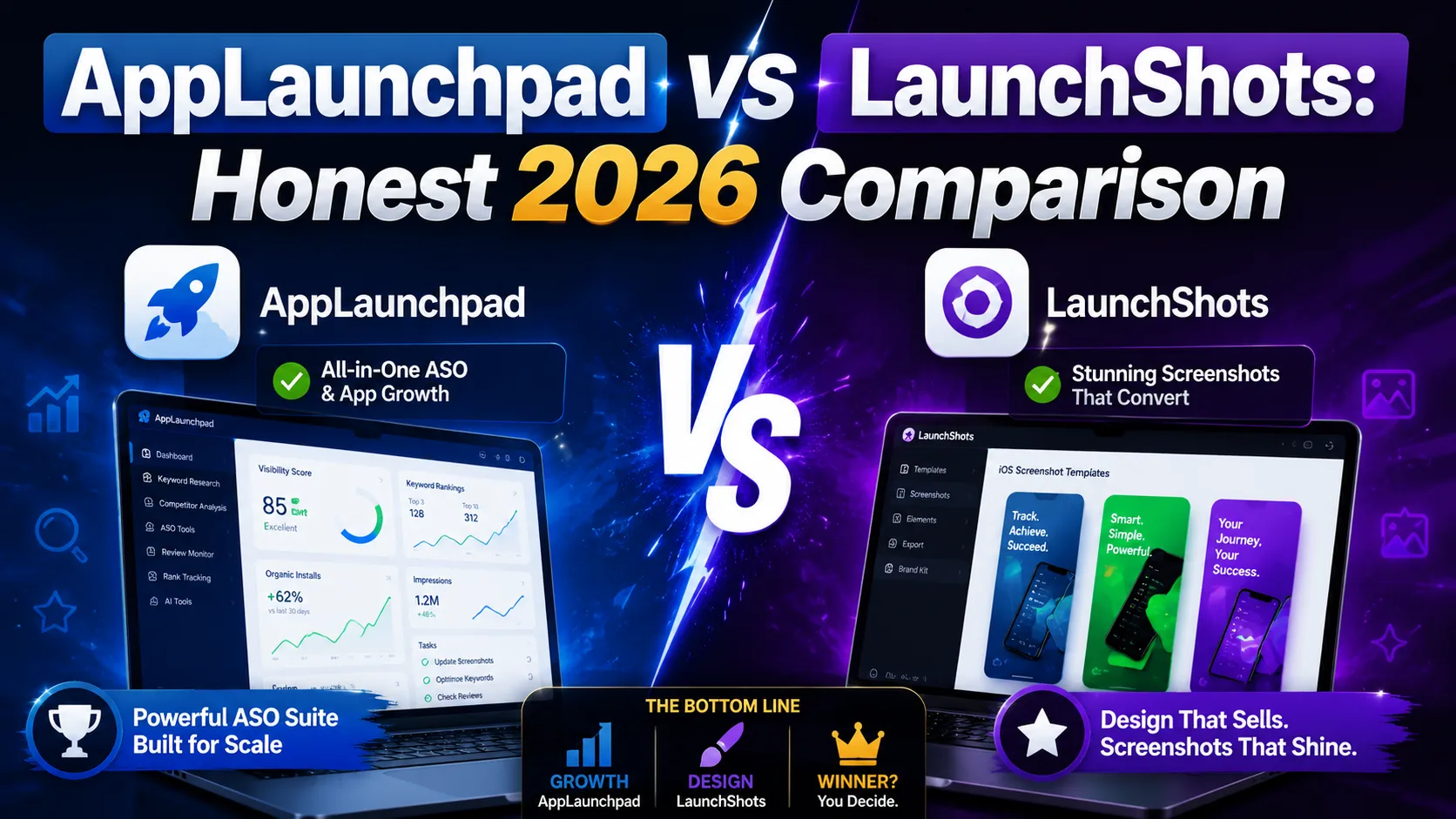
Whichever tool you pick, the strategic decisions still matter more than the tool. Our guide on screenshots that convert covers the patterns that drive installs, and the complete visual assets checklist covers every required asset for both stores in 2026. For other tool comparisons, the AppLaunchpad vs LaunchShots comparison covers the established commercial alternative, the AppMockUp vs LaunchShots comparison covers the free competitor, and the Figma vs LaunchShots comparison covers the design-tool route.
Related posts
Make your App Store screenshots free
LaunchShots is a free, in-browser screenshot maker. No signup, no watermark.
Open the app →
Comments (0)